A missing Chrome bookmarks bar can make a familiar browser feel as if your saved sites have vanished. Check the row's visibility before importing an old file or rebuilding your favourites. The links may still be stored in the active profile even when their usual shortcut strip is hidden.
Quick Answer
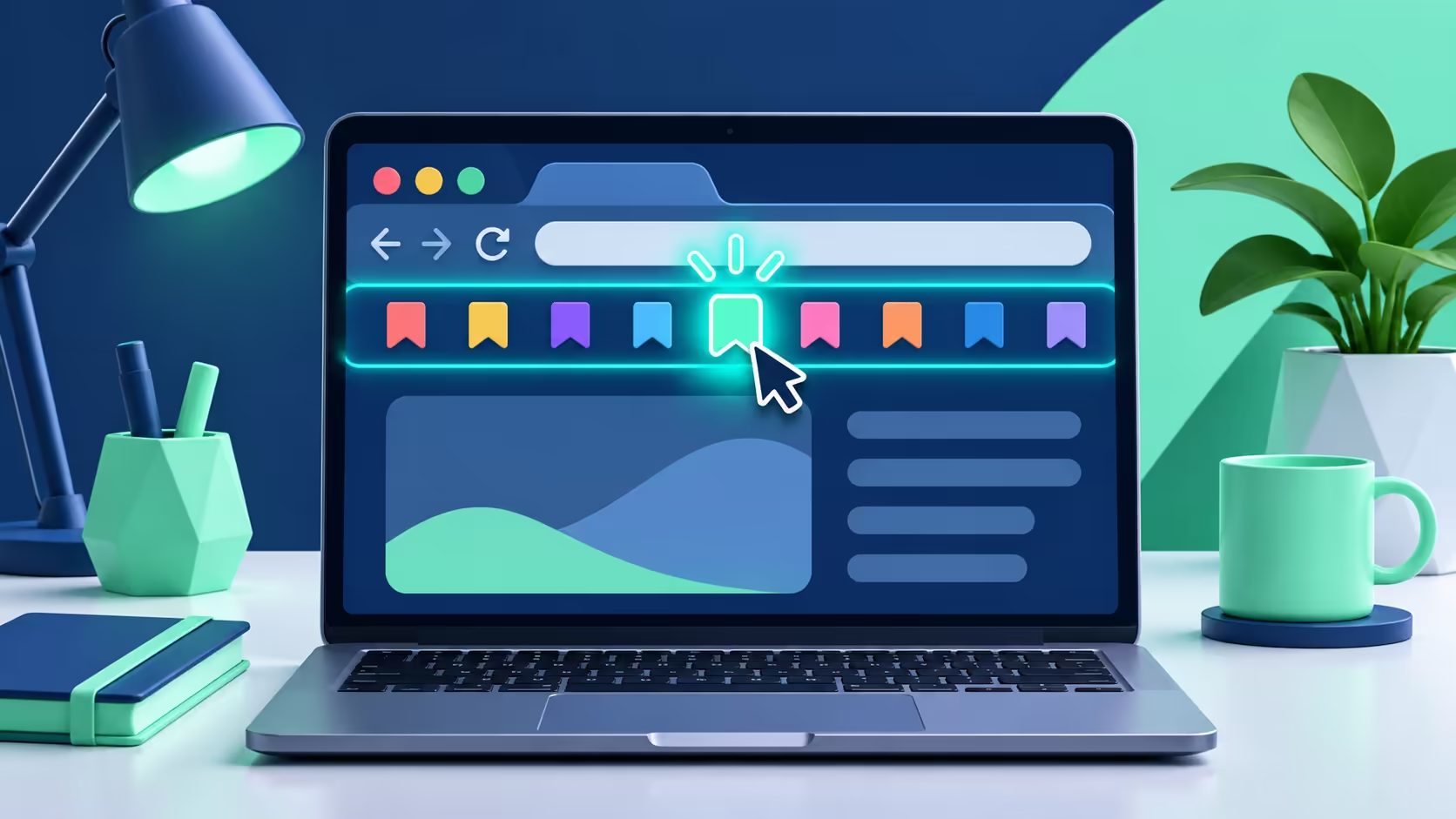
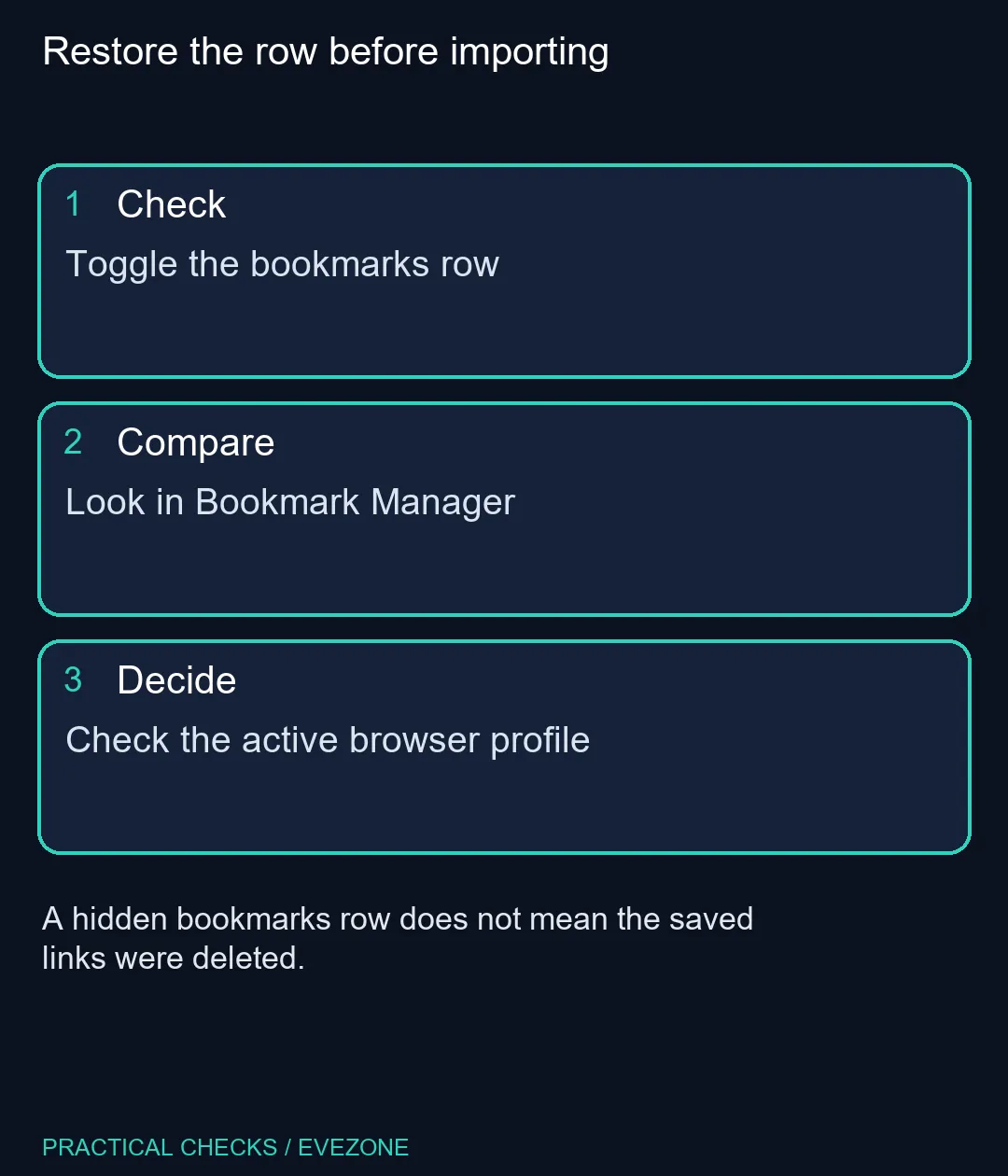
On desktop Chrome, open More, then Bookmarks and lists, and select Show bookmarks bar. Windows and Linux users can also press Ctrl+Shift+B to toggle it. This setting check costs R0; replacing a laptop is unnecessary for a hidden browser row. If the expected sites remain absent, inspect Bookmark Manager and confirm the profile before changing saved data.
🔖 Show the row and inspect what is stored
Use the menu if you are uncertain about the shortcut, because pressing a toggle twice can return you to the starting state. After changing it once, look below the address area for the saved-sites strip. If there are only a few entries, check whether a folder or overflow area contains the rest rather than assuming the list has been removed.
Open Bookmark Manager from Bookmarks and lists to inspect the saved collection separately from its toolbar presentation. Ctrl+Shift+O is the documented Windows shortcut. Search for a distinctive site name and check its address before opening it. This separates a hidden control from an actually missing bookmark.
👤 Check the profile before importing a backup
Chrome profiles can hold different browsing information. If you recently opened a work profile, used a different computer or borrowed a shared device, confirm whose browser window you are inspecting. Do not add your own bookmarks to another person's profile merely to recreate the row you remember.
An HTML import adds saved links; it is not a visibility switch. Importing an older collection before checking the current one may leave you sorting duplicated or outdated entries. When an import is genuinely necessary, keep the original file and review the imported folder before reorganising your working collection.
Use a memorable folder structure for links you need daily. A short bar is easier to scan than many similar site icons, especially on a smaller screen. Avoid removing entries just to make the row look tidy until you have checked which links and folders you still need.
💻 Keep a browser problem separate from a hardware purchase
The current catalogue snapshot included an ASUS Vivobook Go 15 8GB/256GB Core i3 at R8,499. That is a whole laptop purchase, not a remedy for a hidden toolbar. Review asus laptops only if you have an independent hardware requirement such as screen size, storage or a failing device.
The hp laptops category provides another place to compare complete machines when that broader need exists. On the computer you already own, the useful result is simpler: the intended profile shows the expected bookmark collection, and the bar remains where you want it after reopening the browser. Save a separate bookmark export when you need a portable copy; visibility and backup serve different purposes.
Frequently Asked Questions
What is the Windows bookmarks-bar shortcut?
Ctrl+Shift+B toggles the row. Press it once, then inspect the result before using it again.
Does hiding the bar delete bookmarks?
No. Visibility changes the shortcut row; inspect Bookmark Manager to check the stored links.
Where is Bookmark Manager?
Open More, Bookmarks and lists, then Bookmark Manager. On Windows, Ctrl+Shift+O opens it directly.
Should I import an HTML backup immediately?
First inspect the current profile and saved collection. Importing is different from showing a hidden row.
Why does a different Chrome window show other links?
It may use another profile. Confirm the active profile before importing, deleting or rearranging bookmarks.
Do I need a new laptop to restore the bar?
No. Start with the browser visibility control, which costs nothing and does not require hardware replacement.
Restore the row before importing
Toggle the bookmarks row.