An incorrect clock can be a time-zone choice rather than a computer losing track of time. Windows time wrong needs two checks: whether the clock is synchronised and whether Windows is displaying the right local zone. Start with those settings before changing hardware or applying an unfamiliar registry fix.
Quick Answer
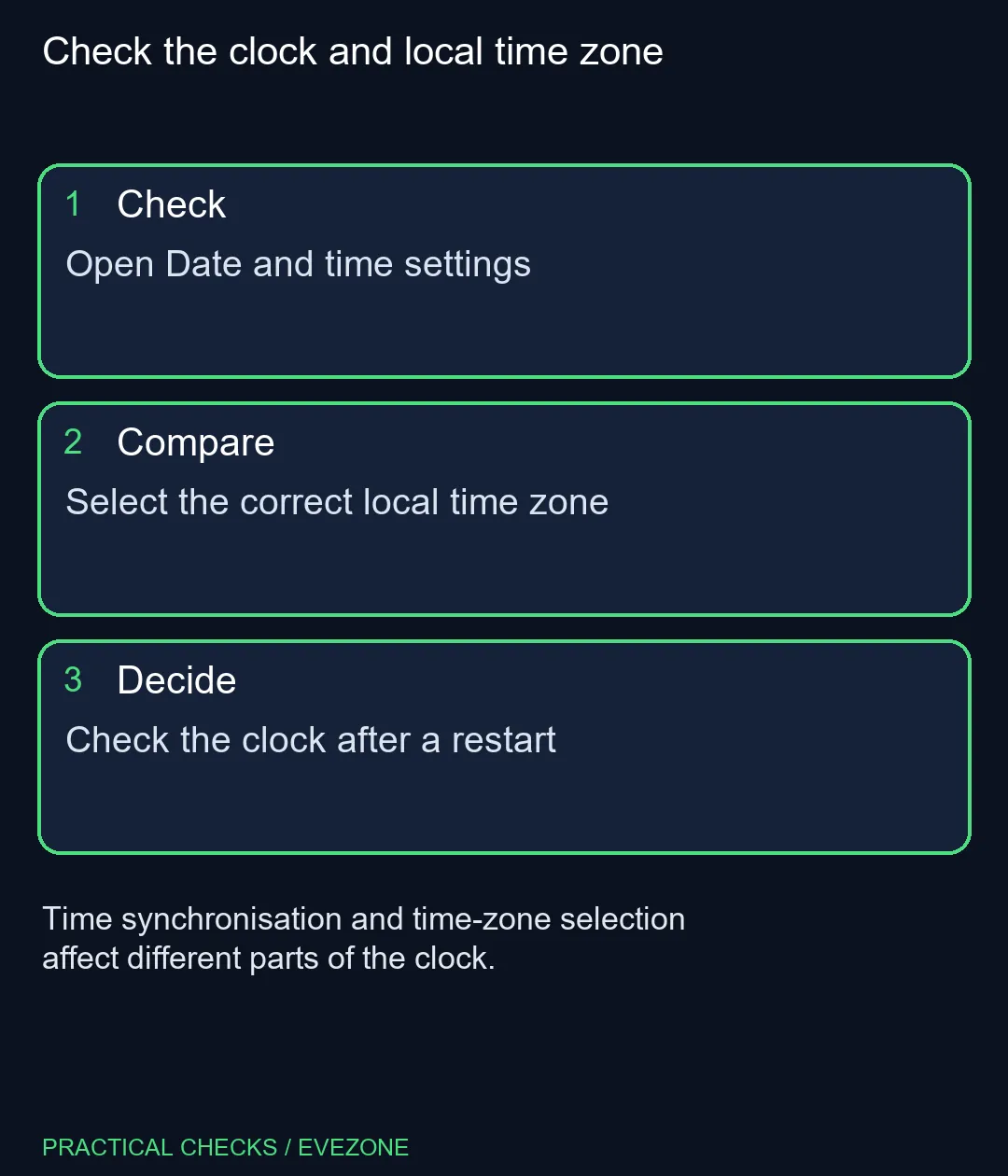
Open Settings, Time & language, then Date & time. Check automatic time and the selected time zone separately; South Africa uses the Windows UTC+02:00 Harare, Pretoria entry. These checks cost R0 and should come before replacing a machine simply because the taskbar shows the wrong hour.
🕒 Identify what is actually wrong
Compare the date and time with another trusted device that is showing current local time. Note whether Windows is wrong by whole hours, several minutes or an incorrect date. That observation helps you distinguish a zone setting from a clock which needs synchronisation.
In Date & time, inspect Set time automatically. Windows also offers a separate automatic time-zone option. One setting does not prove the other is correct. If the automatically selected zone is inappropriate, review the manual zone list and choose the correct entry for where you are using the computer.
🌍 Select the South African zone
For ordinary use in South Africa, the Windows list includes South Africa Standard Time as UTC+02:00 Harare, Pretoria. Read the complete entry. Selecting a city with a similar current clock reading can produce different behaviour if that zone follows a seasonal adjustment.
After changing a setting, compare the displayed result again. Do not make several unrelated changes before checking the clock, or you will not know which change helped. If you move between countries, revisit whether automatic zone selection is appropriate for your device and location settings.
Use manual date and time entry only when you understand why automatic time is unavailable or unsuitable. On a work-managed PC, contact the administrator if the controls are locked or the clock repeatedly reverts. Do not bypass an organisation's settings with an unexplained command copied from a forum.
🔁 Check whether the correction lasts
Once the clock looks right, restart at a convenient point and compare it again. Record whether it remains correct while Windows runs and whether the problem appears only after shutdown or another operating system starts. Those are useful observations for further diagnosis, rather than proof of a specific failed component.
A repeated fault may need additional investigation, but an incorrect taskbar hour alone does not establish a failed battery or motherboard. Keep the R0 settings checks first and give a technician the actual pattern you observed if the problem persists.
If the computer also needs replacement for unrelated performance or reliability reasons, compare hp laptops with asus laptops against your workload and budget. Treat that as a separate buying choice. The aim here is a clock that shows the correct local date and time consistently, with enough notes to explain any remaining fault.
Frequently Asked Questions
Where are Windows date and time settings?
Open Settings, choose Time & language, then Date & time to inspect the clock and zone controls.
Which Windows zone is used for South Africa?
The list includes South Africa Standard Time, shown as UTC+02:00 Harare, Pretoria.
Does automatic time also prove the zone is correct?
No. Windows has separate automatic time and automatic time-zone controls, so review both.
Should I replace the motherboard battery first?
No. Check settings and observe when the clock becomes wrong before concluding that a component has failed.
Why are the controls unavailable on a work PC?
They may be managed by your organisation. Ask its administrator to review the clock instead of bypassing the controls.
What should I record if the problem returns?
Note the size of the error and whether it follows a restart, shutdown or another operating system session.
Check the clock and local time zone
Open Date and time settings.