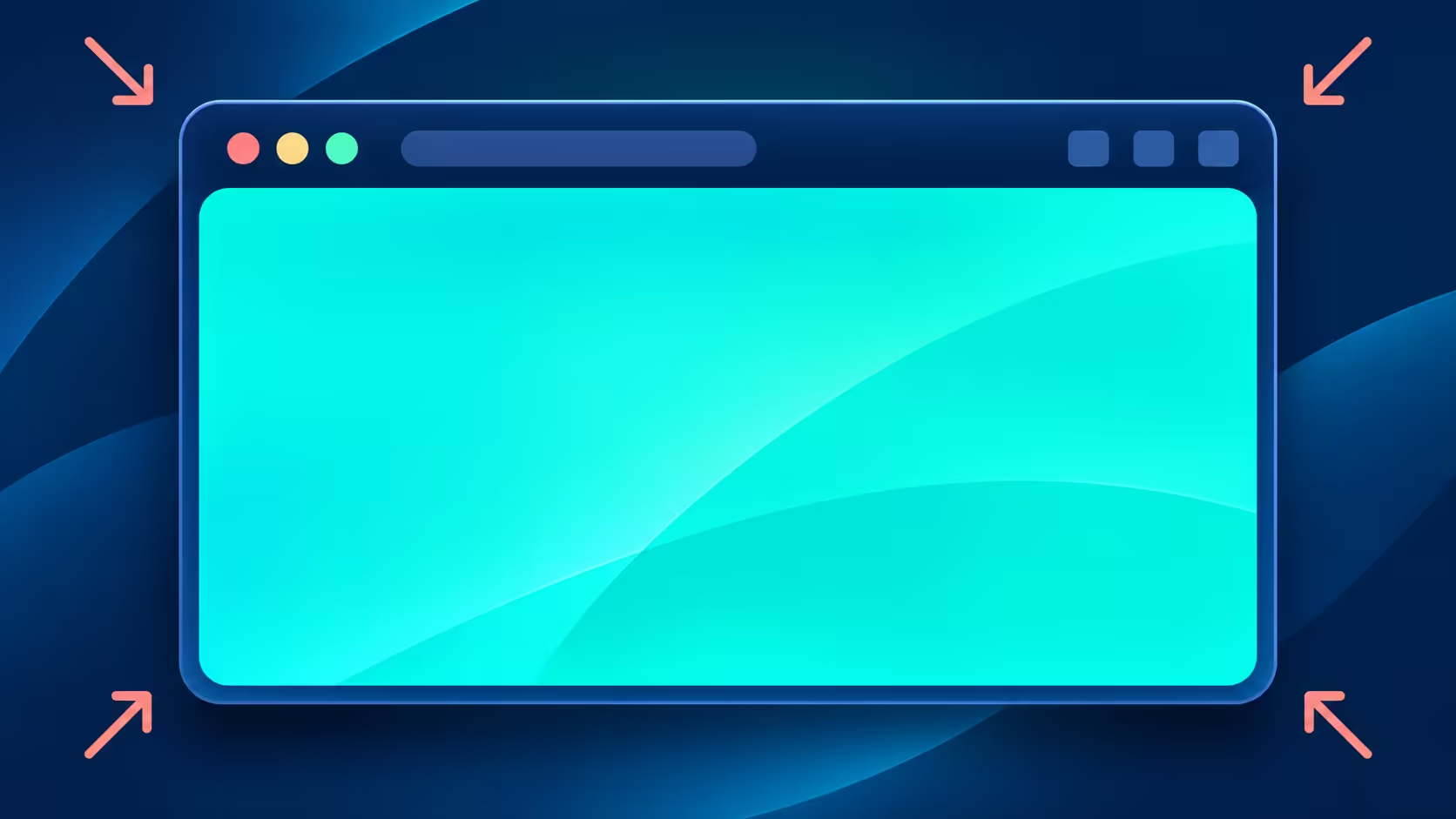
Missing tabs can make Chrome look broken even when the page is behaving normally. Chrome exit full screen is usually a window-control task, not a display-driver problem. Identify whether the browser, a video player or the Windows desktop is filling the screen before changing resolution or replacing a cable.
Quick Answer
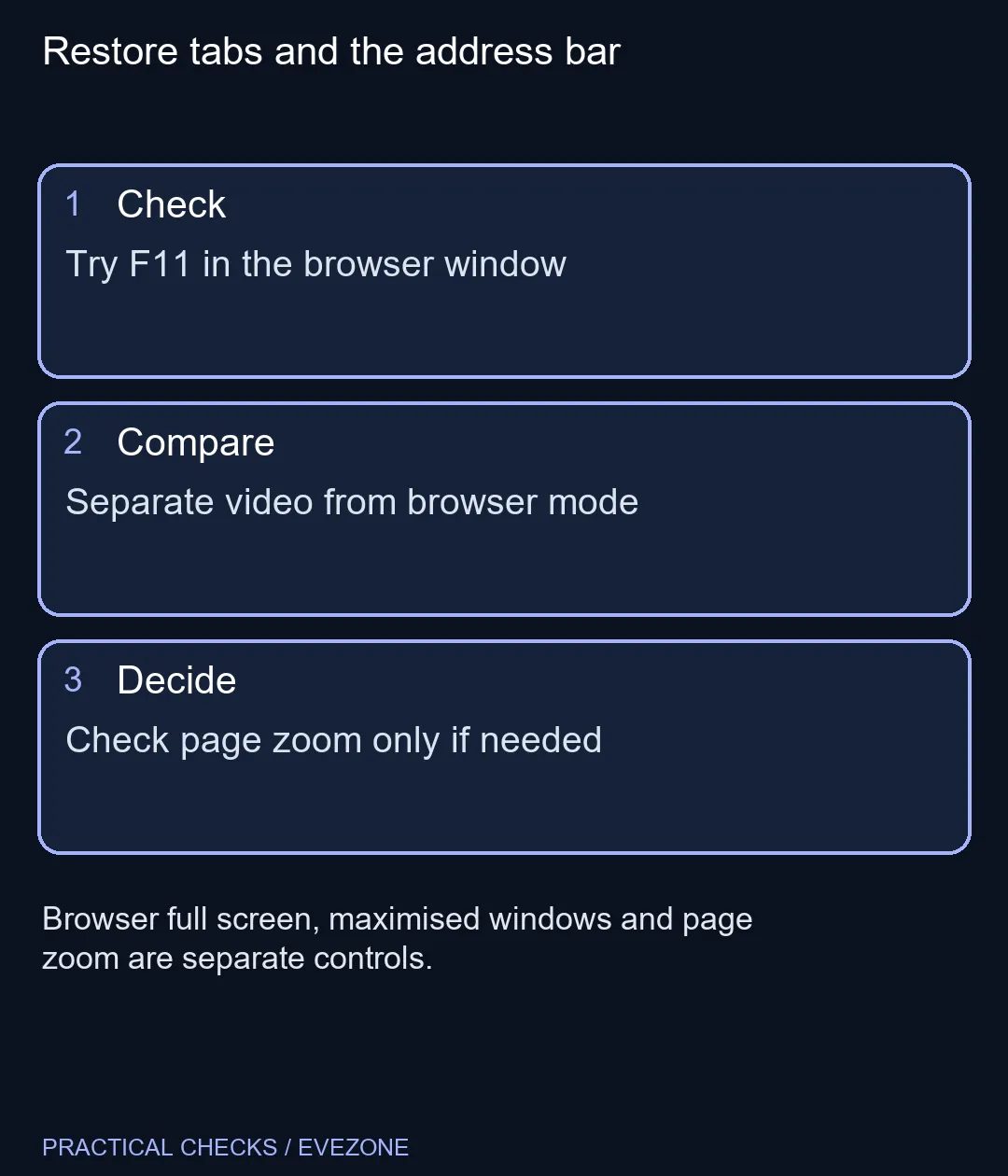
On Windows and Linux, F11 toggles Chrome's browser full-screen mode. If a video alone occupies the screen, use its exit control or Escape first. This check costs R0 and should come before changing monitor resolution, because page zoom, maximising and full screen are separate controls.
⌨️ Start with the browser window
Select Chrome so the keyboard command reaches the intended application, then press F11 once. On a laptop where the top row controls hardware functions, you may need the keyboard's function-key combination. Check the keyboard's labels or guide rather than repeatedly pressing unrelated keys.
Look for the tab strip and address bar after the change. If they return, browser full screen was the cause. A maximised window can still fill most of the display while retaining its ordinary controls; using Restore on the window is different from leaving full-screen mode.
🎬 Separate a player from the page
A website's video player can enter its own full-screen view inside Chrome. Exit that player using its visible control, or try Escape. You can then assess whether the browser itself remains in full-screen mode. Treat each layer individually instead of assuming one key must reverse every possible view.
If the browser controls are back but the page text remains huge or tiny, investigate zoom. Chrome's Windows shortcut Ctrl+0 restores the default page zoom. This changes page scaling, so avoid using it as a substitute for the full-screen command when text size was already comfortable.
The browser menu also provides zoom and full-screen controls. If you prefer the mouse, use those visible controls once the toolbar is accessible. Keep track of which setting you alter so that a successful change can be repeated without a long sequence of guesses.
🖥️ Buy a screen for a screen need
A hidden toolbar does not show that a monitor is defective. Test the R0 controls before replacing a working display. If several applications show an incorrect resolution or an external screen is genuinely absent, that is a different problem which needs its own display and connection checks.
Browse gaming monitors when you need a different size, resolution or refresh capability, with measurements of your desk and the outputs on your computer. monitor accessories is useful for a confirmed mounting or desk arrangement need, rather than for a temporary browser view change.
Once the familiar layout returns, open one normal page and check the toolbar, text size and window controls. Leave the working display settings alone unless a separate fault remains. Knowing which control caused the change makes the next accidental full-screen switch a quick correction instead of a hardware purchase.
Frequently Asked Questions
Which key exits Chrome full screen on Windows?
F11 toggles browser full-screen mode. Confirm Chrome is the active application when you press it.
Why does F11 change a laptop hardware function?
Some keyboards use the top row for hardware controls. Check whether your keyboard requires its Fn combination.
Is a full-screen video the same as browser full screen?
No. Exit the video's own full-screen view first, then check Chrome's window state.
Will Ctrl+0 restore missing tabs?
Ctrl+0 resets page zoom on Windows. Use the full-screen control when the tab strip is hidden.
Is a maximised browser broken?
No. Maximising fills the available desktop while keeping ordinary window controls; it differs from browser full screen.
Should I change screen resolution first?
No. Try the relevant browser or player control before altering a display setting that was already working.
Restore tabs and the address bar
Try F11 in the browser window.