Red underlines can mean a spelling choice, a language mismatch or a website's own editor. Chrome spell check is worth checking before you change a keyboard or disable every writing aid. The privacy choice also matters: the browser's Basic and Enhanced options do not process entered text in the same way.
Quick Answer
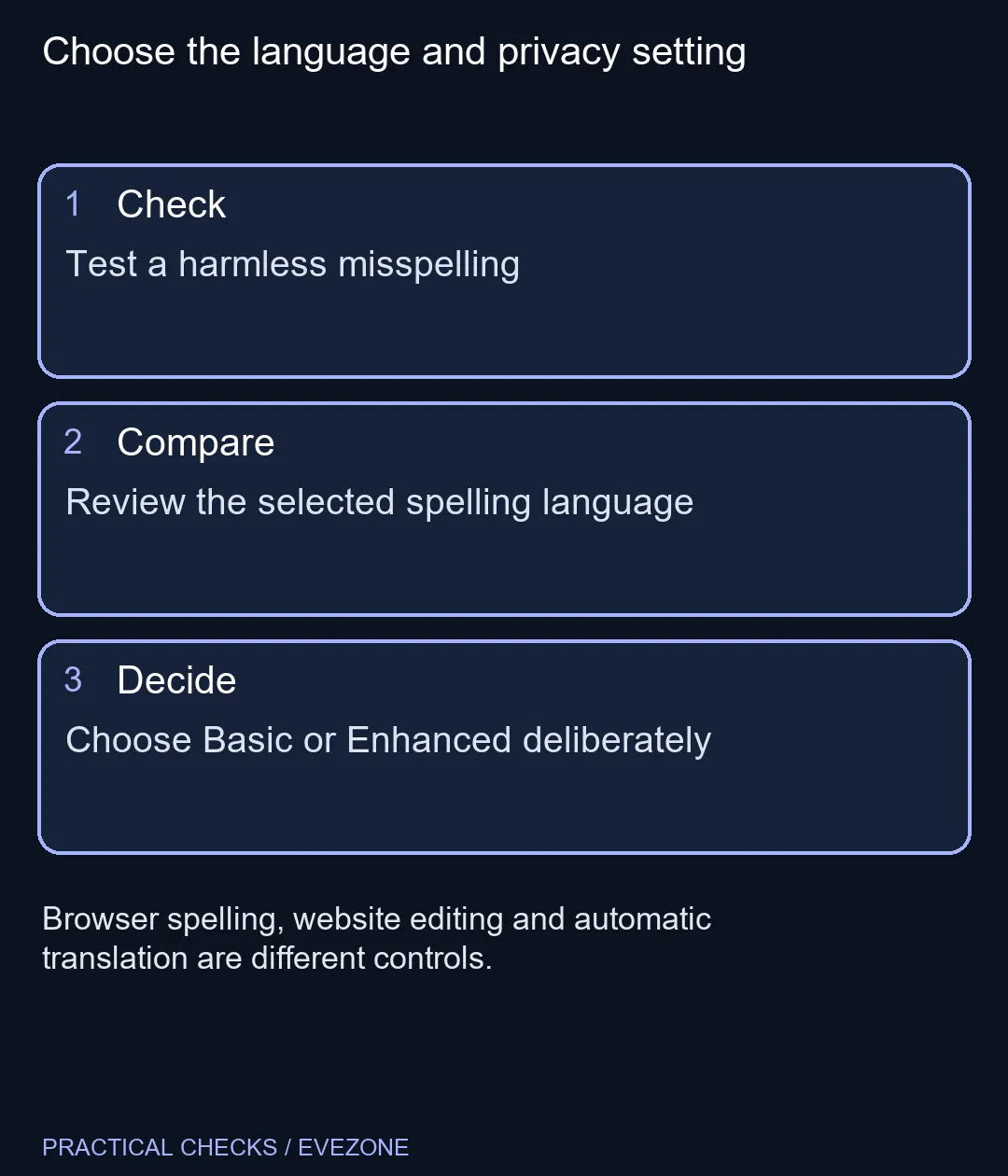
Open Chrome Settings, Languages and the spelling controls to review spell check. Basic spelling does not send entered browser text to Google for suggestions; Enhanced spelling does. Test a harmless misspelling and the intended language before changing more settings. This diagnosis starts at R0 and does not require a different keyboard.
✍️ Identify which tool is marking the word
Use a simple editable text field and type a deliberately misspelt ordinary word. Compare the behaviour with the website where the problem occurs. An application can supply its own writing tools, so a single editor behaving differently does not prove that Chrome's global setting is broken.
In Settings, review Languages and the option to check spelling while typing on web pages. Look at the available language controls for your operating system. The spelling provider can differ between platforms, so instructions for another device may not show the same choices.
For South African English writing, check that your chosen dictionary matches the spelling convention you intend to use. Do not replace a keyboard because a correctly typed word is underlined by the wrong dictionary. Hardware controls the input; a language tool judges the resulting text.
🔐 Choose the processing option deliberately
Basic and Enhanced spelling are a meaningful privacy decision. The documented distinction is whether entered browser text is sent to Google for improved suggestions. Read the setting before enabling Enhanced on a computer used for confidential writing.
This choice is separate from translating a web page. Translation changes the language of displayed content, while spelling checks what you type in supported fields. Changing a translation preference is not a reliable way to fix a writing dictionary.
⌨️ Spend on the fault you can reproduce
If keys generate the wrong characters or fail to register, test that symptom separately from spelling marks. all keyboards is the relevant place to compare a replacement after a physical input problem is established. An underline under a product name is not enough evidence of a defective key.
Likewise, a new computer is a much larger decision than a spelling preference. A separate live reference in all laptops on special was a Ryzen 5 ASUS Vivobook 16 at R9,499, listed with 8GB RAM and 256GB storage on 10 November. Confirm current specifications and your workload rather than buying it to remove red lines.
After adjusting a setting, repeat the same harmless word test. Then check the original editor. This keeps the result clear and avoids losing useful writing assistance because two unrelated controls were changed together.
Frequently Asked Questions
Does Enhanced spelling keep text entirely local?
No. Google documents that Enhanced sends entered browser text to Google for improved spelling suggestions.
What does Basic spelling do differently?
Its spelling check does not send entered text to Google for suggestions; the provider can depend on the operating system.
Will a language setting fix a broken key?
No. A key failing to produce the intended input is a separate symptom from spelling marks under the text.
Why does one website behave differently?
The website may have its own editor and writing tools. Compare a simple field before changing browser-wide settings.
Is page translation the spelling dictionary?
No. Translation of displayed content and spelling of entered text are separate controls to review independently.
Do I need to buy a laptop to restore spell check?
Start with the browser, language and editor checks. The R9,499 catalogue example is not a feature requirement.
Choose the language and privacy setting
Test a harmless misspelling.