Handing over a laptop should not begin by opening your own saved tabs. Chrome guest mode creates a different browser session for a visitor, but it does not turn an untrusted computer into a safe one or replace a separate Windows account. Know which boundary you need before someone signs in.
Quick Answer
Chrome guest mode lets a visitor browse without accessing the other Chrome profiles' information through that session. Open it from the profile menu and close the Guest session when finished. Guest browsing activity is removed on exit, but saved files still need attention. Try this R0 browser option before considering a separate computer for occasional use.
🚪 Start outside the owner's profile
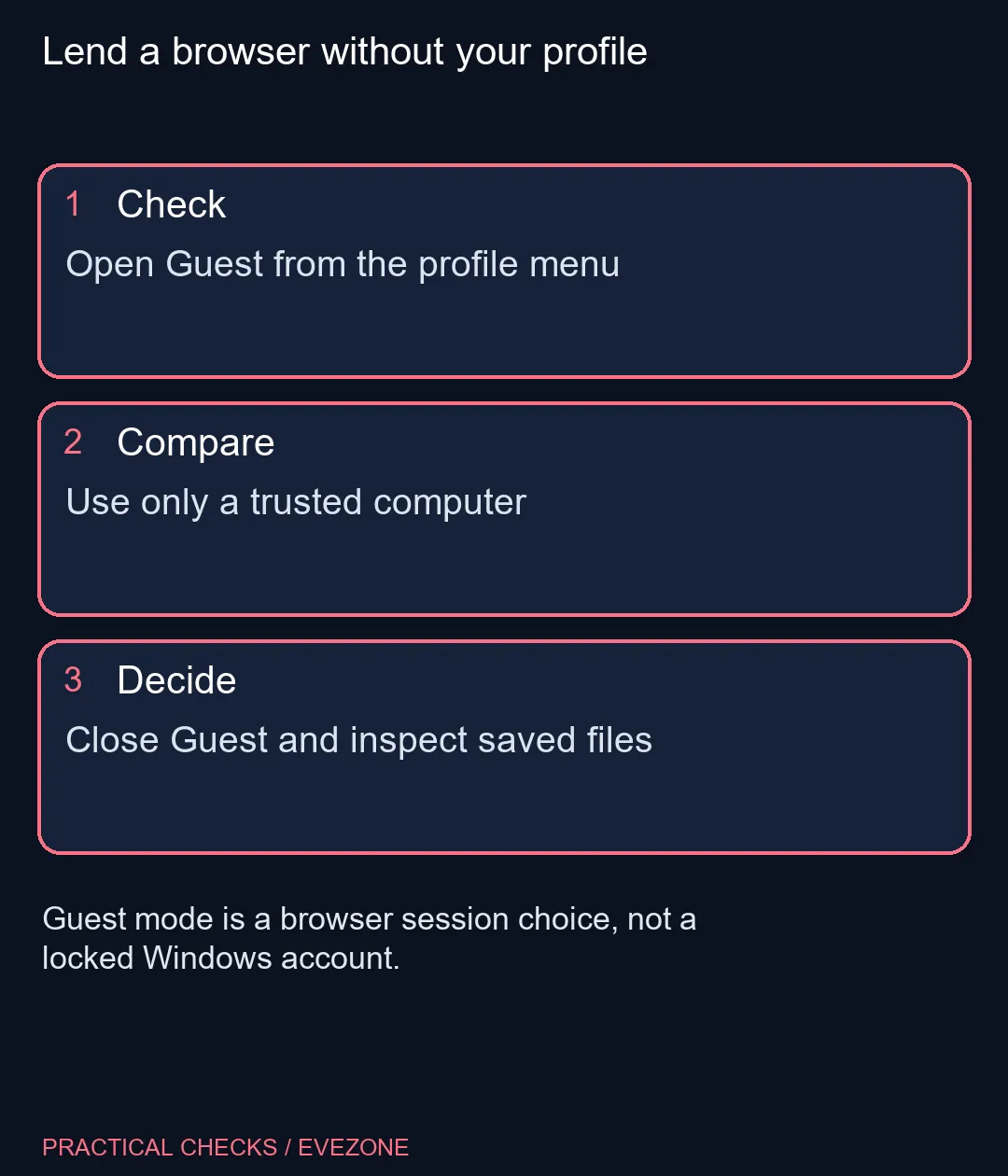
On desktop Chrome, select the profile control and open Guest. Check that the resulting window identifies the Guest session before entering any account details. This avoids accidentally adding a visitor's activity to the owner's regular browser session.
The mode is useful when borrowing a trusted computer or lending your browser for a short task. It does not provide the same separation as an operating-system user account with its own access permissions. Someone using your unlocked Windows session may still reach files and other applications outside that browser window.
For repeated use by different people, decide whether a separate Windows sign-in is the more suitable arrangement. A short browser visit and a long-term shared computer need different boundaries. Keep sensitive documents closed before lending any unlocked desktop.
🧳 Close the session and inspect what was saved
The browser removes Guest browsing activity when the Guest session ends. Downloaded documents are a separate matter: inspect where files were saved and deal with sensitive copies deliberately. A closed window is not evidence that every file created during the visit disappeared.
Do not confuse Guest with Incognito. Incognito is designed for private browsing within your own browser context, while Guest avoids presenting the other profiles' information. Neither makes activity invisible to the websites, network operator or computer administrator.
💻 Match the sharing arrangement to the task
Only sign into sensitive services on devices you trust. A browser mode cannot establish that the computer is free of monitoring software or that another person cannot access the unlocked desktop. Keep the session short and sign out of the service before closing it.
If different users need a physical keyboard setup, all keyboards provides a separate category comparison. That purchase does not create account isolation. Comfortable hardware and clear access boundaries solve different problems.
A dedicated machine may make sense for sustained separate workloads. In all laptops on special, an ASUS Vivobook 15 Core 3 was R8,999 with 8GB memory and 256GB storage in the 10 November live read. That is a local reference for a broader purchase, not something Guest mode requires. First decide how often the device is shared and which files each person must be able to access.
Frequently Asked Questions
Does Guest give the visitor my saved browser profile?
The Guest session does not provide access to the other Chrome profiles' information through that session.
Is Guest the same as a separate Windows user?
No. It is a browser session mode; Windows files and applications remain governed by the operating-system account.
Are downloads removed when Guest closes?
Do not assume that. Inspect saved files separately and handle sensitive downloads before returning the computer.
Does Guest hide me from the network?
No. Websites, network operators and administrators may still observe activity within their normal visibility.
Should I use Guest on an unknown public PC for sensitive work?
Use sensitive accounts only on trusted devices. A browser mode does not prove that the underlying computer is trustworthy.
Must I buy another laptop for a visitor?
Occasional trusted browser use may need only the R0 session option. Sustained separate access needs deserve a broader account and device decision.
Lend a browser without your profile
Open Guest from the profile menu.