A useful article can disappear under a week's worth of open tabs. Chrome reading list gives it a place to wait, but saving a link and saving a working offline page are separate jobs. Decide which one you need before leaving a connection behind or closing a research session.
Quick Answer
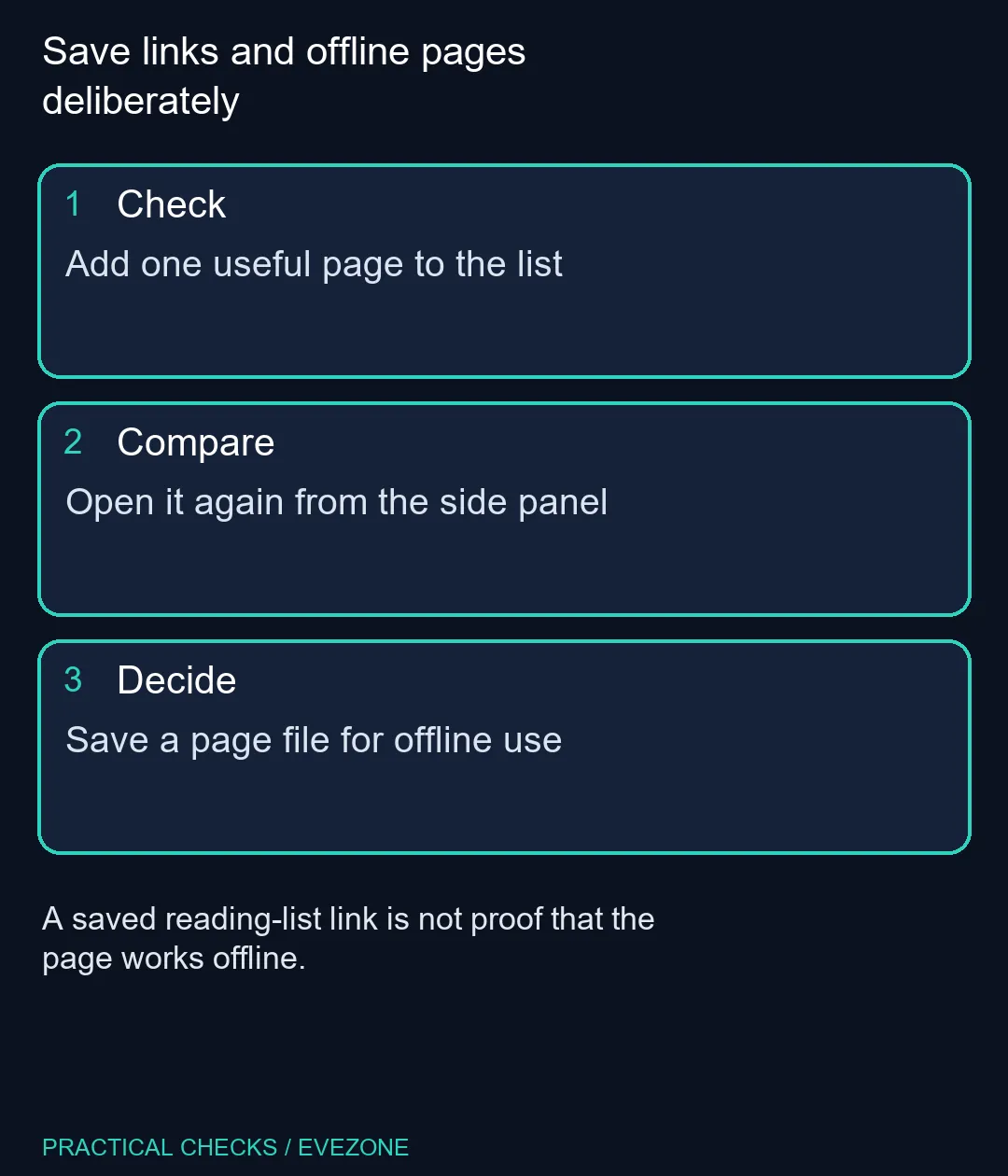
Chrome reading list stores pages for later access through Bookmarks and lists. Add a page, then reopen it from the list to confirm it is there. For offline reading, save the page as a file while online and test that file separately. The list itself needs no new hardware purchase: start with a R0 settings check.
📚 Put one page into a deliberate queue
On desktop Chrome, open the page and use the three-dot menu, Bookmarks and lists, then Reading list. Add the current tab. You can also use the tab's context menu where the Add tab to reading list action is available.
Find the list through the same menu and show it in the side panel. Open the saved entry before adding twenty more pages. That small check establishes that you used the intended profile and that the link points to the article rather than a search-results page or temporary login screen.
The list is useful for a short queue you plan to read. Bookmarks serve a different organisational role for addresses you want to keep finding over time. Choose clear titles for important references so a familiar-looking entry does not send you back to the wrong page.
📁 Save an offline copy when that is the real need
For a page file, use Cast, save, and share, then Save page as. Choose a folder you can find later and save while the page is available online. Open the saved file before travelling or relying on it during a disconnected session.
Interactive content may still depend on a network service. A saved file cannot be assumed to preserve a sign-in, embedded application or every linked resource. Test the section you actually need, including diagrams and instructions, rather than judging the copy only by its first heading.
🖱️ Keep browser organisation separate from a PC purchase
If the side panel is hard to use because text is small, inspect browser zoom and your display arrangement before replacing the computer. all mouse is relevant when a physical pointer genuinely fails, but a missing saved entry is a browser-data question first.
A live 10 November example in all laptops on special was the ASUS Vivobook Go 15 8GB/256GB Core i3 at R8,499. That is a separate computer price, not a requirement for Reading list. Spend on hardware for a demonstrated workload or physical limitation, rather than because a link was saved in the wrong place.
Frequently Asked Questions
Does Reading list guarantee offline access?
No. Save a page file while online and test the copy if you need to read it without a connection.
Where do I find the desktop list?
Use Chrome's three-dot menu, Bookmarks and lists, then Reading list and Show reading list.
Should I keep permanent references as open tabs?
Use a deliberate saved-address system such as bookmarks instead of relying on a large set of open tabs surviving indefinitely.
Why does the saved entry show a login page?
The address may require a session. Reopen it while connected and confirm that it reaches the content you intended to retain.
Do I need the R8,499 laptop for this feature?
No. It is a separate local catalogue reference; test the feature on your present compatible browser first.
What should I check before going offline?
Open the saved file and inspect the actual text and images you need, rather than only checking that a filename exists.
Save links and offline pages deliberately
Add one useful page to the list.