A darker browser window can create a misleading sense of invisibility. Chrome incognito mode changes what the browser retains locally after a session, while websites and the network can still have their own view of your activity.
Quick Answer
Open an Incognito window from Chrome's menu and close every Incognito window when finished to end the session. Chrome then removes that session's temporary site data and local visit record, while downloaded files and saved bookmarks remain. This built-in feature adds R0 to the cost of browsing, but it does not provide universal anonymity or conceal activity from every network observer.
🪟 A separate session has a clear ending
Incognito starts a separate browsing session. It can be useful when you want a temporary sign-in or need to avoid leaving that session in the browser's normal local history. It does not automatically sign you into the accounts already open in a regular window.
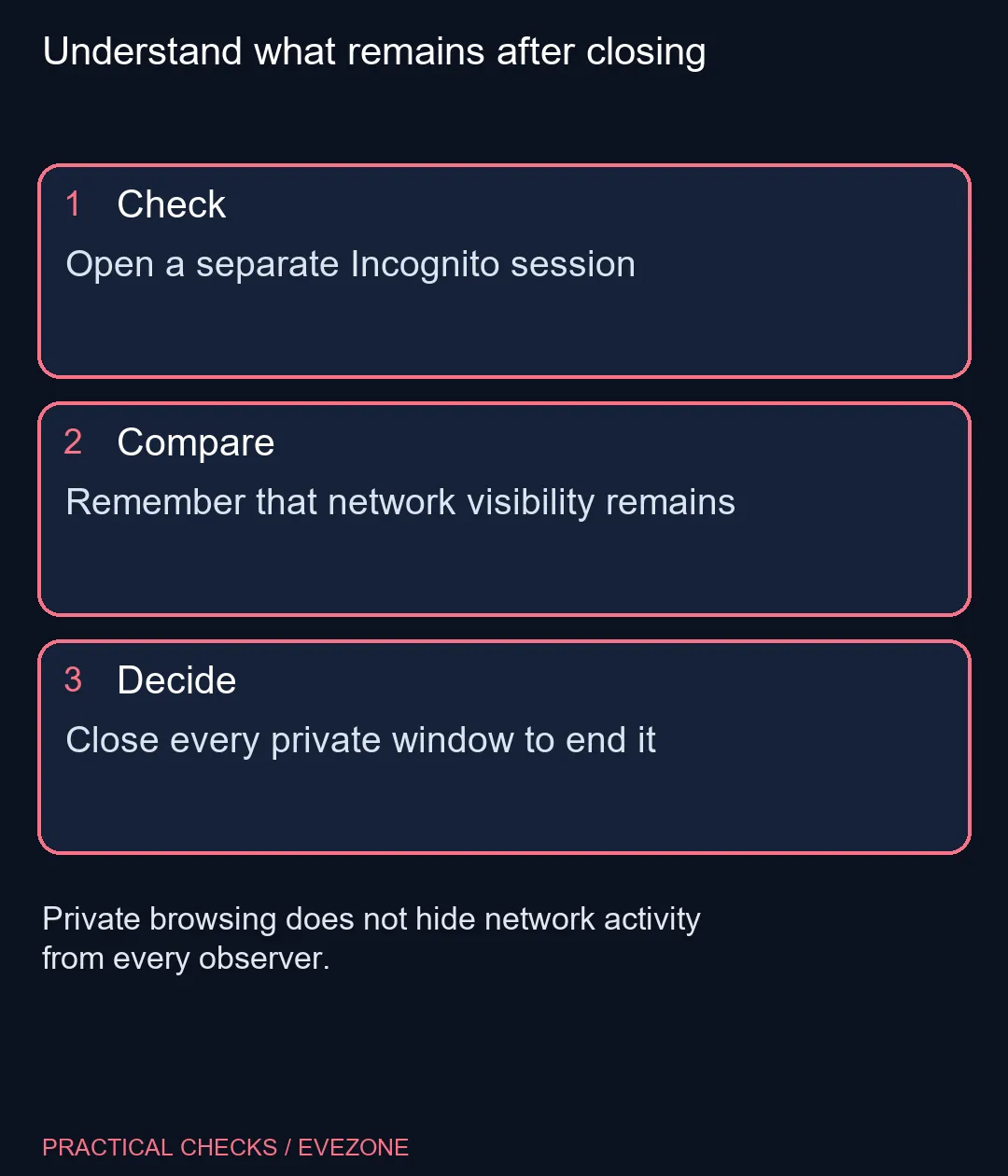
The ending matters as much as the opening. Closing one private tab is not the same as closing all Incognito windows. Finish the temporary activity, inspect whether another private window remains open and close the whole private session when you are done.
On a shared machine, also check what you physically leave behind. A file downloaded during the session still occupies storage afterwards. A private window is not a command to clean the Downloads folder, remove a document from the desktop or clear a printer queue.
🌐 The network does not disappear
Websites can still receive information about your visit. An employer, school or internet provider may also be able to observe relevant activity through the network they manage. Incognito's local history behaviour does not override those independent systems.
That means it should not be treated as permission to ignore a workplace's rules or as proof that a sensitive task is hidden. If privacy is the goal, identify who you are trying to keep information from and what information they can access. A feature useful for one part of that problem may leave another part unchanged.
Likewise, signing into an account inside the private window still identifies you to that service. The absence of a saved local history entry after closing does not undo an action performed while signed in. Read the site's own controls when deciding what it retains.
🧹 Check the things that remain
Bookmarks created during Incognito browsing are retained. Keep that in mind before saving a link with a revealing title on a shared computer. Downloads also remain until you manage the files yourself. These are separate, ordinary items rather than evidence that the private mode failed.
When setting up a family computer, compare the practical desk options in mini pcs and the portable machines in all laptops on special, then create suitable user accounts. The right sharing arrangement reduces accidental access more consistently than expecting every user to remember a private-window shortcut.
For troubleshooting a website, Incognito can be a temporary comparison, but do not over-interpret the result. A page behaving differently only establishes a difference worth investigating. It does not, on its own, identify which extension, saved data or site behaviour caused the original problem.
Frequently Asked Questions
When does an Incognito session end?
It ends when every Incognito window has been closed, rather than when just one private tab is closed.
Are downloaded files removed automatically?
No. Downloads remain on the device and must be managed separately.
Will a saved bookmark disappear afterwards?
No. Chrome retains bookmarks saved during an Incognito session.
Can a website know I signed in?
Yes. Signing in identifies you to that service even when the browser window is private.
Does it hide everything from my employer or provider?
No. Organisations managing the network may still be able to observe activity; local history controls are a different matter.
Does a working private window prove the original problem's cause?
No. It gives you a comparison to investigate, not a complete diagnosis of the normal browser session.
Understand what remains after closing
Open a separate Incognito session.