A black preview during a meeting is frustrating, but it does not immediately condemn the webcam. Chrome camera not working often needs a check of the website permission, selected device and physical privacy controls before a hardware decision.
Quick Answer
Check the webcam's shutter, then review camera access for the affected website under Chrome's Site settings. Confirm that the intended camera is selected and compare with another application. Permission checks cost R0; a separately listed Winx Do Simple 1080p webcam at R449 is a local replacement option only after you establish that replacement is needed.
📷 Begin with the visible hardware
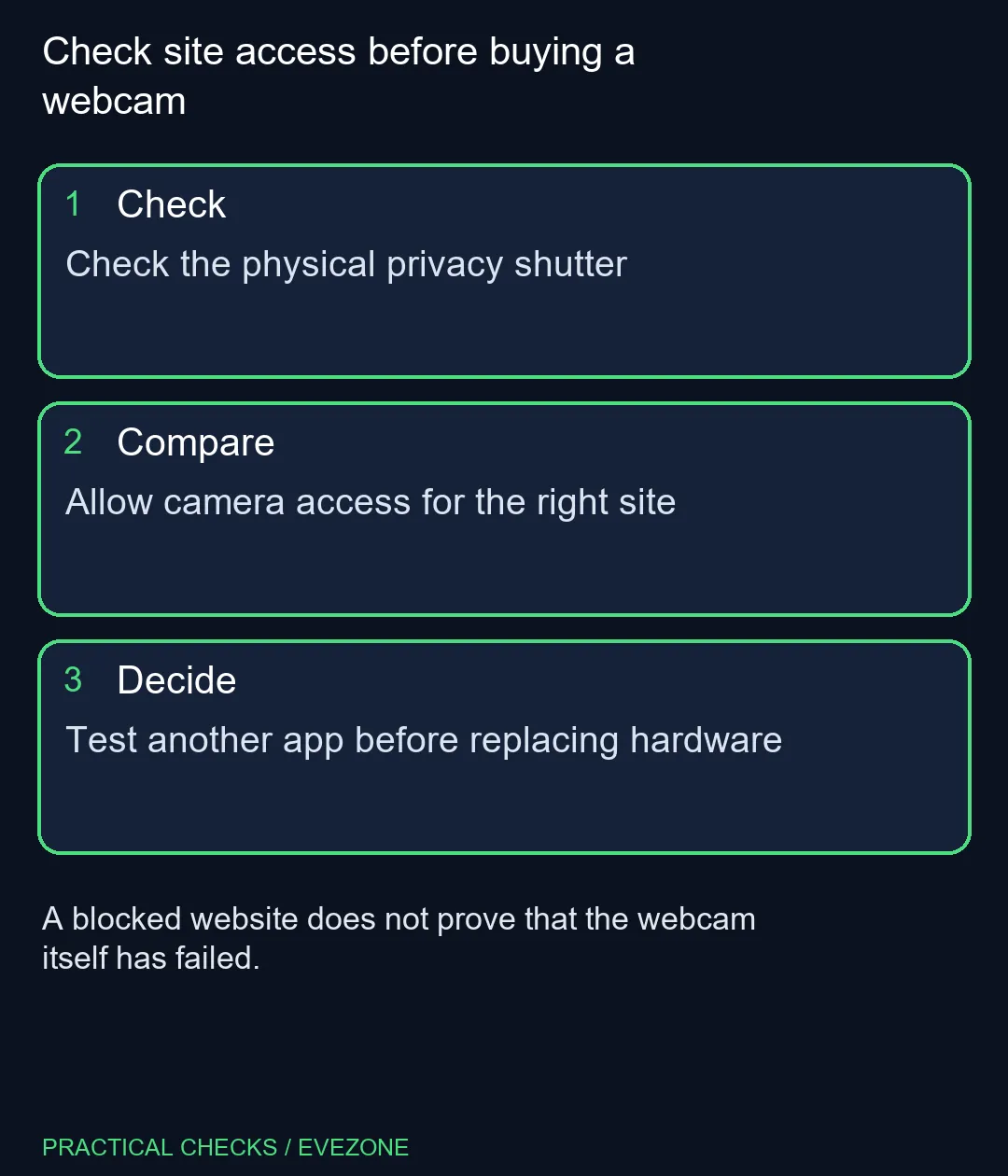
Inspect the physical privacy shutter or cover before changing browser settings. On a laptop, check whether a camera-control key or switch is present and consult its documentation. A covered lens can resemble a software fault, while a disconnected external camera can leave the meeting page pointing at an unavailable device.
For a USB webcam, examine the connection and confirm which device the meeting application selected. If a laptop also has an internal camera, the wrong selection can produce a perfectly functioning view from the wrong place. Write down the camera name so the comparison remains clear.
Do not use an important live meeting as the first experiment with several new settings. Test the preview or a suitable separate call before the next appointment where possible. That gives you room to inspect one cause without interrupting someone else's conversation.
🔓 Give the intended site appropriate access
In Chrome, open Settings, Privacy and security, then Site settings and Camera. Review the affected site's permission. A previous denial can prevent the page from using the camera even when the device works elsewhere. Allow access only for the site you intend to use, rather than granting every website broad permission.
Return to the meeting page and test again. If it offers a device selector, choose the camera deliberately. Browser permission and the meeting application's own selection are related checks, but changing one does not guarantee the other was correct.
A managed computer may have controls set by an administrator. If a permission is locked, establish the management policy before trying unrelated fixes. Repeatedly resetting a browser will not necessarily change an organisation's deliberate restriction, and it can create extra setup work.
🧰 Compare applications before replacing parts
Try the camera in another suitable application and note the result. If it works there, focus next on the browser, website and meeting settings. If it fails across applications too, investigate operating-system permissions, connection and the device itself. Neither outcome alone identifies every possible cause, but the comparison narrows the next step.
Close another application that may be using the device and repeat the test. Keep a brief record of what changed so you do not mistake a temporary reconnection for a confirmed fix. Recheck the original website when the isolated test succeeds.
The all webcams listing provides local product comparisons, while webcams offers another validated category entry. The R449 Winx example has its own specification and price; it is not a claim that every camera fault needs a purchase. Confirm the required resolution, mounting and connection before selecting new hardware, and keep the working permission setup in place afterwards.
Frequently Asked Questions
Where is Chrome's camera permission setting?
Open Settings, Privacy and security, Site settings, then Camera. Review the specific website's access.
Should every website be allowed to use my camera?
No. Allow the intended site and choose permissions deliberately rather than enabling broad access without a reason.
Why does the wrong camera appear?
The meeting page may have selected another available device. Check its camera selector as well as browser permission.
What does a successful test in another app mean?
It shows the camera can work in that context and makes the browser or website settings useful next checks.
Can a workplace lock camera settings?
Yes. Managed-browser or device controls may require the organisation's administrator to make a change.
Is R449 a required repair cost?
No. It is a separate live webcam example. Complete permission and connection checks before deciding to replace hardware.
Check site access before buying a webcam
Check the physical privacy shutter.