Chrome Safety Check is useful when you want to review the browser's warnings without guessing which settings to change. Its findings concern different things: an available update, a password issue, an extension or a permission may each need a different response. Read the actual finding before treating the whole computer as compromised.
Quick Answer
Open Chrome Settings, select Privacy and security, then Go to Safety Check. Review each reported issue and follow the relevant control. The built-in review costs R0, but it is not a guarantee that every website or download is safe. A secure connection indicator also does not establish that a site is honest.
🛡️ Read the category before taking action
Safety Check can review browser updates, Safe Browsing status, compromised or weak saved passwords, potentially harmful extensions and site permissions. That is a set of browser checks, not a single diagnosis. An update reminder does not mean the same thing as a password appearing in a breach report.
Choose the reported item and inspect the detail. For an available update, use Chrome's normal update path and save your work before a required relaunch. For an extension warning, identify the named add-on before deciding whether to remove it. Do not install an unsolicited repair tool because a separate webpage claims to have found browser damage.
Chrome also reviews unused site permissions and unwanted notifications. If a permission is removed, consider whether you still trust and use that site before restoring it. A quiet browser is easier to assess when old websites cannot keep sending irrelevant alerts.
🔑 Handle password findings at the right account
A saved-password warning should lead you to the affected account, not to a blanket deletion of every login. Confirm the website and username, then use the legitimate site's account controls when a password change is necessary. Removing a stored credential alone does not change the password accepted by that website.
Keep access to your recovery methods while working through the issue. If you use the same password elsewhere, those other accounts need their own review. Do not paste passwords into a random checker or send them to someone who offers to interpret the warning.
The browser's secure-connection symbol addresses the connection to the page. It does not tell you that the business, offer or support message on that page is trustworthy. Check the address and what the page asks you to do even when the connection is encrypted.
🧭 Use a clear result as a checkpoint
After addressing an item, return to the relevant panel and inspect the current status. Keep the scope of the result honest: it shows what Chrome has checked and reported, not an exhaustive security audit of your accounts, network and every installed application.
The HP Notebook 255R G10 Ryzen 3 example in the current read was R8,999. Buying a new machine would not resolve a reused account password or an unwanted site permission. Browse hp laptops and asus laptops for separate hardware requirements, while handling browser findings through their specific controls.
Make the review repeatable. Know where the panel lives, recognise the type of warning and act on the exact item. That habit is more useful than changing unrelated options until the browser looks different or assuming that an empty warning list removes the need for judgement online.
Frequently Asked Questions
Where is Safety Check on desktop Chrome?
Open Settings, Privacy and security, then Go to Safety Check. Review the reported items individually.
Does a clear result guarantee every site is safe?
No. It is a browser review, not a guarantee about every website, download or account.
Does deleting a stored password fix a breach warning?
Deletion removes the stored entry. Change the affected account's password through the legitimate site when needed.
Should I install a repair app from a warning page?
Use Chrome's built-in controls and official update path. Avoid unsolicited repair software offered by a webpage.
What does a secure connection establish?
It concerns the connection to the page. It does not prove the page's business claims or requests are trustworthy.
Does this review cost money?
Chrome's built-in Safety Check costs R0. Do not confuse it with a paid service advertised by another website.
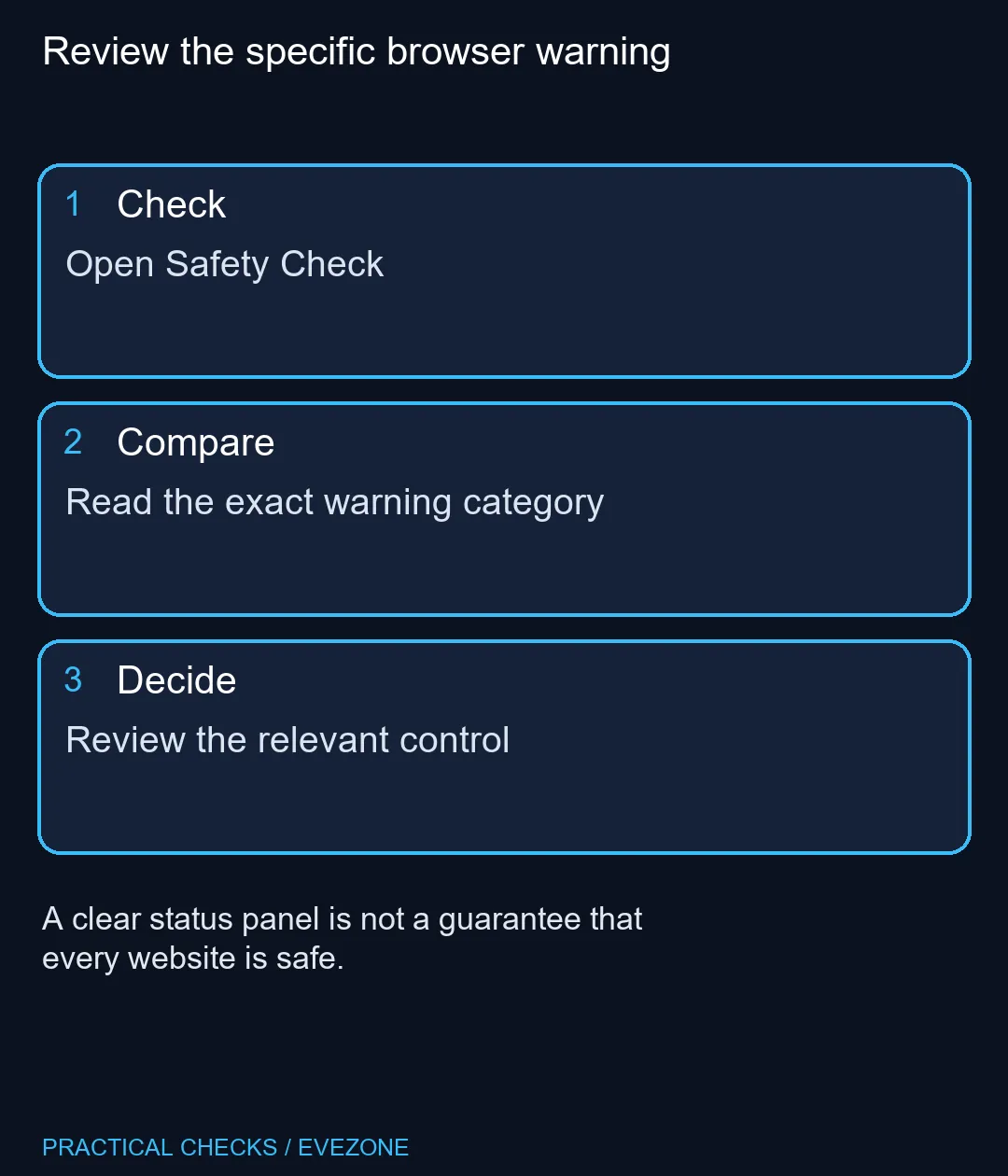
Review the specific browser warning
Open Safety Check.