Steam Linux ARM support has a clear current boundary in Valve's issue tracker. A maintainer replied to an ARM64 Remote Play report on 4 October that general ARM hardware is not currently supported. For a South African buyer, that distinction matters before spending money on a device that looks powerful but relies on an experimental software route.
Quick Answer
Valve's current reply says Steam for Linux is not supported on ARM-based hardware, while the standard client README names x86_64/AMD64 requirements. Running an experimental build is different from official support. An ASUS Vivobook Go 15 Core i3 8GB/256GB active listing was R8,499 on 6 October; that is budget context, not verified stock or a gaming-performance promise.
🧠 A 64-bit label is not the whole answer
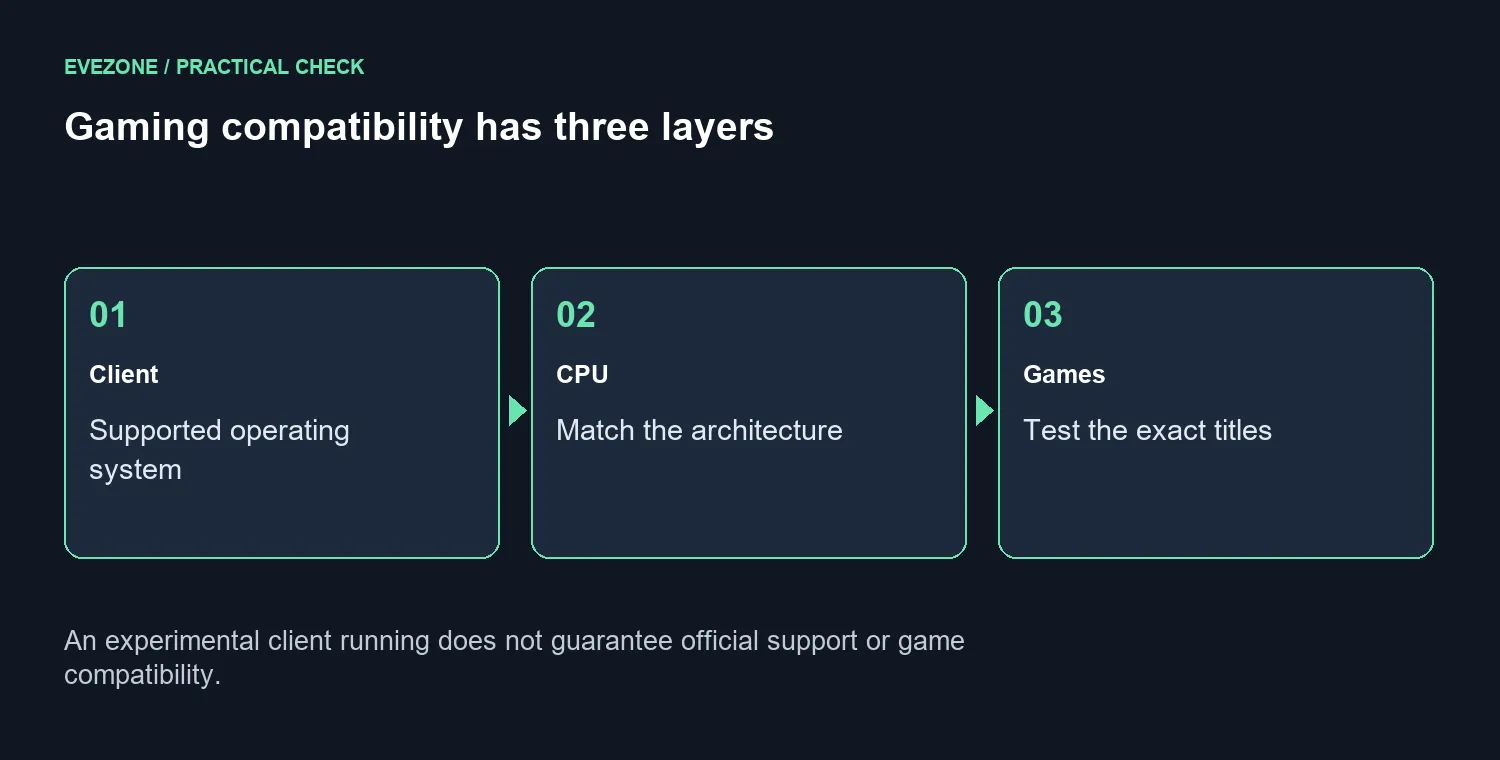
Processor architecture describes the instruction family a system uses. Two machines can both be called 64-bit and still require different software builds. Before buying for Linux gaming, identify the exact processor and read the requirements for the client and games. Memory capacity alone cannot answer that compatibility question.
The issue behind the reply concerned one ARM64 streaming setup and an AV1 decoder report. Its author's observations should not be expanded into a proven defect across every device. The maintainer's response establishes a support boundary, rather than a confirmed repair plan or timetable for general ARM desktop support.
🎯 Check the complete gaming route
Make a list of the games you actually intend to play. Confirm the operating system requirements and any peripherals or online services they depend on. A client opening successfully is only one step; it does not establish that the titles, controllers and other functions you care about will all work as expected.
When browsing Intel gaming laptops, assess the supplied configuration and your game requirements together. A family name does not provide a measured frame rate. The ordinary R8,499 ASUS listing mentioned here is not presented as a recommended gaming system, and this article does not claim that it has been tested with your Linux installation.
🧰 Keep experimentation separate from the purchase promise
If you enjoy testing software, an unsupported route may still be interesting. Budget time for troubleshooting and protect your existing installation and files. Do not erase a working system just because a build exists. Backups and a way to return to the original setup matter more than an optimistic forum result on a different device.
The AMD gaming laptop range offers another place to compare ordinary PC options. Ask about the exact machine, operating system and required games before paying. For buyers who need reliable daily use, a clearly documented route is easier to assess than a promise that experimental support will arrive later.
There is no deadline to purchase around this tracker reply. It is information that can prevent a mismatch. Wait if the machine you want depends on support that has not been established, or choose equipment whose software route meets your needs today. Avoid turning an available experimental client into a guarantee from either a seller or Valve.
Frequently Asked Questions
What did Valve say?
The checked tracker reply says Steam for Linux is not currently supported on ARM-based hardware. It points to the existing ARM feature request.
Does unsupported mean that nothing can ever run?
No. An experimental setup may work. That does not establish an official support promise for the machine or every game.
What architecture do the published requirements name?
The standard Steam for Linux README names x86_64/AMD64. Check the processor architecture rather than assuming all 64-bit devices match.
Was every AV1 problem confirmed by Valve?
No. The original issue describes one ARM64 Remote Play setup. The reply sets a support boundary rather than proving every decoder diagnosis.
Should I erase Windows to test Linux?
Back up first and check your games and peripherals. Avoid replacing a working installation solely because an experimental client is available.
What local laptop price gives budget context?
ASUS Vivobook Go 15 Core i3 8GB/256GB had an active R8,499 listing on 6 October. Active listing status does not prove stock or game performance.
Choosing a PC for the games you play?
Compare Evetech laptop options against the exact software route and performance requirements before buying.