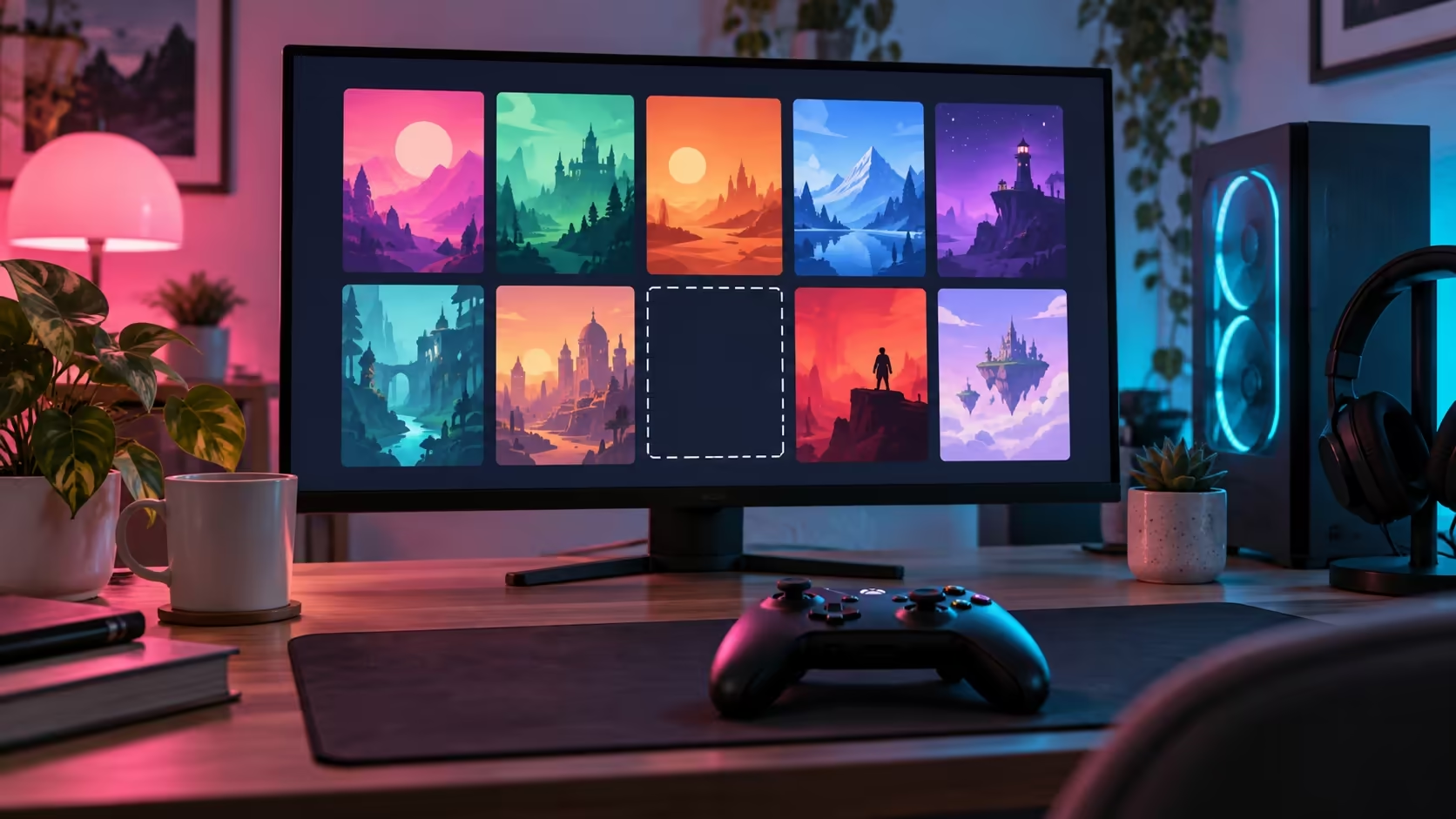
A missing library tile can make a paid-for game look as if it has vanished. Steam game missing from library should start with the signed-in account and library view, before another download or a client reinstall. The account's ownership and the files stored on your PC are separate things.
Quick Answer
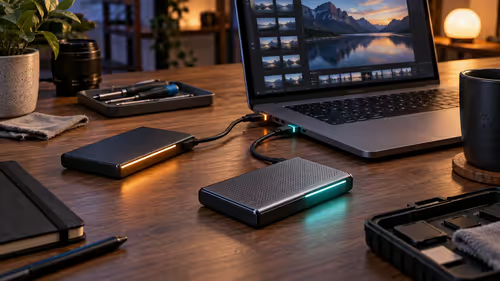
Match the receipt to the account, clear library filters and inspect hidden games. Then use Steam support to check purchase status if the game is still absent. More drive space cannot restore an account licence. A Hiksemi T100 Pocket 512GB portable SSD was R899 and in stock on 5 October 2026; it is relevant to a measured space shortage, not a missing library entitlement.
👤 Start with the account on the receipt
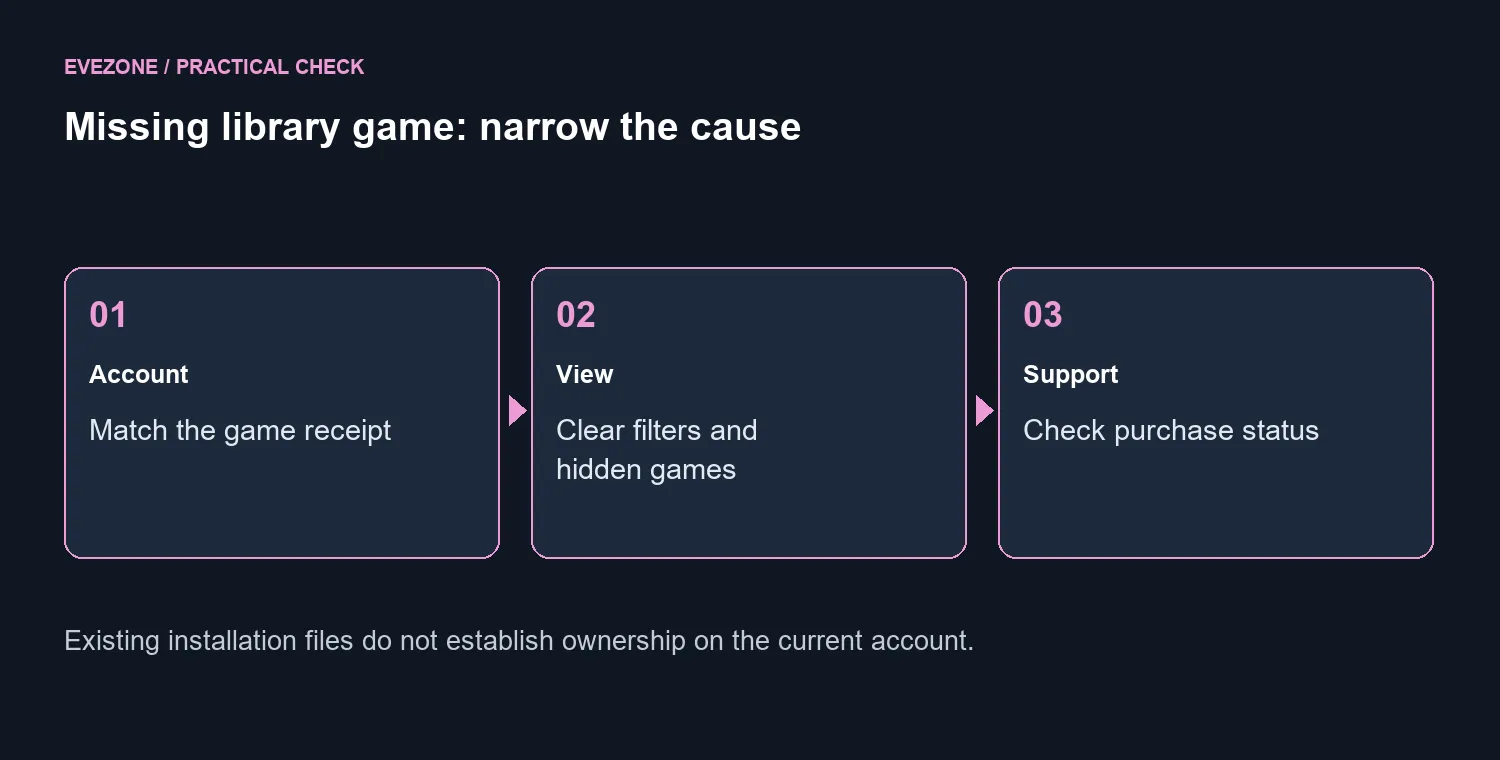
Valve's missing-game guidance directs you to check that you are using the correct account. Compare the receipt privately with your sign-in details. A familiar display name is not enough if several accounts have been used on the same PC.
Check purchase history and distinguish a completed purchase from a pending transaction. If Steam asks you to buy a title you already paid for, use its dedicated support path with the relevant purchase information. Keep account identifiers and personal receipt details out of public forum posts.
🎮 Inspect the library view before reinstalling
Clear filters that might restrict what the library shows, then use View, Hidden Games in the desktop client. If the title is there, its Manage options can remove it from hidden status. That addresses a visibility setting rather than changing ownership or downloading the game again.
Once a purchase is confirmed as completed, Valve's guidance also includes signing out and back in. Make sure you know the account's sign-in and recovery route before doing that. If the game remains absent, keep the account and purchase checks together for support instead of repeatedly reinstalling the client.
💽 Separate installed files from permission to play
A game folder can remain on a drive even when the currently signed-in account does not own that title. Its presence is useful information about the installation, but it is not proof that the missing library entry should belong to this account. Recover the ownership or view issue first.
Explore SSDs on special only if you have separately confirmed that downloads or installations need more space. For an internal upgrade, compare internal SSDs with your computer's supported connection and size. Storage shopping should follow a capacity measurement rather than the disappearance of a tile.
When seeking help, report whether the title appears in hidden games, whether the receipt matches the account and whether the purchase is complete. Those three observations give support a much clearer starting point than saying the library is broken. Keep existing files until you know which issue you are resolving.
Frequently Asked Questions
Should I reinstall Steam immediately?
Start with the account and library view. Reinstalling the client cannot put an owned game onto a different account.
Where can I find hidden games?
In the desktop client, use View, Hidden Games. A hidden title can be removed from hidden status through its Manage options.
What if the receipt shows another account?
Sign in to the account associated with that receipt. Keep account identifiers private when seeking public support.
Does a game folder prove I own the game?
No. Files on the drive and an account's licence are separate. Check the account purchase history and support page.
What if the purchase is still pending?
Check its status through Steam support. A pending transaction is different from a completed purchase missing from the library.
Would a larger SSD fix the missing title?
No. A larger drive helps a measured space shortage. Hiksemi T100 Pocket 512GB was R899 on 5 October, but capacity cannot restore ownership.
Recover the library entry before shopping
Finish the account, visibility and purchase checks, then address storage only if a separate shortage remains.