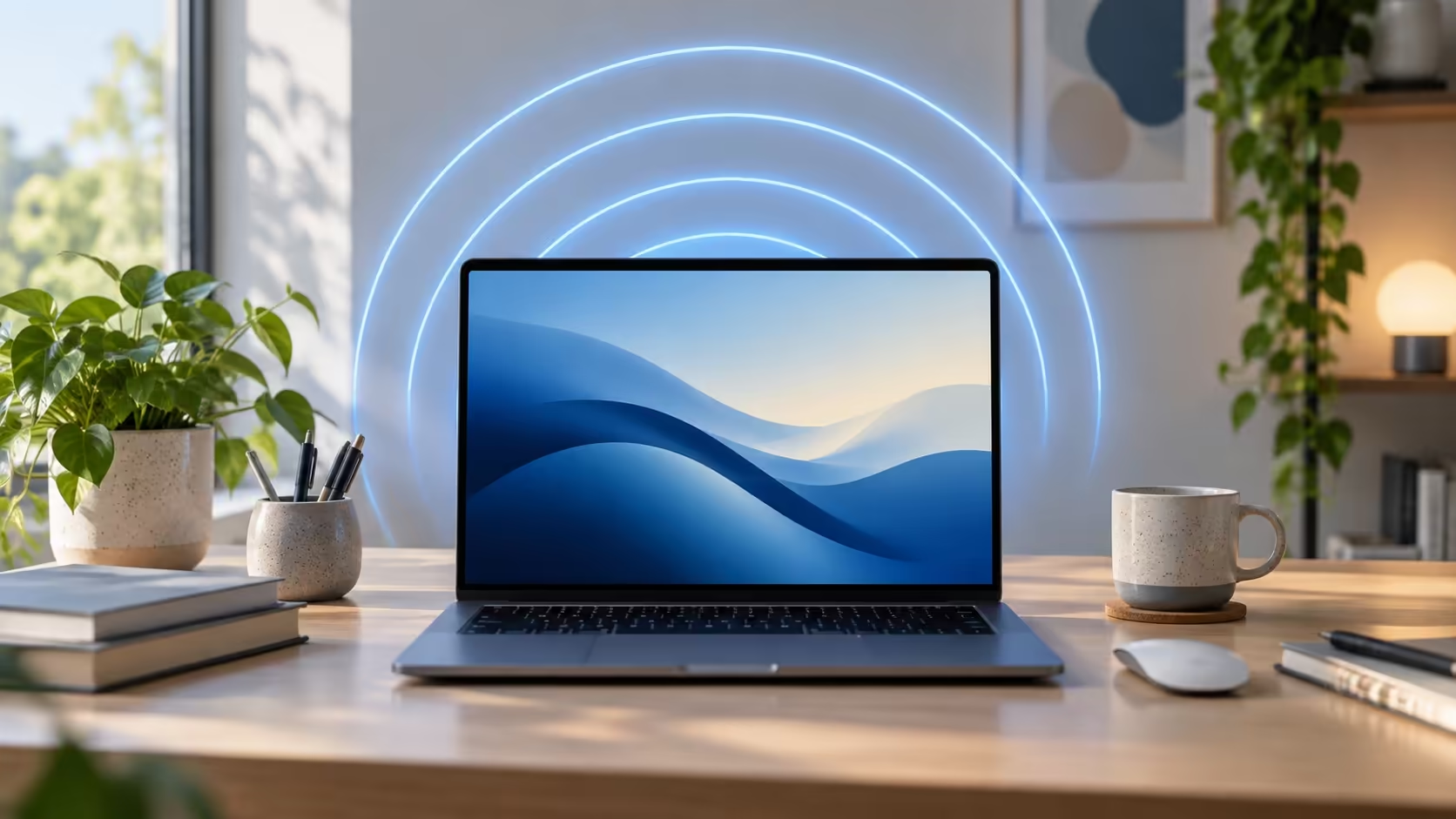
Five years is a good moment to check whether your computer still suits your work. Windows 11 fifth birthday falls on 5 October 2026, following the original rollout on 5 October 2021. The anniversary offers a practical reminder to review compatibility and capacity, without turning the date into a reason to replace a reliable machine.
Quick Answer
Check the supported processor, TPM and firmware requirements, then compare the PC with the apps and devices you use. Minimum installation specifications are not a promise of comfortable multitasking. An active ASUS Vivobook Go 15 Core i3 8GB/256GB listing was R8,499 on 5 October 2026. Confirm its stock and exact configuration; the anniversary itself creates no new release or purchasing deadline.
🗓️ Separate the anniversary from update advice
The original announcement describes availability beginning as each time zone reached 5 October 2021. That makes today's fifth anniversary a calendar milestone. It does not establish a new feature release, a particular update for your machine or a newly reached user-count figure.
Use Windows Update and the official support route for the actual machine when assessing updates. Record the current version and any specific error before seeking help. A birthday headline cannot diagnose why an update is offered to one PC and absent from another.
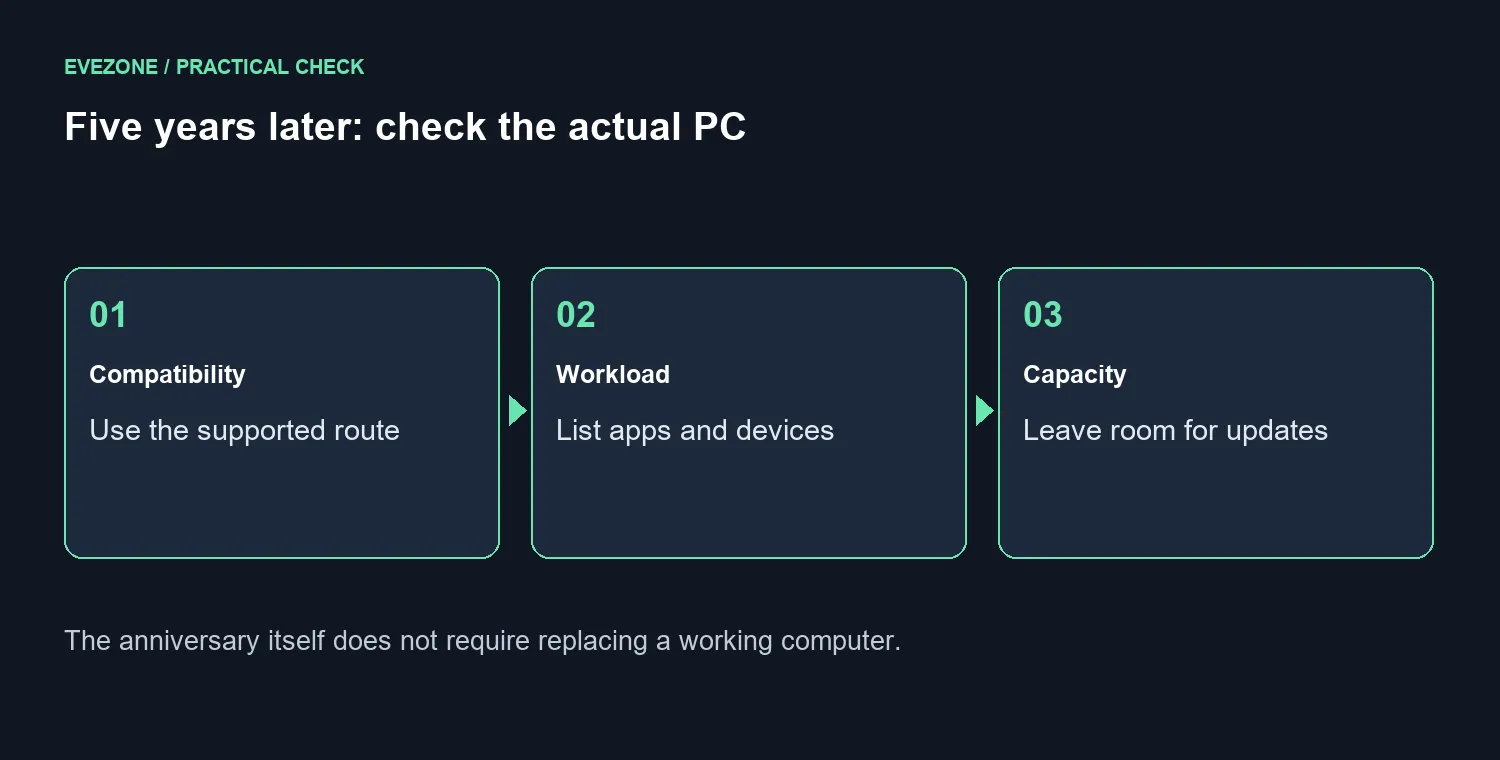
💻 Distinguish minimum requirements from your workload
Microsoft's current requirements include a compatible processor, TPM 2.0 and Secure Boot capable UEFI. Its 4GB RAM and 64GB storage values describe minimum installation requirements. They do not tell you how a large project, a demanding game or a busy set of browser tabs will behave.
Build your comparison around the applications you cannot do without. Include their actual versions and the peripherals attached to the PC. If you need a replacement, compare Intel gaming laptops around those requirements rather than assuming that any Windows 11 label guarantees the same experience.
🧹 Review storage before shopping
Enough free storage matters for updates, but replacing a drive does not resolve every compatibility issue. Separate a measured capacity shortage from a processor or firmware requirement. Preserve needed files and backups before making changes to an existing machine.
Look at ASUS laptops when a complete replacement makes more sense for your needs. Keep the R8,499 active listing as a dated reference, then ask about availability, memory and storage in the exact offer. A sensible upgrade addresses an identified limitation; a supported machine that already does the job can stay on your desk.
Frequently Asked Questions
Why is 5 October the anniversary?
Microsoft's original announcement said Windows 11 availability began when each time zone reached 5 October 2021.
Does the birthday introduce a new Windows release?
No new release is established by the anniversary itself. Check Windows Update and official support information separately.
Is 4GB RAM a recommendation for every workload?
No. It is a minimum installation requirement. Your apps, games and multitasking can require substantially more memory.
Can adding an SSD fix every compatibility problem?
No. Storage capacity does not resolve an unsupported processor, TPM requirement or incompatible peripheral driver.
Must a working PC be replaced today?
The anniversary sets no purchasing deadline. Assess support, reliability and the tasks the machine must perform.
What local laptop price was captured?
ASUS Vivobook Go 15 Core i3 8GB/256GB had an active R8,499 listing on 5 October. Confirm stock and the exact offered configuration.
Upgrade for the task you actually need
Compare the supported configuration and everyday workload before replacing a computer that still serves you.