An offline disk after cloning deserves a pause before a repair command. Disk offline signature collision describes a specific identity problem that can occur when the original and its copy are connected together. It does not, on its own, prove that the storage device has failed or that your files should be erased.
Quick Answer
Read the exact Disk Management message, match the physical drives and preserve a separate backup. Do not initialise, format or clean a disk containing files you need. A Hiksemi T100 Pocket 512GB portable SSD was R899 and in stock on 5 October 2026, but buying more capacity will not resolve a clone identity collision. Boot-drive cases and persistent errors need careful specialist guidance.
🔎 Identify the disk before changing its status
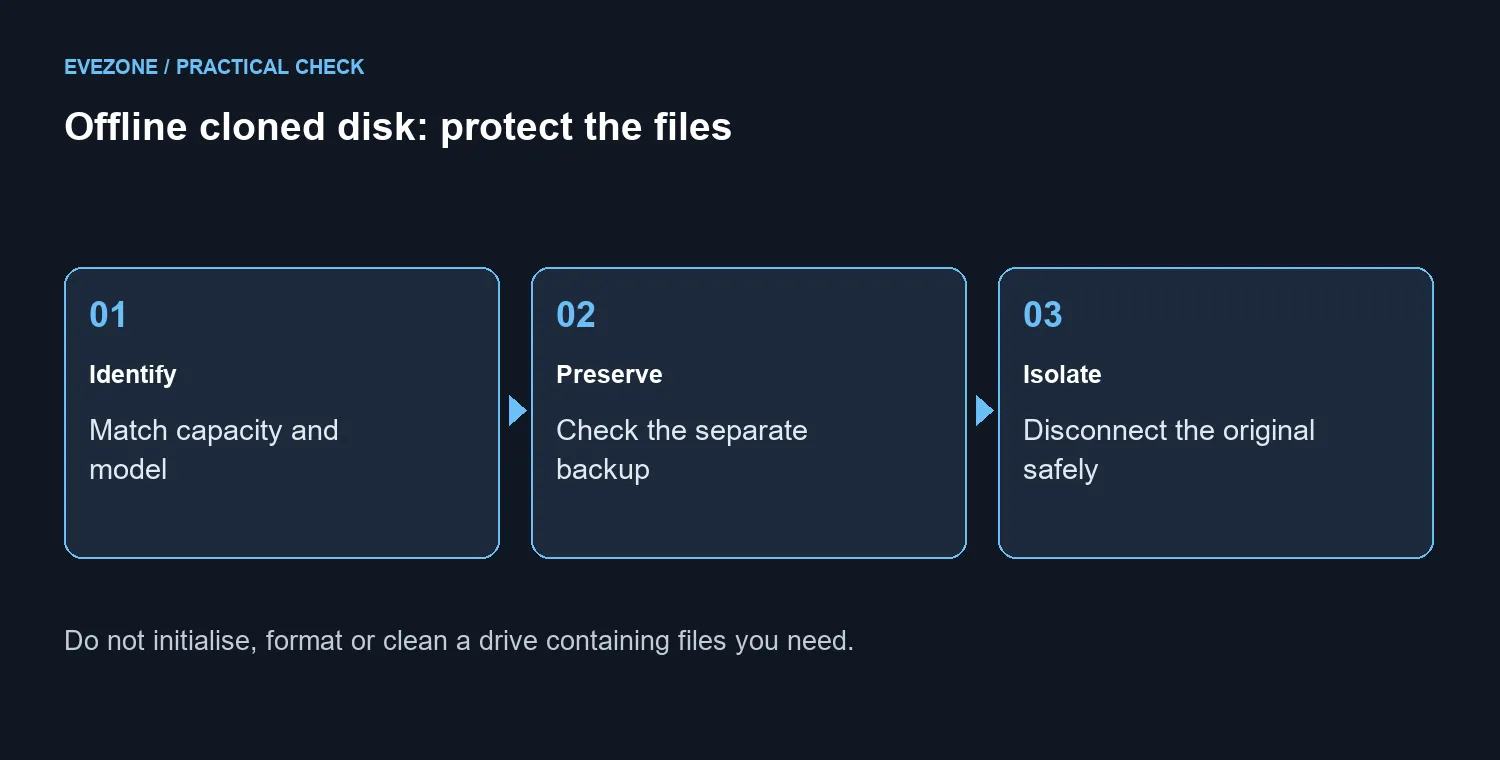
Microsoft distinguishes collision from policy and other offline reasons. Start by recording the displayed message, model and capacity. If two drives have the same size, use their physical labels and your cloning notes to identify them. A disk number is a view of the current computer, not a reliable nickname for a device you may reconnect later.
If the data matters and the situation is unclear, stop there. Keep the original untouched and check that a separate backup really contains the needed files. Do not follow a generic sequence that begins by deleting partitions simply because it promises to remove the warning.
🔌 Isolate a non-boot copy carefully
For a data-drive clone you can positively identify, a useful diagnostic is to shut down and safely disconnect one copy before checking the other. This helps distinguish the connected-pair scenario from a disk that stays offline on its own. Do not unplug an internal drive while the machine is running.
Changing a boot-drive arrangement has additional consequences. If you cannot tell which device starts Windows, or if the only copy of important files is involved, get help before changing connections or disk identity. Microsoft documents an Online action for offline disks, but its troubleshooting article is scoped to Windows Server; that is not permission to apply every step blindly to a Windows 11 clone.
💾 Buy storage for capacity, not for the warning
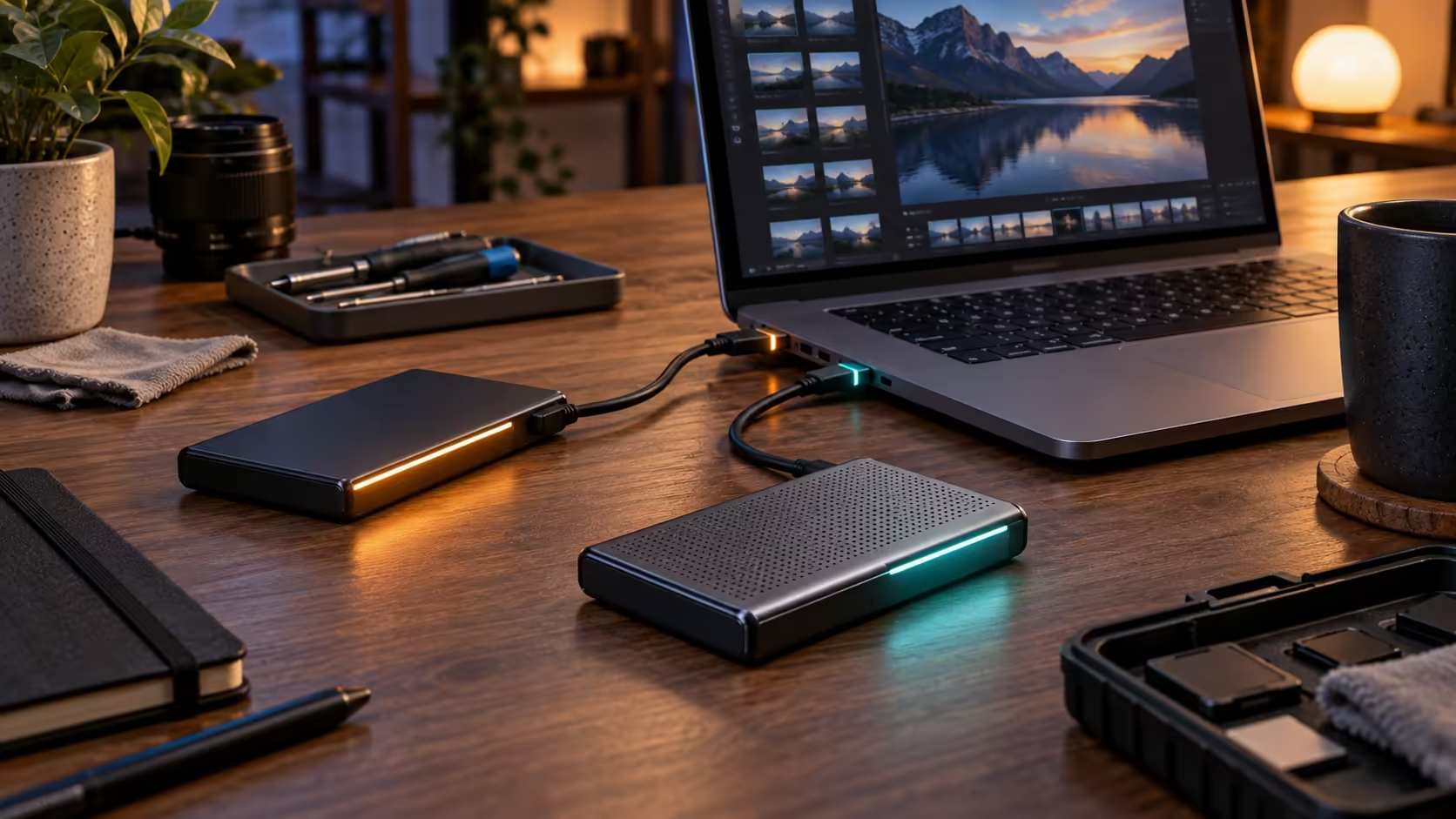
Consider external SSDs if you need a separate destination for a verified backup. Decide how much data must be preserved and check the connection your PC can use. Keep the backup separate from the original and clone during diagnosis.
For an internal SATA replacement, compare 2.5-inch SSDs against the actual machine's support. A fresh drive may be sensible for a confirmed storage need, but it does not explain an identity collision. Preserve the exact warning and the isolation result so the next support conversation starts with a concrete symptom.
Frequently Asked Questions
Does Offline prove that an SSD is broken?
No. Microsoft distinguishes collision, policy and other offline reasons. Read the exact message and identify the physical disk.
Why can cloning trigger a signature collision?
A cloned disk can retain the source disk identity. Connecting both copies can produce the reported collision symptom.
Should I format the offline disk?
Do not format or initialise a disk containing needed data. Preserve a separate backup and identify the disk before any repair.
Can I disconnect the original to test the clone?
For a non-boot data drive, shut down and safely isolate one copy if you can identify it. Boot-drive changes need more care.
Is a Disk Management Online action always enough?
No. Use it only after identifying the disk and understanding the warning. Persistent errors or boot disks merit specialist guidance.
What storage price was checked?
Hiksemi T100 Pocket 512GB portable SSD was R899 and in stock on 5 October. A replacement does not resolve an identity collision.
Protect the files before replacing the drive
Make the backup and disk identity clear, then choose storage for a confirmed capacity requirement.