Pointer movement can work while scrolling fails, which makes the fault feel inconsistent. Windows 11 two finger scroll not working calls for a gesture test before a replacement purchase. Separate a single application's behaviour from the touchpad controls and driver so each change has a clear purpose.
Quick Answer
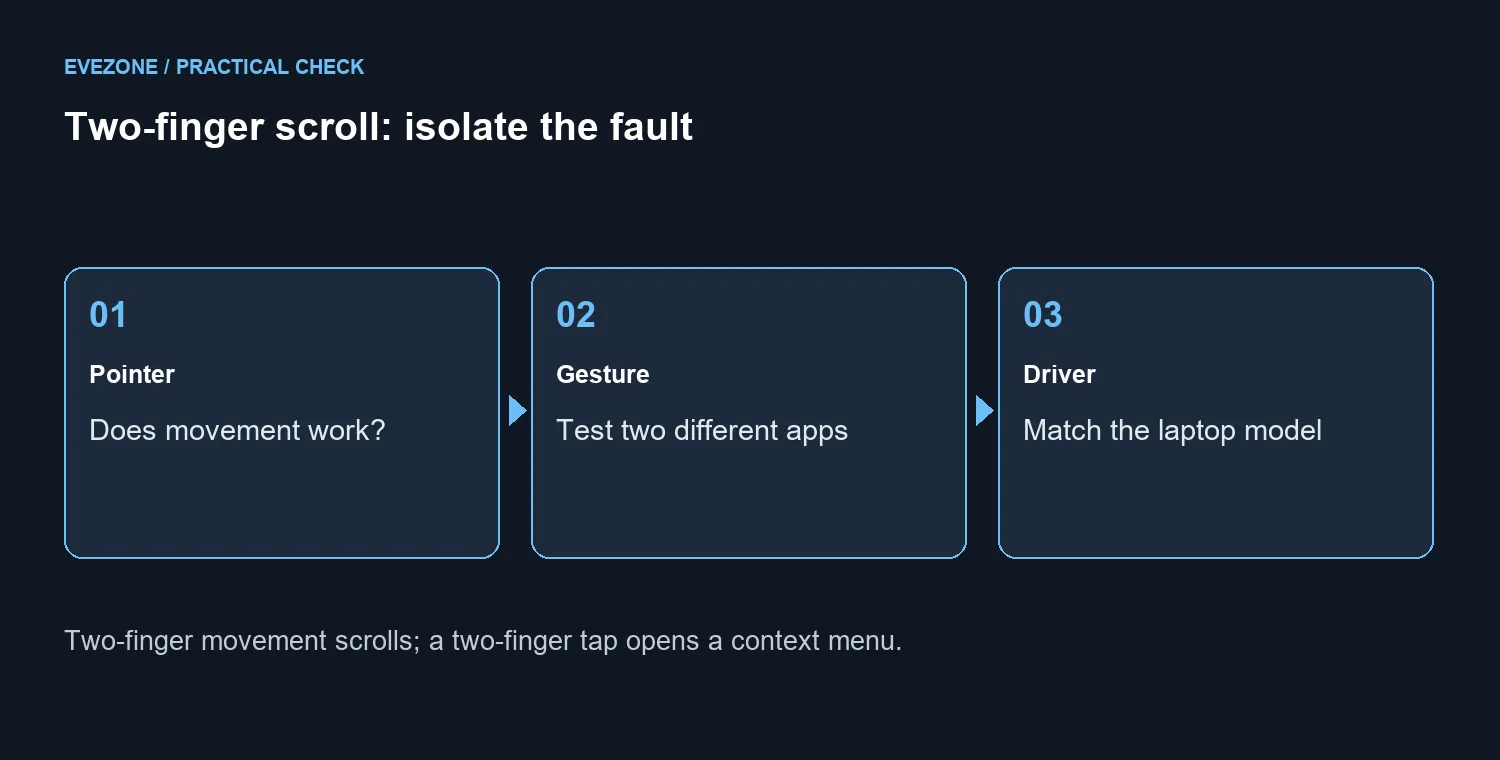
Move two fingers across the touchpad to scroll; a two-finger tap is a different action. Test two applications, inspect Settings, Bluetooth & devices, Touchpad, then check Windows Update or the laptop maker's driver for your exact model. If you need temporary input, Marvo MS003 BK was R59 and in stock at Evetech on 4 October 2026. A mouse supplies a workaround, not a touchpad repair.
✋ Establish what still works
Open a long document or page and place two fingers on the touchpad. Slide them together vertically, then repeat in another application with enough content to scroll. Confirm ordinary pointer movement separately. A two-finger tap that opens a menu is not evidence that the scrolling gesture works.
If scrolling fails in only one application, investigate that application before changing the laptop driver. If the pointer also fails, the problem is broader than one gesture. Write down those observations so you can explain the difference when seeking device-specific support.
⚙️ Inspect the controls available on your laptop
Open the Touchpad page in Windows settings and review the available gesture options. Some gestures require a Precision Touchpad, and the controls exposed by your device depend on its supported driver. Do not assume another laptop's screenshot proves that your own page should contain the identical switches.
Record a setting before changing it and test the same long page afterwards. Make one change at a time. That keeps a useful connection between the action and the result instead of leaving several uncertain adjustments behind.
Use wired mice if you need another input route while checking the settings. Keep the touchpad diagnosis separate: successful mouse scrolling narrows the symptom, but it does not establish whether the touchpad's hardware or driver is responsible.
🧰 Match the driver to the device
Microsoft recommends Windows Update for touchpad drivers and also describes Device Manager options. Start with the supported update route, then consult the laptop maker for the exact model if the problem remains. Avoid paying for a generic driver utility to guess which package belongs on your machine.
If a reinstall is being considered, first know how you will restore the correct driver and keep another usable input device available. Retest pointer movement and scrolling after the supported change. A missing gesture after an update is not enough on its own to justify buying a replacement laptop.
Compare mouse specials around connection and comfort if the workaround will be useful long term. The R59 snapshot is a concrete starting price for the named mouse, not a promise that every device will remain that price. Spend on a mouse because you need it, while continuing the separate touchpad investigation.
Frequently Asked Questions
What is the scrolling gesture?
Place two fingers on the touchpad and slide them vertically or horizontally. A two-finger tap usually opens the context menu instead.
What should I test before changing drivers?
Check pointer movement and repeat the scroll test in two apps with long pages. A fault in one app needs a different diagnosis.
Where are the Windows 11 touchpad settings?
Open Settings, Bluetooth & devices, Touchpad. Inspect the options available for your actual device.
Will every laptop expose every gesture?
No. Some gestures require a Precision Touchpad, and device drivers affect the available controls. Check the laptop model.
Where should a replacement driver come from?
Use Windows Update or the laptop maker's page for your exact model. Avoid an unrelated touchpad package or a paid driver tool.
What does a temporary wired mouse cost?
Marvo MS003 BK was R59 and in stock on 4 October. It provides another input route but does not repair a touchpad driver.
Ready to restore scrolling?
Keep a short gesture, app and driver test record before buying a workaround.