Two PCs can sit beside each other and still be invisible in the share menu. Windows Nearby Sharing not working often needs a check at both ends: the feature, the discoverability choice and the supported connection. Replacing a home router before looking at those controls can spend money without changing the reason the receiving PC cannot be found.
Quick Answer
Enable Nearby Sharing on both supported Windows PCs and inspect Bluetooth and sharing visibility. My devices only expects the same Microsoft account; use the visibility choice appropriate to the two machines. These checks cost R0 in new hardware. A separate Cudy AC1200 travel router had a R699 stocked listing in the catalogue dated 7 October 2026, but that is not a demonstrated fix for this feature.
🔧 Confirm you are using the same service
Windows Nearby Sharing shares items between supported nearby Windows devices. A similarly named phone service should not be assumed to be the same feature. Write down the device type and service name at each end before changing settings. If one participant is a phone using another sharing application, check that application's actual compatibility instead.
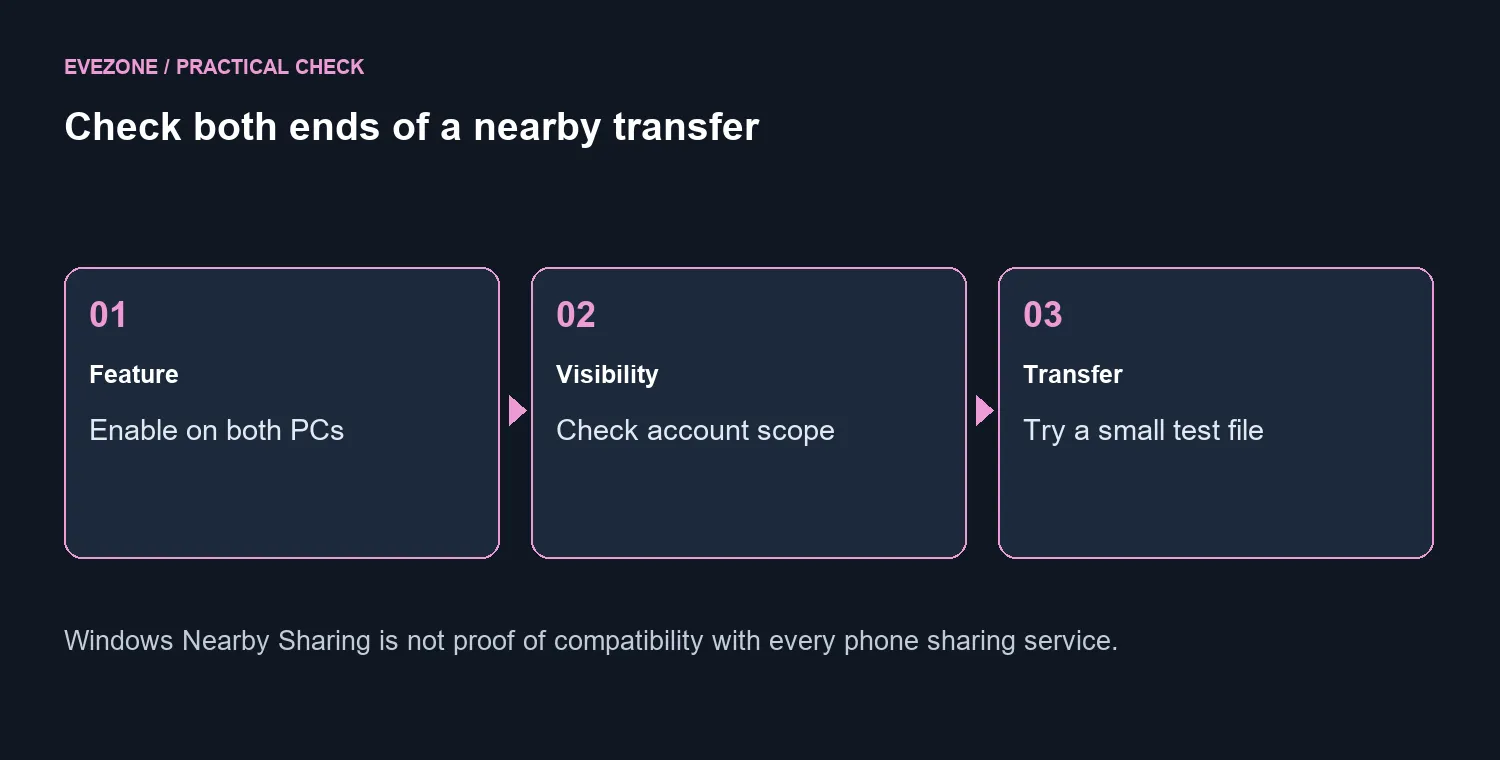
On the two PCs, open the sharing settings and confirm the feature is active. Check the supported Bluetooth hardware and that Bluetooth is turned on. Discovery and internet access are different tests: a browser loading a website does not show that another nearby PC can see your device.
📌 Match visibility with the people sharing
My devices only restricts the scope to machines using the same Microsoft account. It is unsuitable as a default assumption when a family member is receiving the file under another account. Choose a suitable scope for that controlled transfer, and return to your preferred privacy setting afterwards.
Send a harmless small file while both people are present. Confirm the recipient accepts the item and knows where it was saved. This test distinguishes a machine that cannot be discovered from a file that begins transferring and then stalls. Do not introduce a large video as the first diagnostic task.
💰 Buy for a proven network need
If discovery works but a transfer is unreliable, repeat with the devices closer together and check the documented Wi-Fi conditions. Record whether the same file succeeds and whether both machines remain connected. A faster wireless router makes sense for a network need you can describe, not merely because a share window is empty.
For regular large-file work, choose a method that suits the household and the devices involved. The fibre-router range provides context when you actually need to change the home network. It should not replace the both-PC settings check. Keep the successful small test as a baseline, so later changes have something concrete to compare with.
Frequently Asked Questions
Must it be enabled on both PCs?
Yes. Check the sending and receiving computer. A setting on one machine cannot establish discovery on the other.
What does My devices only change?
It restricts sharing to devices using the same Microsoft account. A different account may need another visibility choice.
Can I test with a small file?
Yes. Use a harmless small document or picture so you can separate discovery trouble from a large-transfer problem.
Is this the same as every phone sharing app?
No. Similar names do not establish interoperability. Confirm which service and supported device types you are using.
Does a new router fix discovery?
Not necessarily. Bluetooth compatibility, disabled sharing or account visibility can prevent discovery regardless of router speed.
What is the first spending step?
R0 in replacement hardware while you check the settings. Cudy AC1200 travel router was R699 on 7 October, but is not a proven remedy.
Building a network for more than one PC?
Browse the relevant Evetech router categories after the sharing settings and device support are understood.