A number key that moves the pointer can look like a strange keyboard failure. Windows numpad moves mouse is also the normal behaviour of Mouse Keys, an accessibility feature that deliberately lets the keypad operate the pointer. Check the intended control before replacing a pad that may be doing exactly what Windows asked it to do.
Quick Answer
Open Settings, Accessibility, Mouse and inspect Mouse Keys on Windows 11. Turn it off when you want normal number entry, then check Num Lock and type in a plain text field. The setting check costs R0. Logitech MK120 keyboard-and-mouse combo carried an in-stock R189 price in the 7 October 2026 catalogue snapshot, but a replacement cannot correct an unwanted Windows mode by itself.
🔧 Watch what the keypad actually does
Press a few keypad keys while paying attention to the pointer. Movement across the screen is a different symptom from arrow navigation inside a document or a key that produces no input. Mouse Keys is specifically intended for pointer control, so identifying that behaviour narrows the first check.
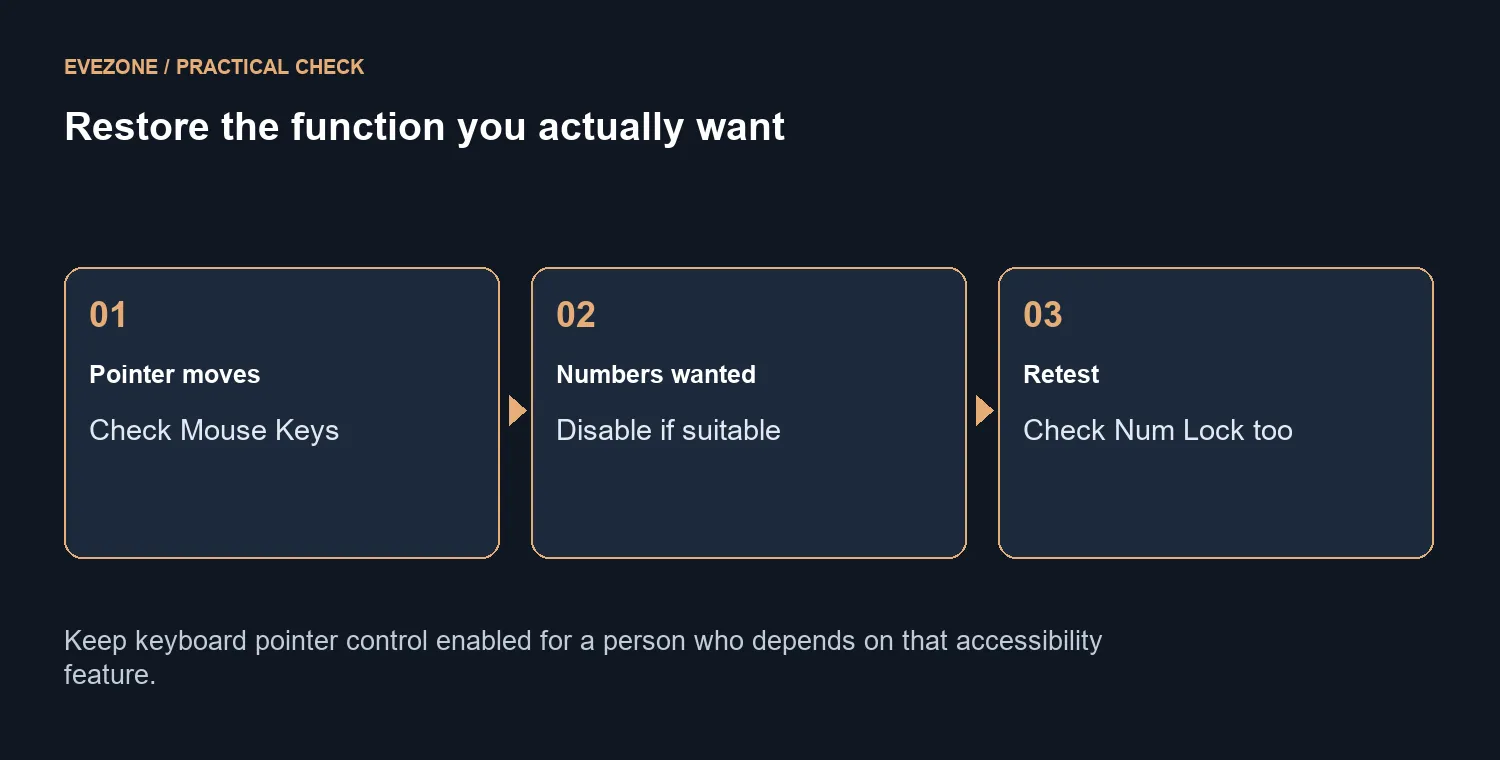
If someone shares the PC, ask whether they rely on keyboard pointer control before disabling it. A setting that is unwanted for one user may be essential for another. Use the normal mouse or keyboard navigation to reach the setting, and keep the working way to control the computer available while you test.
📌 Restore number entry and test it simply
Once Mouse Keys is off for the intended user, inspect Num Lock. Click a plain text field and enter several digits from the keypad. That removes a game's custom bindings from the comparison. If number entry returns there, check the troublesome application next rather than treating the hardware as broken.
A full-size keyboard can still behave differently under application shortcuts or remapping software. Record whether the issue occurs everywhere or only in one program. Avoid changing several accessibility controls at once; Sticky Keys, Filter Keys and Mouse Keys have different jobs, so a broad reset makes the cause harder to explain.
💰 Replace hardware only for a hardware need
If the keypad still fails in a simple text field with the intended settings, check the connection and compare another available keyboard. Keep the test limited to equipment you already have where possible. A problem following one physical keyboard is more useful replacement evidence than a setting that affects every keyboard on the same PC.
The R189 MK120 price is a concrete local reference for a separate keyboard-and-mouse combo. Check layout, connection and required keys before buying. If Mouse Keys was the whole explanation, retain the functioning keyboard and keep a note of the setting, especially on a shared machine where it may legitimately be enabled again.
Frequently Asked Questions
Why would the keypad move the pointer?
Mouse Keys assigns pointer control to the numeric keypad. That can be intentional accessibility behaviour rather than a damaged key.
Where should I check on Windows 11?
Open Settings, Accessibility, Mouse and inspect Mouse Keys. Turn it off only if you want normal number entry instead.
Is Num Lock the only setting?
No. Num Lock affects keypad entry, while Mouse Keys can route keypad actions to the pointer. Check both controls.
How can I test after changing it?
Click into a plain text field and type a few digits with the keypad. Compare the result without any game-specific bindings.
Should I disable it for everyone?
No. Some users depend on keyboard pointer control. Agree on the intended behaviour before changing a shared PC.
What keyboard cost was checked?
Logitech MK120 combo was R189 (stock available, catalogue read 7 October, 2026). A functioning keypad does not need replacement just because Mouse Keys was enabled.
Need a keyboard with the right layout?
Compare Evetech keyboards for your required keys and connection, after checking the Windows input mode.