The search VS Code download for Windows 11 should end with the correct official package, not the first large download button you see. Two details matter before setup: the computer's architecture and the scope of the installation. Choosing them deliberately prevents an ordinary editor install from becoming a confusing permissions problem.
Quick Answer
Use the official Visual Studio Code download page, match x64 or Arm64 to System type, and select User or System Setup for the intended account scope. VS Code itself is R0. On an organisation's PC, follow its installation policy; a Windows version label alone does not identify architecture or give installation permission.
💻 Match the package to the actual computer
Open Windows Settings and inspect the device's system information before selecting a download. Windows 11 runs on more than one processor architecture. A machine described simply as 64-bit still needs the right x64 or Arm64 package. Keep that distinction in mind when a course, colleague or old bookmark points to a specific installer filename.
Use the official code.visualstudio.com address and its current download options. Avoid adding third-party download wrappers to a straightforward setup. You do not need to install a different editor merely because its name resembles Visual Studio Code. Confirm which tool the project expects before spending time configuring extensions or changing the development environment.
👤 Choose installation scope before running setup
User Setup installs for the current account and is the usual personal-PC route when policy allows it. System Setup has a wider installation scope. On a managed computer, that decision belongs with the organisation's approved software process. Do not try to work around a policy refusal by repeatedly running different installers with elevated permissions.
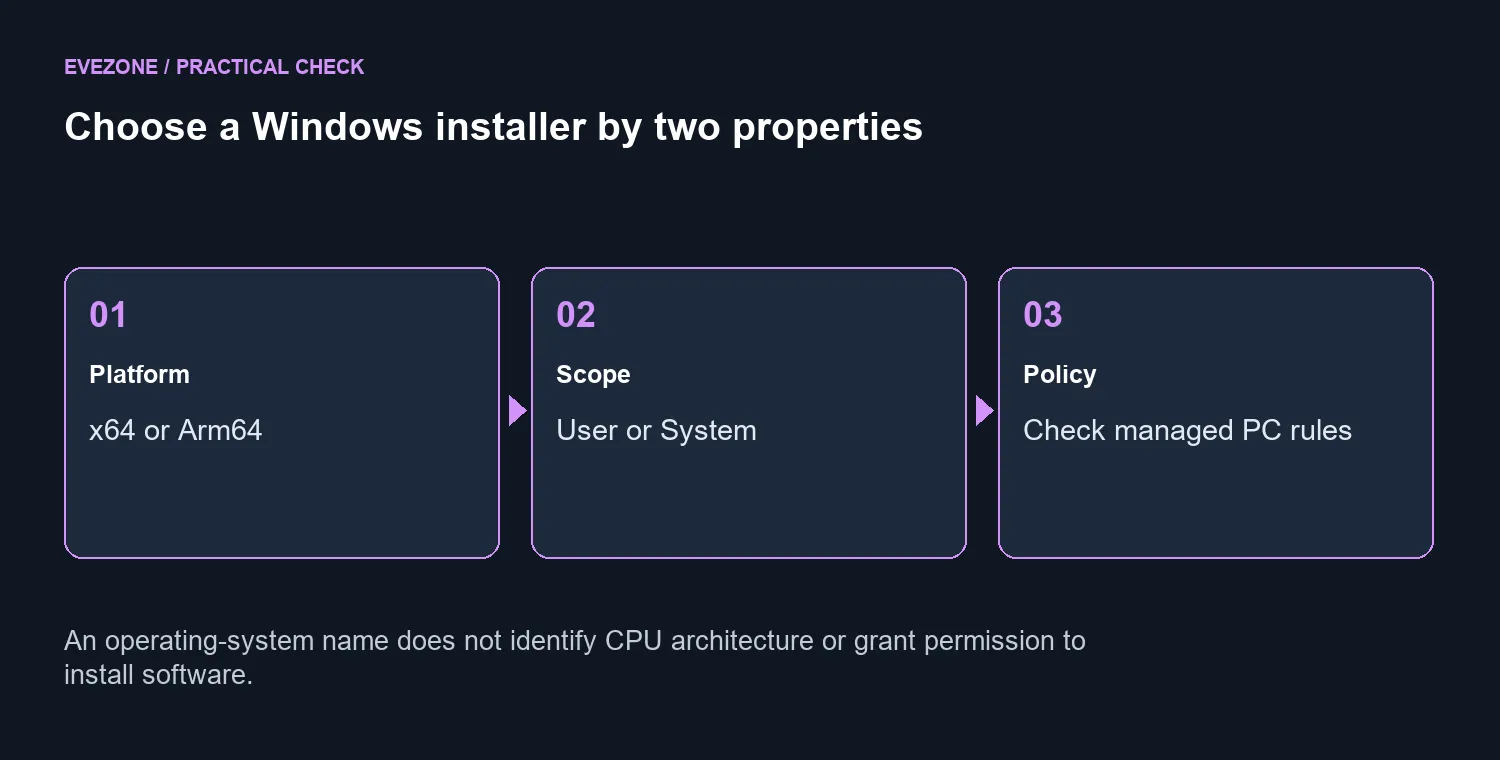
After installing through the approved route, open the editor normally and check that it starts under the intended account. Follow the requirements of your language or project separately. An editor window alone does not establish that compilers, interpreters or other development tools are ready. Make a small test file and verify the next required step rather than downloading an entire collection of extensions at once.
🧰 Judge a PC by the full workload
Writing a short script and running a large development stack are different jobs. Before replacing hardware, identify what is actually slow: editing, building, running services or displaying several windows. That diagnosis makes laptop comparisons more useful than choosing a machine solely because the editor supports Windows 11.
A larger desktop display can help when the problem is limited workspace rather than processor speed. The ASUS Chromebook CM14 listing at R6,999 on 9 October is a separate catalogue reference and is not a Windows recommendation. Request the operating system and configuration your project needs. The editor is free; the sensible budget question is which computer can handle the complete workflow you will run after installation.
Frequently Asked Questions
Where should I download it?
Use the official code.visualstudio.com download page, then choose the Windows package that matches your PC.
What is User Setup for?
It installs for the current user. That is the usual personal-PC option when device policy permits it.
When is System Setup appropriate?
It is intended for system-wide installation. On a managed PC, let the administrator choose the approved method.
Does Windows 11 always mean x64?
No. Windows 11 also runs on Arm hardware. Check System type before selecting an installer.
Is VS Code the same as Visual Studio?
No. They are separate development tools. Install the one required by your project or course.
What should I budget for the editor?
VS Code is available at R0. Optional services and the computer are separate costs; the ASUS Chromebook reference was R6,999.
Set up the editor your project needs. Compare Evetech computers by the complete development workload after choosing the correct Windows installer.