A search for 7-Zip download for Windows 11 is simple until a similar-looking download page enters the picture. Start with the official address and identify your PC before choosing a file. The archive tool is free, and there is no reason to pay a registration fee just to unpack ordinary files.
Quick Answer
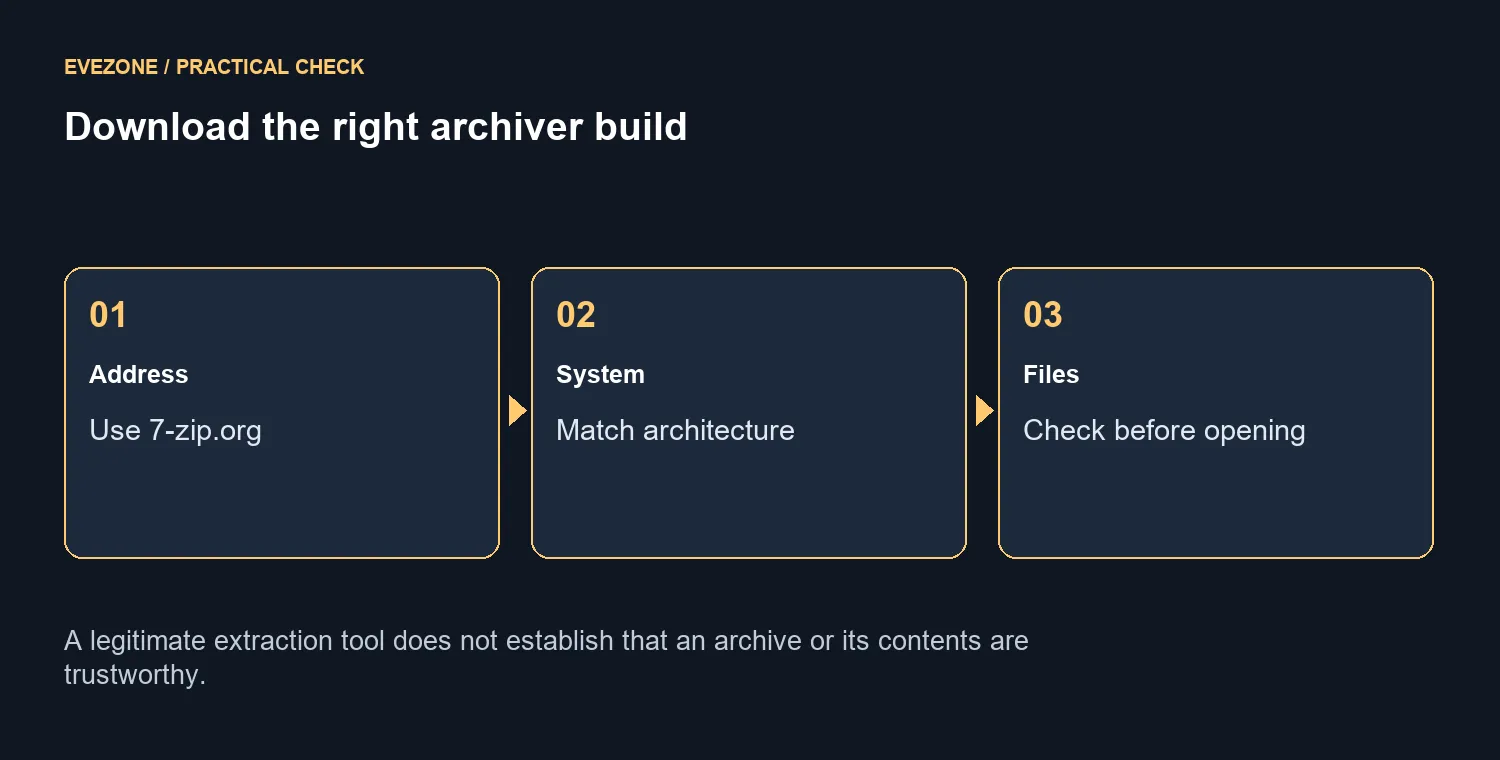
Open 7-zip.org, use its official download links and match the installer to x64 or Arm64 in Windows System type. The site recommends EXE for ordinary installation. The program costs R0; its presence does not prove that downloaded archives or the files inside them are safe.
📦 Choose architecture rather than guessing
Check the PC's system information before selecting the package. Windows 11 alone does not distinguish an x64 machine from an Arm64 machine. Use the appropriate build shown in the official download table, and avoid an old copied installer when a current approved release is available. On a managed PC, ask for the organisation's permitted installation method.
The official page recommends the EXE installer for the normal route and also offers alternatives for other needs. An MSI can have a place in managed deployment, but its existence does not make it the necessary choice for a personal desktop. Select the option that fits the machine and permission model instead of trying every available download.
🗂️ Extract a small archive before changing habits
After approved installation, test with an archive you trust and a destination folder you can easily find. Inspect the contents before running any program inside. Successful extraction establishes that the archive can be opened; it does not establish the trustworthiness of its sender. Keep unfamiliar executable files separate from ordinary documents while you decide what they are.
The format list matters when creating files for someone else. 7-Zip supports creating formats such as ZIP and 7z, while its RAR support is listed for unpacking. Ask what the recipient can open before choosing a format. A small clearly named test archive is more useful than sending a large collection and discovering later that the receiving device cannot handle it.
💾 Separate software cost from storage needs
The archiver does not require a paid registration, so a payment demand is a reason to check what you have downloaded. That is distinct from the hardware cost of storing large projects. Freeing space and organising files can help an existing PC, but avoid deleting originals until you have checked the extracted or copied result.
If the workload genuinely needs a better computer, compare laptop options against its storage and operating-system requirements. Monitor choices can help with managing several folders, though they do not accelerate extraction by themselves. The ASUS Chromebook at R6,999 on 9 October is separate hardware context and not a Windows installer target. Spend on a clear hardware limitation after the R0 tool is installed correctly and the archive workflow is understood.
Frequently Asked Questions
Which website is official?
Use 7-zip.org and follow its download links. Check the spelling rather than trusting a familiar-looking result.
Should I choose x64 or Arm64?
Match System type in Windows Settings. A 64-bit label alone does not distinguish x64 from Arm64.
Does the program cost money?
7-Zip is free software. You do not need to pay or register to use the archiver.
Is EXE or MSI preferred?
The official download page recommends the EXE installer. Managed deployment may have separate administrator requirements.
Can it create a RAR archive?
The official feature list describes RAR unpacking, not RAR packing. Choose a supported creation format such as 7z or ZIP.
Does extraction prove a file is safe?
No. A valid archive can contain harmful files. Examine the source and contents before opening extracted programs.
Organise archives with the right tools. Look at Evetech computer and display choices when storage work calls for a real hardware improvement.