




Second-Hand GPU Buying Guide on a R5,000 SA budget
A second-hand GPU on a R5,000 SA budget can save money but adds condition risk. Check warranty, temperatures, fan noise, ports, seller proof, power draw, and return options first.
Read moreRTX 5090 should be enough for Palworld at 1080p when the rest of the PC is balanced. Use this SA-focused guide to weigh settings, monitor refresh, CPU balance, and upgrade room without relying on unsupported FPS claims.
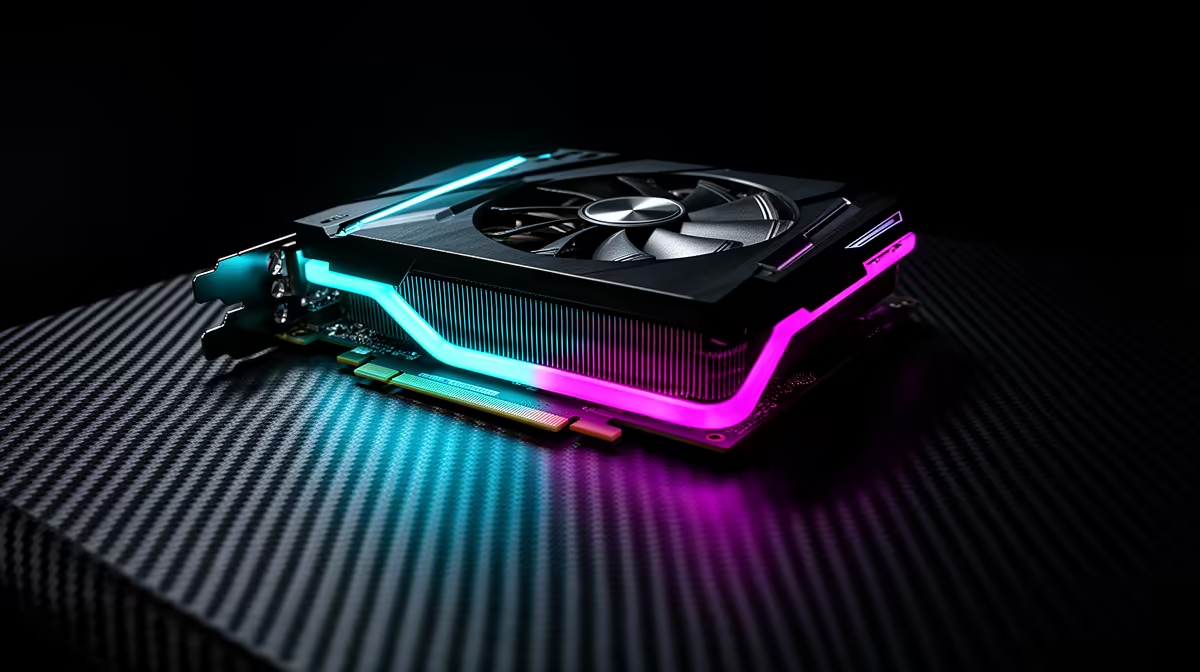
Yes, the RTX 5090 is overkill for Palworld at 1080p. Expect roughly 200-260 fps at maxed settings, well past the refresh rate of most SA gamers' panels. The card is GPU-bound only at 4K here; at lower resolutions a fast CPU becomes the limiter.
At 1080p with everything cranked, the RTX 5090 holds 200-260 fps in Palworld. That is a survival-creature title for the GPU, so the headroom goes into a rock-solid 1% low frametime rather than a higher average you cannot see. If you run a 240Hz panel, DLSS Quality plus frame generation will saturate it; if you run a 4K 144Hz screen you can sit on native rendering with no upscaling at all.
The RTX 5090 lands in the R50,000+ band locally, which is flagship territory. For Palworld specifically, that is far more card than the game needs. A survival-creature genre title like this rewards a high-refresh panel and a strong CPU more than raw GPU muscle. If Palworld is your main game, an RTX 5080 or even a 5070 Ti hits the same panel-saturating frame rates for thousands of Rand less. Reserve the 5090 for 4K-with-path-tracing workloads where nothing else keeps up.
Palworld is a moderately CPU-bound game, so the CPU matters. Pair the RTX 5090 with a Ryzen 7 9800X3D or Ryzen 9 9950X3D to avoid leaving frames on the table, especially at 1080p where the GPU has spare capacity. A weaker chip like a Ryzen 5 5600 will cap your averages well below the figures above. Fast DDR5-6000 CL30 RAM also helps the 1% lows in this title.
Around 200-260 fps at maximum settings on a capable CPU. Enabling DLSS frame generation pushes it higher again, comfortably past 240Hz on high-refresh panels.
No, the RTX 5090 runs Palworld at 1080p natively above most refresh rates. Upscaling is optional and mainly useful if you want to feed a 240Hz or higher display.
For this game alone, no. A 5080 or 5070 Ti reaches the same playable frame rates for far less. The 5090 only justifies its premium for the most demanding 4K path-traced titles.
Match the GPU to your panel, not the hype. If Palworld is your main game, browse Evetech's RTX 50-series range and pair a 5080 or 5070 Ti with a 9800X3D for the best frames-per-Rand at 1080p.
A second-hand GPU on a R5,000 SA budget can save money but adds condition risk. Check warranty, temperatures, fan noise, ports, seller proof, power draw, and return options first.
Read more
GPU share on a R20,000 SA budget needs practical checks before buyers act. Use case, budget, support, and expected ownership time all matter, so treat the answer as a decision checklist. Keep it guide-safe for South African readers.
Read more
Ryzen 7 9700X with RTX 5080 in Marvel Rivals needs a bottleneck check around resolution, settings, and CPU-heavy scenes. SA gamers should compare GPU load, frame pacing, and upgrade priorities before changing parts.
Read more
Can the RTX 5090 Still Run Assassin's Creed Origins Maxed needs a cautious look at fit, budget, workload, support, and timing. Use the title as a planning prompt, then compare practical specs, setup limits, and South African buying context before deciding.
Read more
No-regret gaming laptop specs for console-to-PC should be shortlisted around the job it must do. South African buyers should compare CPU, GPU, RAM, and screen quality, warranty path, and upgrade room before treating any pick as best.
Read more
What to ignore when buying power supplies should be shortlisted around the job it must do. South African buyers should compare fit, performance, compatibility, and upgrade room, warranty path, and upgrade room before treating any pick as best.
Read more
Steam content servers unreachable needs a download-path check, not an immediate reinstall of every game. Restart the client, inspect download settings and compare another connection when practical. Clearing the download cache is separate from deleting installed games.

Keychron G6 HE has built-in and swappable battery versions with different weights. The product brief lists 42g and 46g respectively, each with a 3g tolerance. Choose by grip and battery preference before treating one headline weight as universal.

Corsair HS80 v2 MAX supports 2.4GHz wireless and Bluetooth. Its maximum battery figures use RGB-off conditions and differ by connection. Check microphone routing, comfort and the exact device support before assuming every wireless mode behaves alike.

Windows taskbar notification badges can be shown or hidden in Taskbar behaviours. This changes the small app indicators, not the underlying messages. Choose a calmer desktop while keeping a deliberate routine for checking important conversations and app updates.

Windows transparency effects can be switched off to make supported backgrounds more opaque. Use Accessibility, Visual effects or the colour settings, then compare a menu against your wallpaper. This R0 preference changes appearance; it is not a promised.

Windows title bar window shake can minimise other open windows when you shake the active window by its title bar. Inspect the Multitasking setting and switch it off if that gesture interrupts your work. The preference costs R0 and does not require new hardware.

Windows Print Screen opens Snipping Tool when its keyboard preference is enabled. Change the option under Accessibility, Keyboard to choose another workflow. Test whether you need a clipboard image or a saved file.

Windows desktop icons missing may be a visibility setting. Right-click the desktop, choose View and inspect Show desktop icons. If only system icons are absent, use Desktop icon settings. Check the Desktop folder before assuming files were deleted.
Windows transparency effects can be switched off to make supported backgrounds more opaque. Use Accessibility, Visual effects or the colour settings, then compare a menu against your wallpaper. This R0 preference changes appearance; it is not a promised.

YouTube no sound is worth checking at the player, browser and device levels first. Unmute the video, check the selected audio output and compare another clip and app. These R0 checks help narrow the fault without assuming that speakers or headphones need replacement.

iPhone overheating needs a cooler environment and a pause in demanding activity. If a temperature warning appears, Apple advises turning the device off and letting it cool away from sunlight. Charging may slow or stop automatically; this protection is not proof of a.

Play Store update is separate from updating individual Android apps. Open the store profile, Settings, About and Update Play Store to check the store itself. Use Manage apps and device for app updates, and choose a suitable data connection before starting large.