

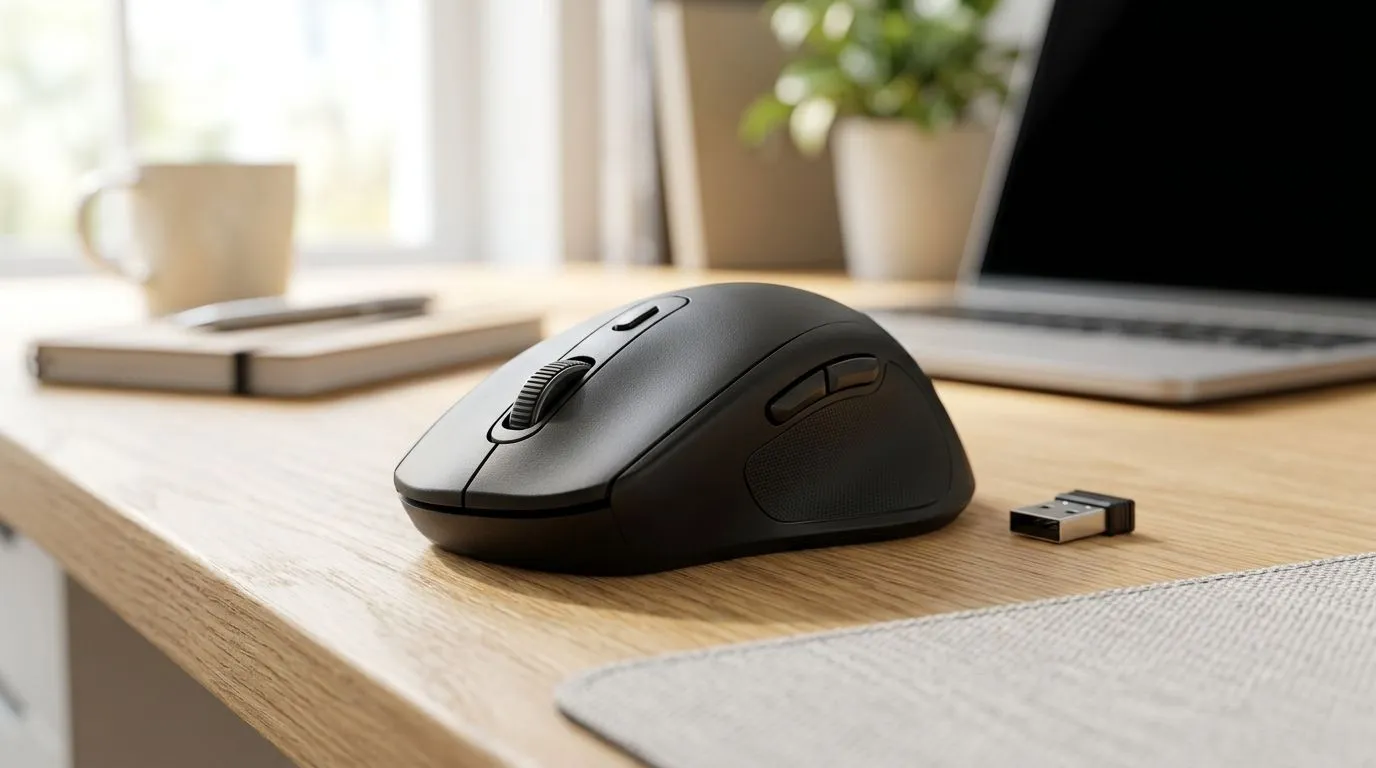
Affordable Wireless Mouse Options Under R300 for Students: Start Gaming Smarter (and Cheaper) ✨
If you’re a student balancing budget, assignments, and the odd gaming session, your mouse choice matters more than you’d think. A clunky cursor, shaky tracking, or laggy clicks can ruin your aim and waste time. The good news? There are affordable affordable wireless mouse options under R300 for students that feel surprisingly solid for everyday use in South Africa.
In this Deals Watch guide, we’ll help you pick a wireless mouse that actually works, without throwing your ZAR down the drain.
What to Check Before You Buy: The Wireless Mouse Checklist 🔧
Before you add anything to your basket, focus on four things. These are the usual culprits when a “budget” mouse disappoints.
Battery life and charging reality
Wireless usually means either rechargeable batteries or disposables. If you’re buying for study weeks and exams, go for predictable charging. If you’re unsure, prefer models with easy battery handling and widely available replacements.
Sensor and tracking (smooth cursor, fewer “skips”)
You don’t need a premium sensor for Word docs and browsing, but you do need consistent tracking. If the mouse stutters on your desk, your workflow slows down. For gaming, this matters even more.
Click feel and reliability
Budget switches can vary. What you want is a click that feels consistent for coursework, then holds up when you jump into a match after hours.
Connection stability (2.4GHz matters)
Most low-cost “wireless” mice use a 2.4GHz dongle. That’s typically more stable than Bluetooth for gaming-style movement. If your laptop is always changing power states, a dongle connection often behaves better.
Productivity Pro Tip ⚡
On Windows, disable “Allow the computer to turn off this device to save power” for your mouse and wireless receiver in Device Manager. That one setting can reduce random disconnects during long study sessions.
Where to Shop in Evetech Deals Watch: Wireless under R300 🚀
If you’re ready to compare options, start with Evetech’s mouse accessory and wireless selections. It makes it easier to find the right category fast, especially when you’re working under a hard budget like R300.
You can browse:
- Wireless mouse options here: Wireless mouse deals
- If you’re also considering accessories or upgrades, check: Mouse accessories
- For a fallback option (sometimes best for value), take a look at: Wired mice
And if you want to hunt for the best price spikes, don’t miss: Best gaming mouse deals.
How Students Should Choose: My quick real-life approach ✨
Here’s the method I’d use if I were buying on campus. First, decide your main environment: dorm desk, library desk, or shared workspace. Then pick a mouse that will still feel smooth on mixed surfaces.
If you’re mostly gaming between tutorials, prioritise connection stability and comfort. If it’s mostly essays and spreadsheets, comfort plus reliable clicks wins. Either way, wireless under R300 should feel “good enough” instantly, not after a week of frustration.
If you want a wider selection of compatible budget models, this category helps you compare shapes and styles: Gaming mouse models.
Make It Count: One last buying checklist before checkout ✅
Before you pay, do this fast scan:
- Does the listing clearly identify it as wireless and show the connectivity method?
- Is the mouse comfortable for your grip style (palm, claw, or fingertip)?
- Are you buying from a store with straightforward returns or support?
Get the best affordable wireless mouse options under R300 for students by choosing reliability over flashy marketing. Your aim and your deadlines will thank you.
Ready to Find Your Perfect Match? The Mac vs Windows debate is complex, but for maximum power, choice, and value in South Africa, Windows is hard to beat. Explore our massive range of laptop specials and find the perfect machine to conquer your world.








