

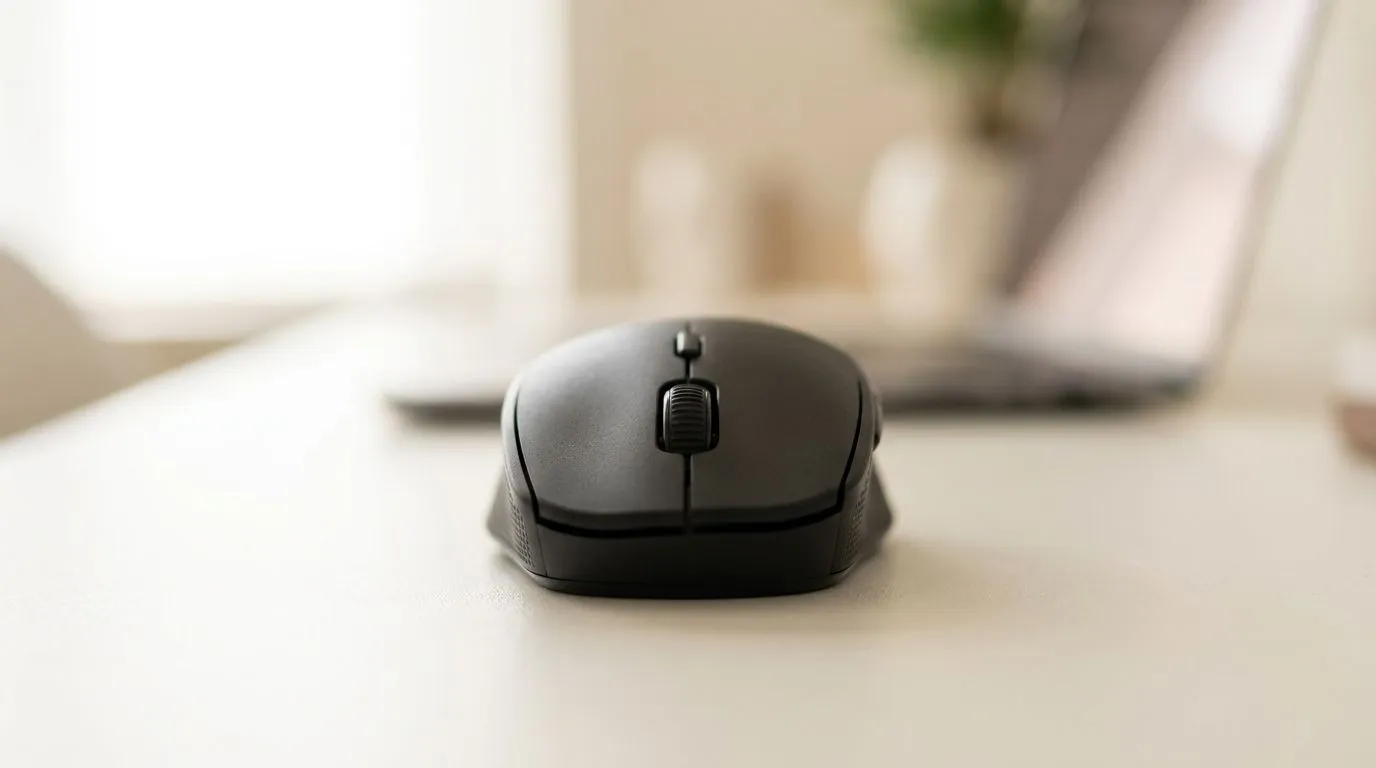
Best Budget Wireless Mice Under R500 for Productivity in SA
Buying a new mouse in South Africa often means choosing between comfort, accuracy, and… your budget. If you’re working from home, levelling up after work, or editing clips between matches, a good wireless mouse can cut frustration fast.
In this guide, we’ll focus on Best Budget Wireless Mice Under R500 for Productivity in SA. Expect practical checks, what to prioritise, and where to browse so you can get back to doing what matters. ✨
What “Productivity” Really Needs (Not Just Extra DPI)
For everyday work, productivity comes down to repeatable movement and reliable tracking on your desk. Here’s what to look for before you buy:
- Sensor consistency: Higher DPI isn’t the whole story. What matters is smooth tracking across your mouse pad.
- Ergonomics: If it feels off after 10 minutes, it will feel worse after 2 hours. Your grip style should match the shape.
- Connectivity: Wireless should stay stable during long sessions. Look for modern wireless options and known brands.
- Battery sanity: Charging once a week is fine. Charging every day is not.
Evetech’s mouse category pages are a good starting point if you want to compare options quickly, especially when you’re filtering for wireless models and value.
Quick Buying Checklist Before You Click “Add to Cart” 🔧
Before you commit, run this mini checklist. It saves money and returns.
- Measure your grip: Palm, claw, or fingertip. Most budget mice are “one-size-ish”, but shape still matters.
- Check scroll feel: A jumpy scroll can ruin spreadsheets and timelines.
- Confirm button layout: Side buttons help for back/forward in browsers and app shortcuts.
- Use a proper mouse pad: Budget sensors can struggle on glossy or uneven surfaces.
Productivity Pro Tip ⚡
Windows users can speed up desk workflows by setting consistent mouse behaviour in Settings → Bluetooth & devices → Mouse. Try adjusting pointer speed slightly, then test in a document and a spreadsheet. When the cursor movement feels right, you’ll click with confidence instead of fighting the hardware.
Where to Shop in Evetech (Wireless Options + Comparisons)
If you want to explore without guessing, start with these Evetech categories and compare directly:
For the best “under R500” hunting, browse the wireless mouse selection here: Shop wireless mouse options
If you’re open to wired for the sake of reliability (especially for long work sessions), you can compare too: Compare wired mouse options
And if you’re already bought-in and just need the right add-ons, cables, or accessories, check: Browse mouse accessories
Then, if your budget wiggles a bit when a deal drops, keep an eye on limited-time savings: See the best gaming mouse deals
Finally, for broader context and to compare models by spec, use this category page as a reference point while you shortlist: Explore gaming mouse options
A Micro-Story: The Mouse That Fixed My “Cursor Drift” Problem
One evening, I switched between editing and spreadsheets and kept blaming my trackpad. The real issue was the surface. My desk mat was shiny and uneven. After moving to a proper mouse pad and setting the pointer speed, the cursor felt predictable again… like my workflow had regained control.
That’s the thing about productivity. It’s rarely one feature. It’s consistency. And wireless can be genuinely great when you pick the right shape and test properly. 🚀
Best Budget Wireless Mice Under R500 for Productivity in SA: Final Picks Criteria
When you’re targeting Best Budget Wireless Mice Under R500 for Productivity in SA, prioritise:
- comfort for your grip (not just aesthetics)
- stable wireless performance
- a sensor that behaves on your desk setup
- sensible battery expectations
Do that, and you’ll stop mouse shopping every few months. You’ll just… use it.
Ready to Find Your Perfect Match? The Mac vs Windows debate is complex, but for maximum power, choice, and value in South Africa, Windows is hard to beat. Explore our massive range of laptop specials and find the perfect machine to conquer your world.








