


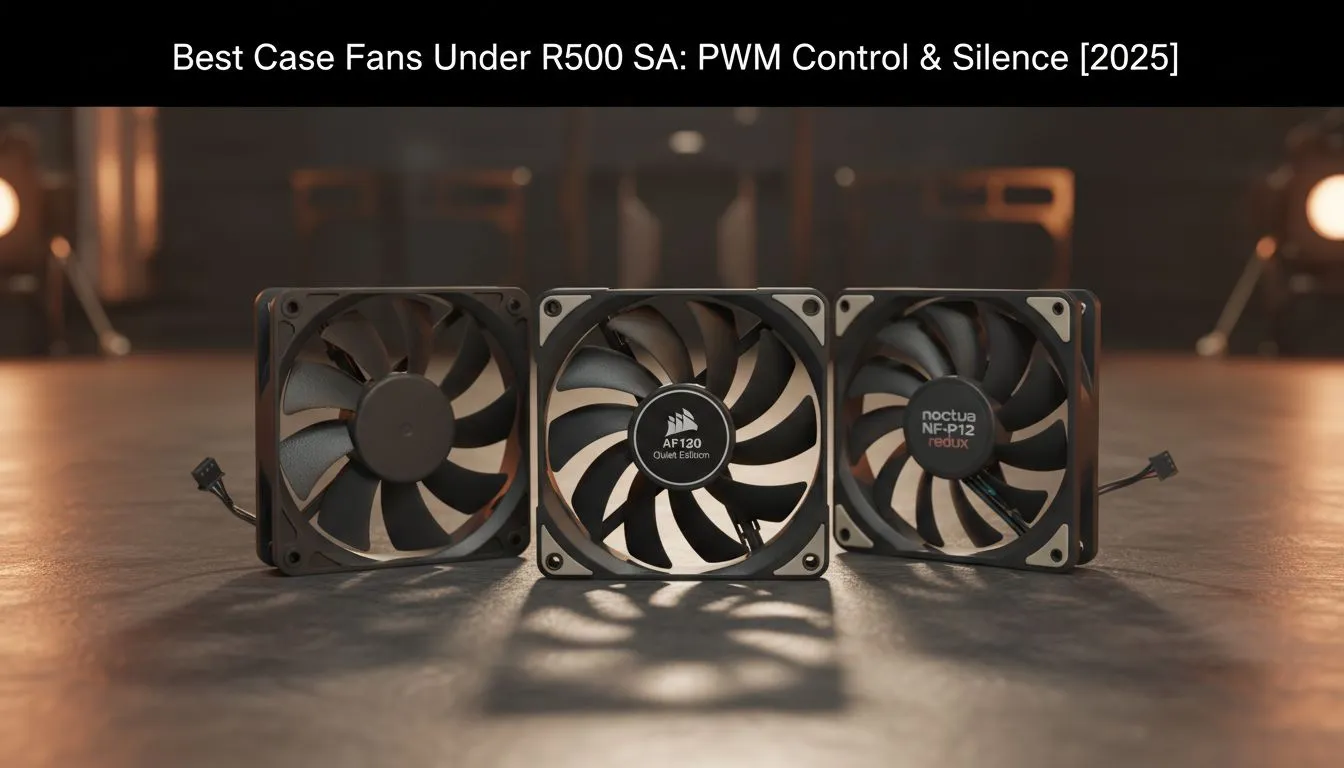
Is your gaming PC starting to sound like it's preparing for takeoff at O.R. Tambo? High temps don't just mean loud noise; they mean your components are thermal throttling, robbing you of precious FPS. The good news? You don't need to break the bank to fix it. A few smart upgrades can make a world of difference. This guide will help you find the best case fans under R500 with the features that matter most: PWM control and near-silent operation. 🤫
Why PWM is Your Secret Weapon for a Quiet Rig
Before you grab the cheapest fan you can find, let's talk about four little letters: P-W-M. It stands for Pulse Width Modulation, and it's the single most important feature to look for in a modern case fan.
So, what does it do? Instead of running at a fixed speed like older DC fans, a PWM fan lets your motherboard intelligently control its speed based on temperature.
- Browsing the web or doing work? The fans spin slowly and quietly.
- Jumping into a heavy Apex Legends match? They ramp up automatically to keep your components cool under pressure.
This dynamic control is the key to achieving a system that’s both powerful and peaceful. Opting for PWM is the first step in finding the best case fans under R500 that deliver performance without the noise pollution.
Finding the Best Silent Case Fans Under R500
Silence is golden, especially during those tense, clutch moments in-game. When you're shopping for quiet case fans under R500, PWM is only half the story. The physical construction of the fan plays a massive role in how much noise it produces. Here’s what to look for:
Bearings and Blade Design
The bearing is the heart of the fan. Cheaper fans often use "sleeve bearings," which are prone to wear and can become noisy over time. Look for fans with Fluid Dynamic Bearings (FDB) or magnetic levitation where possible. These are engineered for lower friction, meaning less noise and a much longer lifespan.
Blade design is also crucial. Manufacturers spend a fortune optimising the shape and curve of fan blades to maximise airflow while minimising turbulence—the primary source of that annoying "whooshing" sound.
Airflow Pro Tip ❄️
Fan placement is just as important as fan quality! A standard setup is to have front fans as 'intake' (pulling cool air in) and rear top fans as 'exhaust' (pushing hot air out). This creates a clear path for air to travel through your case, efficiently cooling all your components. Check for small arrows on the fan's frame indicating airflow direction.
It’s Not Just About Fans... Think Bigger Picture 💨
Achieving the ultimate chilled and quiet PC is a team effort. Your new case fans will work wonders, but they are part of a larger ecosystem. The single biggest heat generator in your rig is your processor, and giving it proper cooling is essential. Without it, even the best case fans are just blowing hot air around.
Your CPU's temperature directly impacts performance, so pairing your case airflow with a solid CPU cooler is non-negotiable for any serious gamer or creator. You generally have two choices. For reliability and raw performance, you can’t go wrong with powerful air coolers, which use a heatsink and fan to dissipate heat.
Alternatively, for a sleek aesthetic and top-tier cooling potential, many builders opt for All-in-One (AIO) liquid coolers. If you're running a high-end CPU or love to overclock, a system with a beefy 360mm radiator can provide the headroom you need. While these often exceed the R500 budget, it's worth seeing what premium brands like Corsair offer for a future upgrade path.
Ready to Chill Out Your Rig? A cool PC is a fast and quiet PC. Armed with this knowledge, you're ready to make a smart choice. Explore our wide range of PC case fans and find the perfect, affordable solution to drop your temps and silence the noise.









