

Best Value SSD Upgrades Under R2000 for Faster Computing: The “Why” for SA gamers
If your PC feels slow loading games, it’s often not your GPU… it’s storage. Waiting on maps, shaders, and menus gets annoying fast, especially in South Africa where data caps and “offline time” are real. 🔥 A solid-state drive (SSD) upgrade can make your system feel new for under R2000, even if you keep your current CPU and graphics card. Let’s make that upgrade count.
Best Value SSD Upgrades Under R2000 for Faster Computing: What you actually get
Under R2000, the best value usually means:
- Reliable SATA SSDs for simple upgrades (most affordable path)
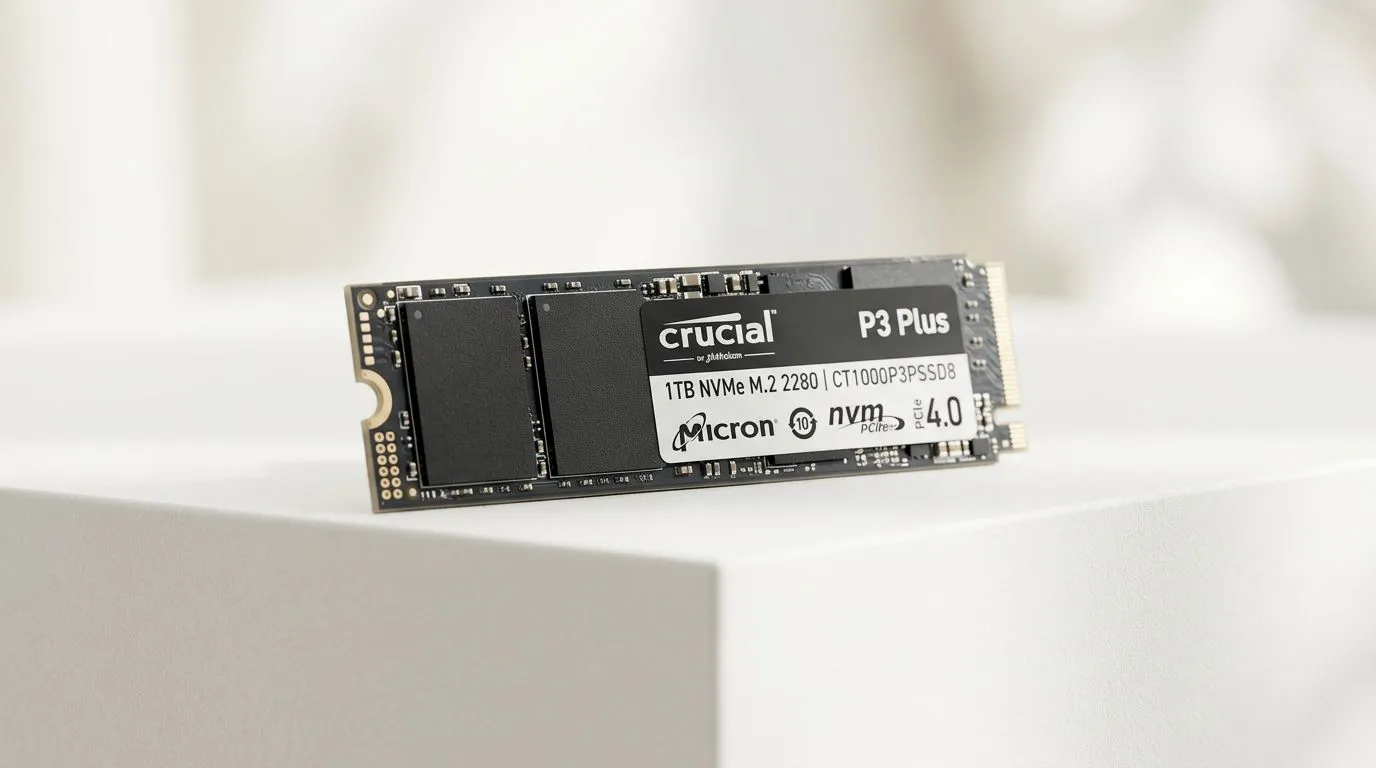
- M.2 NVMe SSDs for speed and convenience, if your PC supports it 🔧
- Enough capacity to stop uninstalling and reinstalling just to make space
For the cleanest buying decisions, start from Evetech’s SSD category page and then filter by brand, interface, and form factor. That way you don’t accidentally buy the wrong size for your motherboard. 🚀
Quick sanity check before you buy
Before checkout, confirm two things:
- Your motherboard supports the SSD type you want (SATA vs M.2, and which M.2 slot size like 2280).
- Your budget includes migration (cloning or a fresh Windows install).
Storage Upgrade Pro Tip ⚡
On a PC with an SSD already installed, clone your existing drive before swapping. It reduces downtime because your Windows setup, launcher logins, and game installs stay intact. After cloning, check BIOS boot order and run a quick disk health check to confirm everything is detected correctly.
Best Value SSD Upgrades Under R2000 for Faster Computing: Where to shop (and what to look for)
Start with Evetech’s solid-state drive selection, then narrow it down based on your needs:
- Browse Evetech’s full SSD options here: buy solid-state drives
- If you’re loyal to a brand, try: ADATA SSDs
- Or go with a more mainstream pick like: Kingston SSDs
- If you’re going the M.2 route, filter by size: M.2 2280 form factor SSDs
- If your goal is best performance on supported systems, use interface filters like: Gen 5 / NVM… interface options
A micro-story from the Evetech desk
We see the same scenario often. A player drops a new GPU in, but the “new” experience feels only halfway there. Then they move games from a hard drive to a budget SSD… and suddenly match loading is faster, map transitions feel smoother, and the whole rig is less “sticky” when multitasking. ⚡ That’s not magic. It’s storage latency and throughput improving, which Windows and games lean on constantly.
Best Value SSD Upgrades Under R2000 for Faster Computing: The upgrade plan that avoids regret
To stay on budget and reduce mistakes:
- Choose the right interface first (SATA vs M.2).
- Buy for your games and Windows needs: aim to keep your main games on the SSD and move downloads or archives elsewhere.
- Don’t chase empty benchmarks. Prioritise compatibility and reliability over “the highest number.”
If your current drive is near full, upgrading capacity can help too. Games today are big, patches get bigger, and storage pressure can slow day-to-day performance.
Budget Fit Checklist ✨
Before installing, write down your current storage type, your motherboard model, and whether you’re using a 2.5-inch bay or an M.2 slot. Then match that to the Evetech filters so you don’t waste money on the wrong form factor or interface.
CALLTOACTION
Ready to Find Your Perfect Match? Looking for the best value SSD upgrades under R2000 for faster computing? The safest way is to shop by compatibility and compare options on Evetech. Explore our massive range of laptop specials and find the perfect machine to conquer your world.








