


Staring at a stuttering timeline, waiting an eternity for a render to finish… every South African video editor knows the pain. Your creativity is flowing, but your PC just can't keep up. The good news? You don't need to break the bank for a smooth 4K editing rig. This week, we're diving into the essential PC parts for video editing and highlighting some incredible deals that will get you back in the creative zone. 🚀
The CPU: The Brains of Your Editing Operation
When it comes to video editing, your Central Processing Unit (CPU) does the heaviest lifting. It's responsible for encoding, decoding, and processing complex effects. More cores and threads generally mean faster render times and smoother playback of multiple video layers.
For intense, multi-threaded tasks like exporting a final cut, a processor with a high core count is a massive advantage. This is where you'll find that many of the best AMD Ryzen PC deals truly shine, often offering excellent performance-per-rand. On the other hand, for snappy timeline scrubbing and quick previews, high single-core clock speeds are vital. Many editors prefer Intel for its integrated Quick Sync technology, which dramatically accelerates encoding in supported software like Adobe Premiere Pro. It's worth checking out the latest Intel PC deals to see how they stack up.
RAM and Storage: The Unsung Heroes of a Smooth Workflow
A powerful CPU is useless if it's constantly waiting for data. That's where RAM and storage come in.
Why RAM Matters
Random Access Memory (RAM) is your PC's short-term memory. Video editing, especially with 4K footage and multiple effects, eats up RAM like nothing else. 16GB is the absolute minimum, but for a comfortable, lag-free experience, 32GB is the sweet spot. If you're working with 6K/8K footage or heavy visual effects, pushing to 64GB is a worthy investment.
The Need for Speed: NVMe SSDs
Your storage drive's speed directly impacts how quickly you can load projects, preview files, and scrub through your timeline. A fast NVMe SSD (Non-Volatile Memory Express Solid-State Drive) for your operating system, software, and active project files is non-negotiable. It can be more than five times faster than a standard SATA SSD, eliminating those frustrating loading bottlenecks. Use a larger, more affordable hard drive (HDD) for long-term storage and archiving. ✨
The GPU: Your Visual Effects Accelerator
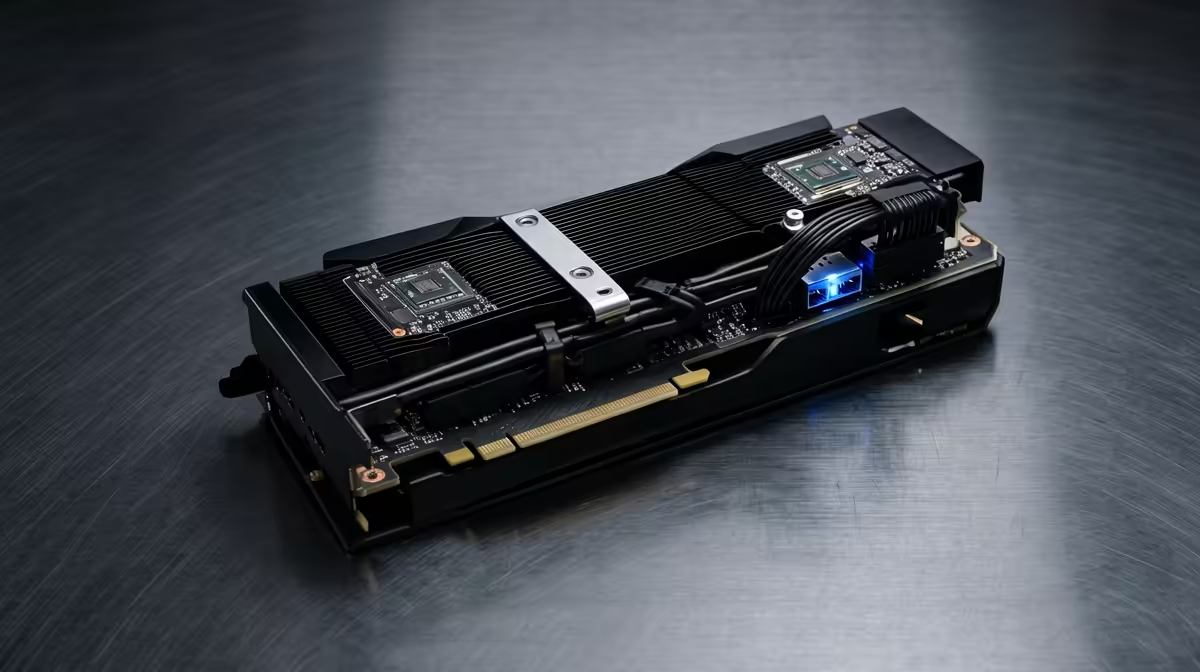
While the CPU is the workhorse, the Graphics Processing Unit (GPU) is the specialist. In video editing, its primary role is to accelerate GPU-accelerated effects, colour grading, and, in many cases, the final export.
Software like DaVinci Resolve and Premiere Pro leverages the GPU's CUDA cores (NVIDIA) or OpenCL (AMD) to process visual data much faster than a CPU ever could. This means real-time playback of colour-graded footage and significantly shorter render times for projects heavy on visual effects. You don't need the most expensive gaming card, but a solid mid-range GPU with at least 8GB of VRAM will make a world of difference.
Editing Workflow Pro Tip ⚡
Use a proxy workflow for high-resolution footage (4K and above). Most editing software can create low-resolution "proxy" copies of your files for smooth editing, even on a mid-range PC. When you're ready to export, the software automatically switches back to the original high-quality files for the final render. It's a simple trick that saves hours of frustration.
Putting It All Together: Smart Buys for Editors
Choosing the right PC parts for video editing is a balancing act. You need to ensure no single component bottlenecks the others. While building your own rig gives you ultimate control, sometimes a pre-configured system offers better value and saves you the hassle. The key is to find a build that prioritises the CPU and RAM.
For aspiring creators or those on a tighter budget, you'd be surprised at the power you can get without spending a fortune. There are fantastic pre-built PCs under R20,000 that are perfectly capable of handling 1080p and even some 4K editing, giving you a powerful, optimised starting point.
Ready to Build Your Editing Beast? Sourcing the right PC parts for video editing can feel overwhelming, but the performance boost is massive. Whether you're upgrading a single component or building from scratch, we've got the deals to make it happen. Explore our wide range of PC deals and find the perfect machine to bring your vision to life.









