

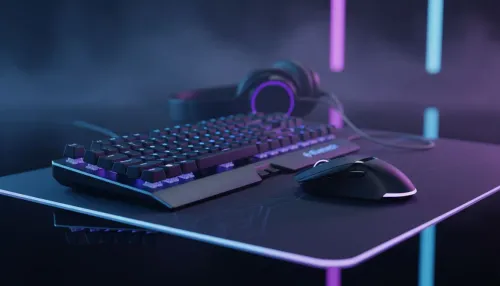
Best Budget Gaming Peripherals to Start Your Setup
Best budget gaming peripherals: Shop affordable keyboards, mice, headsets and mousepads at Evetech to kickstart your PC setup with solid performance and value. 🛒🎮
Read moreLooking for the best Wi-Fi routers South Africa has to offer? Stop lagging and start winning with our premium selection of high-speed gaming and streaming routers. Discover unbeatable prices on top brands like ASUS, TP-Link, and more. Upgrade your home network today for flawless connectivity! 🚀💻

You’re one kill away from clutching the round... then it happens. The dreaded lag spike. Your ping skyrockets, your character freezes, and you’re staring at a respawn screen. Often, the culprit isn't your ISP, but your router. Finding the right Wi-Fi routers in South Africa can feel overwhelming, but upgrading is the single best way to unlock faster speeds and stable connections for your gaming and streaming needs. Let's get you sorted.
That free router your Internet Service Provider gave you? It’s designed to be "good enough" for basic browsing, not for the demands of a modern, connected South African home. These units often use older technology, have weaker antennas, and lack the processing power to handle multiple devices streaming, gaming, and working simultaneously.
When everyone in the house is connected, these basic routers start to struggle, leading to buffering, dropped connections, and that infuriating in-game lag. Upgrading to a dedicated unit from our range of wireless routers introduces modern features like Wi-Fi 6 (802.11ax), which is specifically built to manage network congestion and deliver consistent performance to dozens of devices at once. ✨
Not all homes are the same, and neither are their network needs. Finding the best deal on Wi-Fi routers in South Africa starts with understanding your own space and usage.
A powerful, standalone router is often the perfect solution. Look for models with Wi-Fi 6 support and good antenna design. These can easily cover a flat or a smaller house, providing a massive performance boost over standard-issue hardware.
If you have a larger home with lots of walls or multiple floors, you’ve probably experienced frustrating Wi-Fi "dead zones." This is where a Mesh Wi-Fi system excels. Instead of one single point, a mesh system uses multiple nodes to create a single, seamless network that covers your entire property.
And if you've just upgraded your internet package, you need a router that can keep up. Many high-performance fibre routers are built specifically to handle those gigabit speeds without breaking a sweat.
Place your router in a central, elevated location, away from thick walls, metal objects, and microwaves. This simple trick can drastically improve signal strength and coverage throughout your home, reducing the need for extra hardware.
Sometimes, the router is only part of the puzzle. Even the best Wi-Fi routers can struggle with thick brick walls or long distances. If you have one or two stubborn dead spots, you don't always need a whole new system. Often, strategically placed wireless range extenders can effectively rebroadcast your signal into those hard-to-reach corners of your home. 🚀
What if the router is fine, but your PC still feels slow? Your computer's built-in Wi-Fi might be outdated. Upgrading to a modern USB or PCIe wireless adapter can give an older machine a new lease on life, allowing it to take full advantage of the speeds your new router provides.
Building a reliable home network is about creating a strong chain, from the modem to your device. By looking at your entire wireless networking setup, you can pinpoint the weakest link and finally enjoy the internet speeds you pay for.
Ready to Banish Lag for Good? A slow connection is frustrating, but the fix is often simpler than you think. Upgrading your router is the first step to unlocking smooth gaming, buffer-free streaming, and lightning-fast downloads. Explore our premium Wi-Fi router deals and find the perfect upgrade for your home network today.
The best gaming routers, like those from ASUS ROG or TP-Link Archer, offer Wi-Fi 6, low latency, and QoS settings to prioritize game traffic for a lag-free experience.
A good Wi-Fi 6 router price in South Africa can range from R1,500 for entry-level models to over R8,000 for high-performance gaming or mesh systems.
While your ISP provides a basic one, upgrading to a high-performance router unlocks your fibre's full potential with better speeds, range, and more stable connections.
Mesh Wi-Fi systems use multiple nodes to create a seamless, powerful network that eliminates dead zones in larger homes, ensuring strong Wi-Fi signal everywhere.
Brands like TP-Link, ASUS, and Netgear are highly recommended, offering reliable dual-band Wi-Fi routers for home that perfectly balance performance and affordability.
A long-range Wi-Fi router uses powerful antennas and beamforming technology to extend your signal, providing reliable internet coverage throughout a large house or even outdoors.
Evetech consistently offers competitive pricing and fibre router specials SA on a wide range of premium brands, ensuring you get top performance for your money.
Yes. An affordable Wi-Fi router for streaming with modern AC or AX technology prevents buffering and ensures a smooth 4K viewing experience on all your devices.
Best budget gaming peripherals: Shop affordable keyboards, mice, headsets and mousepads at Evetech to kickstart your PC setup with solid performance and value. 🛒🎮
Read more
Discover the best smartwatch specials South Africa has to offer, right here at Evetech! We’ve curated the top deals on leading brands like Apple, Samsung, and Garmin. Track your fitness, stay connected, and elevate your style without breaking the bank. Shop now for unbeatable prices! ⌚️🔥
Read more
3-in-1 gaming combos deliver huge savings and streamlined setups for South African gamers. Explore cost breakdowns, top pack types, and where to buy smart in SA 🇿🇦🎮
Read more
Sonic gifts for Xbox Series X/S roundup: 20+ fan-approved controllers, headsets, décor, and limited merch to buy now — picks for budgets and collectors 🎮💙
Read more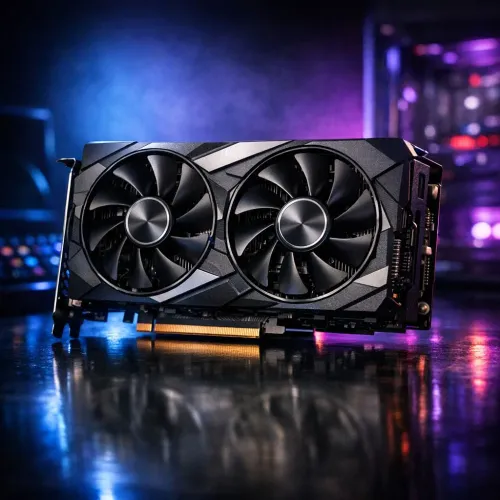
Budget GPUs for PUBG: Compare the top 5 graphics cards under R15,000 in South Africa to get smooth 1080p gameplay, solid FPS, and the best value. ✅ Quick buying tips and local deals to help you pick fast.
Read more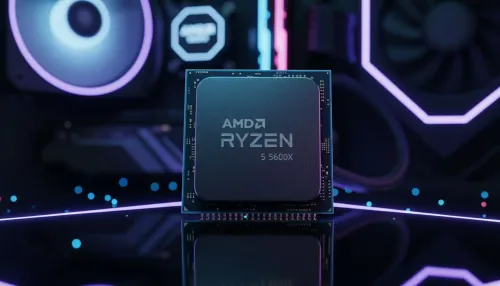
- Best budget CPUs for PUBG under R6,000: shortlist top picks - Compare FPS, price and compatibility - Local SA pricing and where to buy - Upgrade tips and best value choices Find the best budget CPUs for PUBG under R6,000 and boost FPS with affordable, SA-aware recommendations 🎯💸
Read more
Discover webcams that automatically adjust light and color for crystal-clear video calls 🎥✨. Boost your streaming quality today!
Read more
Discover webcams that blend into your workflow 🎯 Capture moments while you work, stream, or create. Upgrade your setup with smart, multitasking tech!
Read more
Dedicated media keys give streamers one-touch control to mute, switch scenes, clip highlights, and adjust audio — cutting task time and boosting consistency 🎛️⚡
Read more
PBT vs ABS keycaps: Clear, local guide for South African gamers—compare feel, sound, durability and where to buy. Find the best material for your budget and playstyle 🎮🇿🇦
Read more
- Multi-Function Digital Dial: define benefits - Show gamer setups and macros - Offer buying and setup tips Multi-Function Digital Dial puts programmable control at your fingertips for faster actions and smoother streaming. 🎮⚙️
Read more
- Explain benefits; - Show the science; - Compare options; - Recommend picks. Magnetic wrist rest for gaming cuts wrist strain and boosts comfort during long sessions 🕹️✨
Read more