


Complete Guide: Setting Up Monitor Light
Setting Up Monitor Light. Tested & verified settings for best FPS and visual quality on SA hardware budgets.
Read more0.03ms response time explained: learn how to eliminate ghosting in fast-paced shooters with overdrive tuning, testing tips, and settings that restore pixel-precise aim 🎯
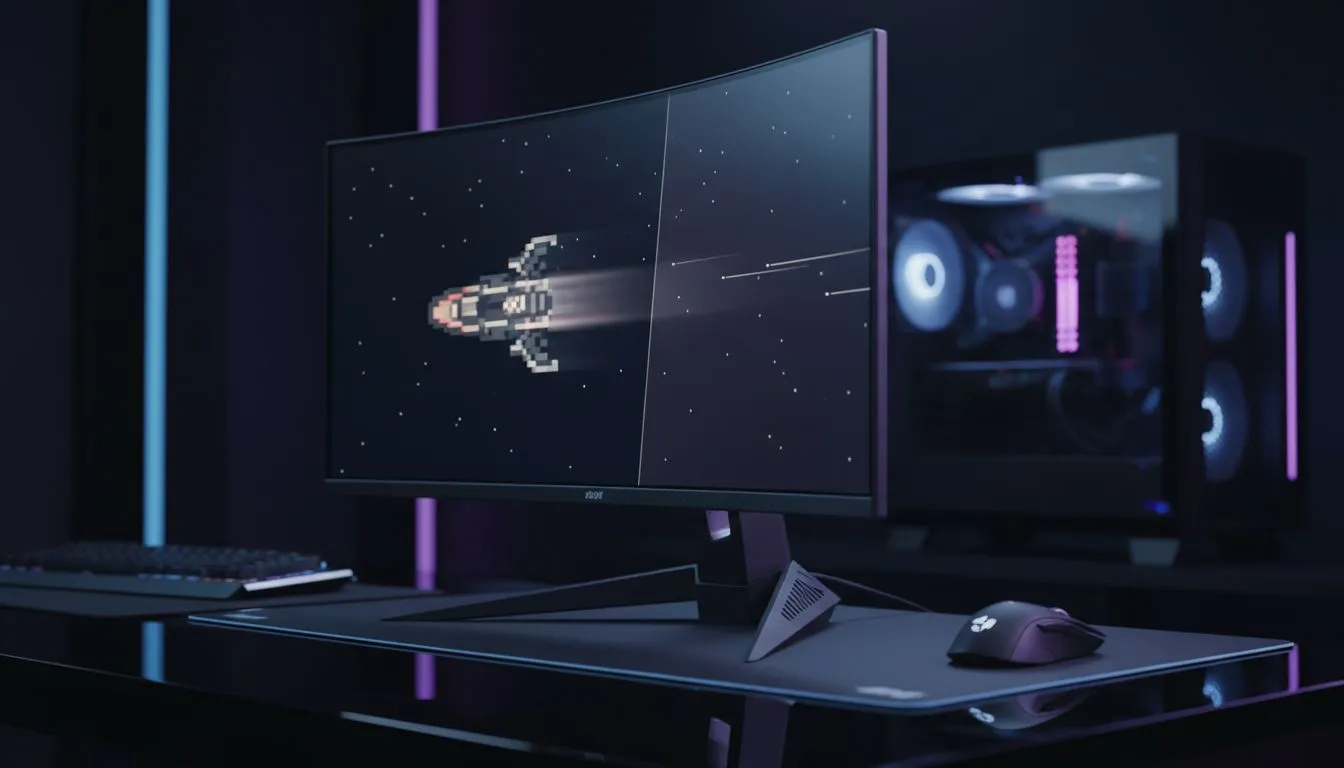
Ever felt like you hit that shot in CS2 or Valorant, but the enemy just... slid away? In South Africa, we often blame ping or "the lag". However, your screen might be the real culprit behind those missed headshots. Understanding how 0.03ms response time explained: eliminate ghosting in shooters can transform your gameplay is vital for anyone looking to climb the competitive ranks.
When looking for the best PC monitor deals, you will see various specs. Most high-end PC monitors boast a 1ms response time. While 1ms is fast, the new 0.03ms standard found in OLED panels is roughly 33 times quicker. This speed refers to GtG (Grey-to-Grey), the time it takes for a pixel to change from one colour to another. ⚡
Ghosting occurs when pixels cannot change fast enough to keep up with moving objects. This creates a blurry trail or "ghost" behind your target. In a fast-paced flick-shot scenario, that blur makes it impossible to track enemies accurately. When you browse all gaming monitors, the 0.03ms spec is the gold standard for visual clarity.
By choosing a panel with such a low response time, you effectively eliminate motion blur. The result... absolute clarity, even during 180-degree turns. This is particularly noticeable on curved monitors where peripheral motion is more prominent.
Always disable 'Motion Blur' in your in-game settings. Even with a 0.03ms monitor, software-level motion blur can artificially re-introduce the smearing you are trying to avoid. Pair this with a high refresh rate for the smoothest possible experience in titles like Apex Legends or Overwatch 2.
Traditional LCDs rely on liquid crystals physically turning to block light. This takes time. OLED pixels are self-emissive... they simply switch off or change instantly. This is why 0.03ms is typically exclusive to OLED technology. If you are a mobile gamer or attend local LANs, even some high-end portable monitors are beginning to adopt faster panel tech to keep up with desktop performance.
For those who want both speed and incredible detail, the latest 5K and 4K monitors now feature these rapid response times. You no longer have to choose between a pretty picture and competitive performance. To get the most out of your setup, don't forget to invest in quality monitor accessories like heavy-duty arms to ensure your screen is at the perfect ergonomic height. 🚀
Investing in a 0.03ms display isn't just about luxury... it is about removing the hardware bottleneck between your reflexes and the game engine. When every millisecond counts, that near-instant pixel response ensures that what you see is exactly what is happening in the server. ✨
Ready to Eliminate the Blur? Don't let ghosting hold back your competitive potential. Whether you need the absolute speed of OLED or the best value in South Africa, we have the tech to level up your game. Explore our massive range of gaming monitors and find the perfect screen to dominate the lobby.
0.03ms response time refers to how fast pixels change color. It reduces smear and improves clarity—see pixel response time explained for details.
It can drastically reduce ghosting, but proper overdrive and refresh settings are also required to eliminate ghosting in shooters.
Use high-frame test patterns, high-speed camera captures, or software tools to measure pixel transitions—follow how to test 0.03ms response time steps.
Set overdrive to a moderate or tuned profile. Too high creates inverse ghosting; monitor overdrive settings for ghosting vary by panel.
Yes—0.03ms offers faster pixel transitions and crisper trails, giving clearer visuals in high-speed action compared to typical 1ms panels.
Yes. Poor cables, incorrect refresh sync, or GPU settings can worsen ghosting—compare input lag vs response time 0.03ms when troubleshooting.
Look for low response time, high refresh rate, and proven overdrive tuning. See best 0.03ms gaming monitors reviews for top picks.
Setting Up Monitor Light. Tested & verified settings for best FPS and visual quality on SA hardware budgets.
Read more
Assassins Creed Shadows Ultrawide Support: 21:9. Clear setup instructions with SA-specific considerations, troubleshooting tips & recommended components.
Read more
Complete Gaming Setup Guide for the Collector. Clear setup instructions with SA-specific considerations, troubleshooting tips & recommended components.
Read more
Will the Steam Deck 2 Have an OLED Screen? Leaked. Plain-English explanation of what it means, why it matters & how it affects your buying decisions in SA.
Read more
Setting Up Ultrawide 144Hz. Tested & verified settings for best FPS and visual quality on SA hardware budgets.
Read more
Kingdom Come: Deliverance 2 Ultrawide Support. Clear setup instructions with SA-specific considerations, troubleshooting tips & recommended components.
Read more
When Will the RTX 6090 Launch in South Africa Detailed answer with SA data, expert analysis & practical recommendations for local buyers.

Top Valorant Settings for RTX 5070: FPS Optimisation picks evaluated on performance, value & SA availability with current Rand pricing from Evetech.

RDNA 3.5 Graphics in Ryzen AI 400? Can You Game. Plain-English explanation of what it means, why it matters & how it affects your buying decisions in SA.

GPU Price Index : December Report. Current stock data & price tracking for SA buyers. See what is available and where prices are heading.

Core i5-14600K + B760 + RTX 5060 Build Under. Full parts list, Rand pricing & expected performance. Build confidently with SA-available components.

RX 7600 Apex Legends at 4K: FPS Benchmark. Real-world benchmark data, FPS numbers & performance analysis. What SA gamers can actually expect.

RX 7900 XTX GTA 6 at 4K: FPS Benchmark & Optimal. Real-world benchmark data, FPS numbers & performance analysis. What SA gamers can actually expect.

Head-to-head comparison of RTX 5070 vs RX 9070 XT: Gaming Performance for SA gamers. Performance benchmarks, Rand pricing & which delivers better value.

Starfield Max Settings on RTX 5070. Tested & verified settings for best FPS and visual quality on SA hardware budgets.

Top RX 7800 XT Model Under R8,000 picks evaluated on performance, value & SA availability with current Rand pricing from Evetech.

RTX 5070 Valorant Optimised Settings: Graphics. Real-world benchmark data, FPS numbers & performance analysis. What SA gamers can actually expect.

Top Laptop with Core i7 + RX 7700S: Picks picks evaluated on performance, value & SA availability with current Rand pricing from Evetech.