

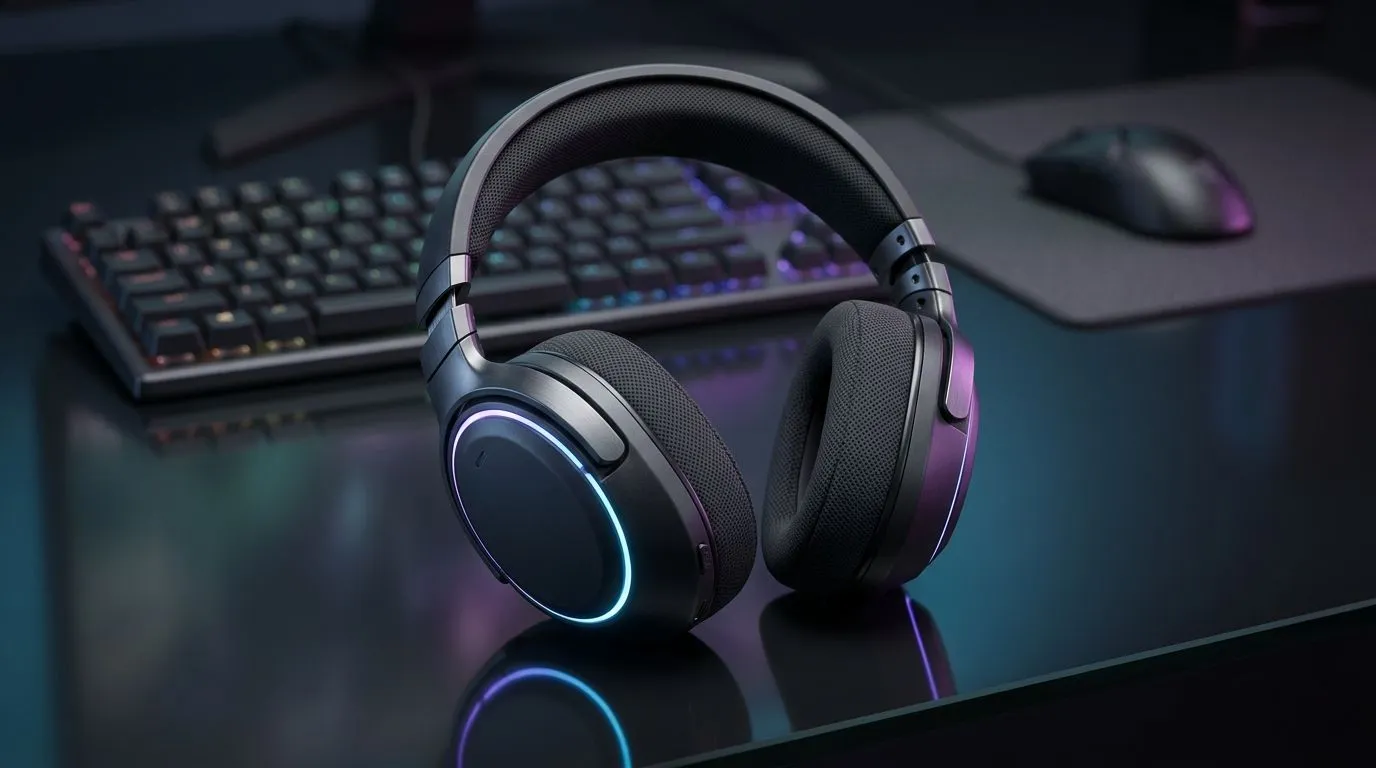
10-Band EQ Settings for FPS, RPG, and Music Headsets
South African players: want clearer footsteps in Warzone, richer ambience in Elden Ring, or punchier bass for music? These 10-band EQ settings will give you a practical starting point to optimise any headset fast. Try tweaks on a shop demo or at home with your favourite headset from Evetech—like the PlayStation range for console fans. 🔧
10-Band EQ for FPS: clarity and spatial cues
For first-person shooters, emphasise upper-bass and high-mids to make footsteps and gunfire pop. Start with gentle boosts around 120 Hz and 3–6 kHz, slight cuts near 250 Hz to reduce boom, and a small lift at 8–10 kHz for crispness. Test in-game soundtracks and reduce any frequency that masks footsteps. Want a console-ready headset? Check Evetech’s Xbox selection to compare models.
10-Band EQ for RPGs: immersion and depth
RPGs reward a wide, immersive soundstage. Use moderate boosts at 60–120 Hz for weight, gentle midrange presence at 400–900 Hz for voice clarity, and subtle highs for environmental detail. Avoid extreme boosts; immersion needs balance. If you prefer wired reliability for long sessions, browse wired headset choices at Evetech.
Quick EQ Pro Tip ⚡
Begin with flat EQ. Use headphones for reference tracks you know well. Make 2–3 dB changes and play the same scene to hear real difference. Save profiles per game.
10-Band EQ for Music: balance and character
Music demands genre-specific tweaks. For bass-heavy tracks lift 60–120 Hz, for vocals add 900 Hz, for sparkle raise 10–12 kHz slightly. Keep mids natural to avoid vocal congestion. Wireless listeners can still get excellent results; explore Evetech’s wireless headset range to match latency and codec needs. 🎧
Applying settings and testing
Always test EQ changes with familiar audio and in short sessions. Use in-game sound tests or streaming tracks, then walk away and return for fresh ears. If you need hardware suggestions, Evetech’s best gaming headset deals page highlights models that pair well with custom EQ. Small adjustments make the biggest difference.
Quick gear checks and buying tips
Match EQ settings to headset frequency response and comfort. Closed-back cups boost bass; open-back headsets widen stage but leak sound. If you’re tweaking on PC, system EQ tools or your audio driver suffice. For a dedicated selection of headsets and spares, see Evetech’s components page.
10-Band EQ: local testing and hearing notes
Play at realistic volumes and check voice chat balance separately. I once tuned an EQ profile in a noisy lounge only to find it over-emphasised bass at home. Save multiple profiles and name them clearly. Test with both game audio and common music tracks; a profile that exposes footsteps may make orchestral scores sound thin. Use small changes; large boosts hide other problems. If you’re unsure about fit or mic clarity, try models in-store or compare detailed listings online before buying. Happy tuning, Mzansi gamers. ⚡
Ready to Find Your Perfect Match? The Mac vs Windows debate is complex, but for maximum power, choice, and value in South Africa, Windows is hard to beat. Explore our massive range of laptop specials and find the perfect machine to conquer your world.











