

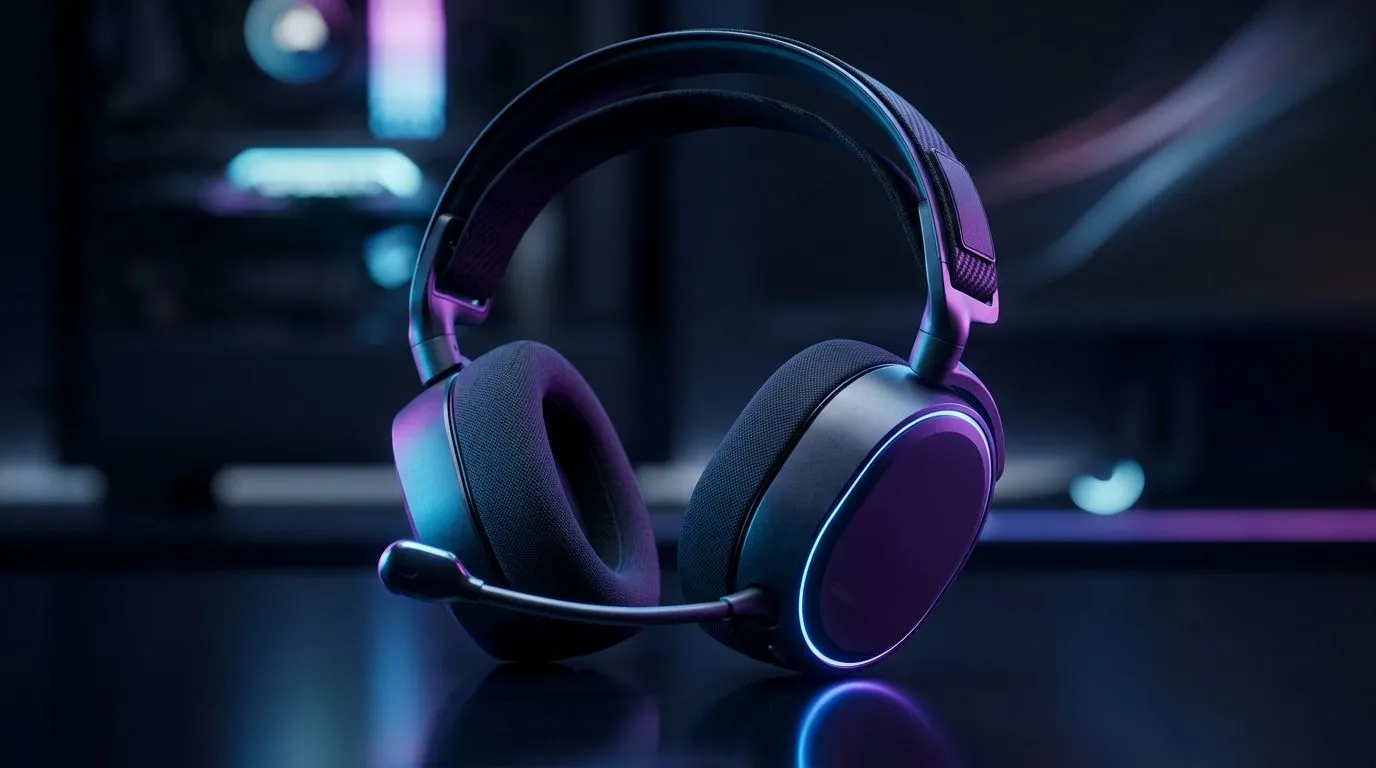
Why 10-Band EQ Tuning matters for Swarm II
South African gamers know the difference between a win and a whisper. When you tune your Swarm II with a 10-band EQ, footsteps cut through ambience and bombs feel weighty. This short guide helps you get clearer mids, punchier bass and crisper highs — without guessing. Read on for presets, step-by-step tweaks and headset picks for local budgets. 🔧
A quick check: if you pair the Swarm II with a PlayStation-focused headset, aim to keep vocal mids intact. See our PlayStation headset range for options and prices in ZAR: PlayStation headsets.
Setting up your Swarm II 10‑band EQ
Start flat. Engage the 10 bands and reset to neutral. Raise or cut in 2 dB steps — small moves reveal more than big swings. If you game on Xbox, this order helps: reduce low-mids, boost upper-bass, gentle presence lift. Need an Xbox headset that shows detail? Browse our Xbox selection here: Xbox headsets. 🎧
EQ Micro‑Tip ⚡
Use a 1 kHz sweep to find nasal vocals. Cut 1–3 dB where congestion appears. This makes footsteps clearer and voice comms less shouty.
For wired setups, check impedance and cable quality—cheap leads can smear detail. Our wired headset range lists models and specs for comparison: Wired headsets.
Pro EQ presets and a short micro‑story
I tuned a Swarm II for a Cape Town esports team once. We kept 60–120 Hz tight for grenades, lowered 300–600 Hz to stop bass muddying, and nudged 4–6 kHz for crisp footsteps. The result? Players started hearing directional cues earlier and called rotations faster. If you prefer wireless freedom during training, these models balance latency and clarity: Wireless headsets. 🚀
Suggested starting curves
- Bass (60–120 Hz): +2 to +4 dB for punch
- Low mids (250–500 Hz): -1 to -3 dB to reduce boom
- Presence (3–6 kHz): +1 to +3 dB to sharpen footsteps
- Air (10–12 kHz): +0 to +2 dB for sheen
This piece shows a 10-Band EQ Tuning for Swarm II: Tune Your Gaming Audio workflow — from flat start to map‑specific profiles. Use saved presets for FPS, open-world and voice-chat. Test across genres and note latency differences; small consistent EQ wins beat big hardware upgrades for budget-conscious players proudly in South Africa.
Fine tuning: measurements, gear and deals
Measure with real game audio and your voice comms. Use a known track or reference clip and compare changes on the fly. If you want to upgrade hardware affordably, our current headset deals can help keep ZAR costs down: Best gaming headset deals. Also consider driver size and earcup seal; shop components and replacement parts here: Headphone and headset components.
Final checks: test with footsteps, gunfire and dialogue tracks. Save multiple EQ presets per map or game mode. Small consistent changes win matches.
Ready to Find Your Perfect Match? The Mac vs Windows debate is complex, but for maximum power, choice, and value in South Africa, Windows is hard to beat. Explore our massive range of laptop specials and find the perfect machine to conquer your world.











