


Humidity Damage to PC Components: Recovery Guide
Humidity Damage to PC Components: Recovery Guide. Everything you need to know with SA pricing, step-by-step instructions & expert recommendations.
Read more- Compare display priorities; - Assess trade-offs; - Recommend ideal use-cases. 1080p 240Hz vs 1440p 165Hz: Decide whether visuals or smoothness matter for gaming, streaming, or content work 🎮⚡
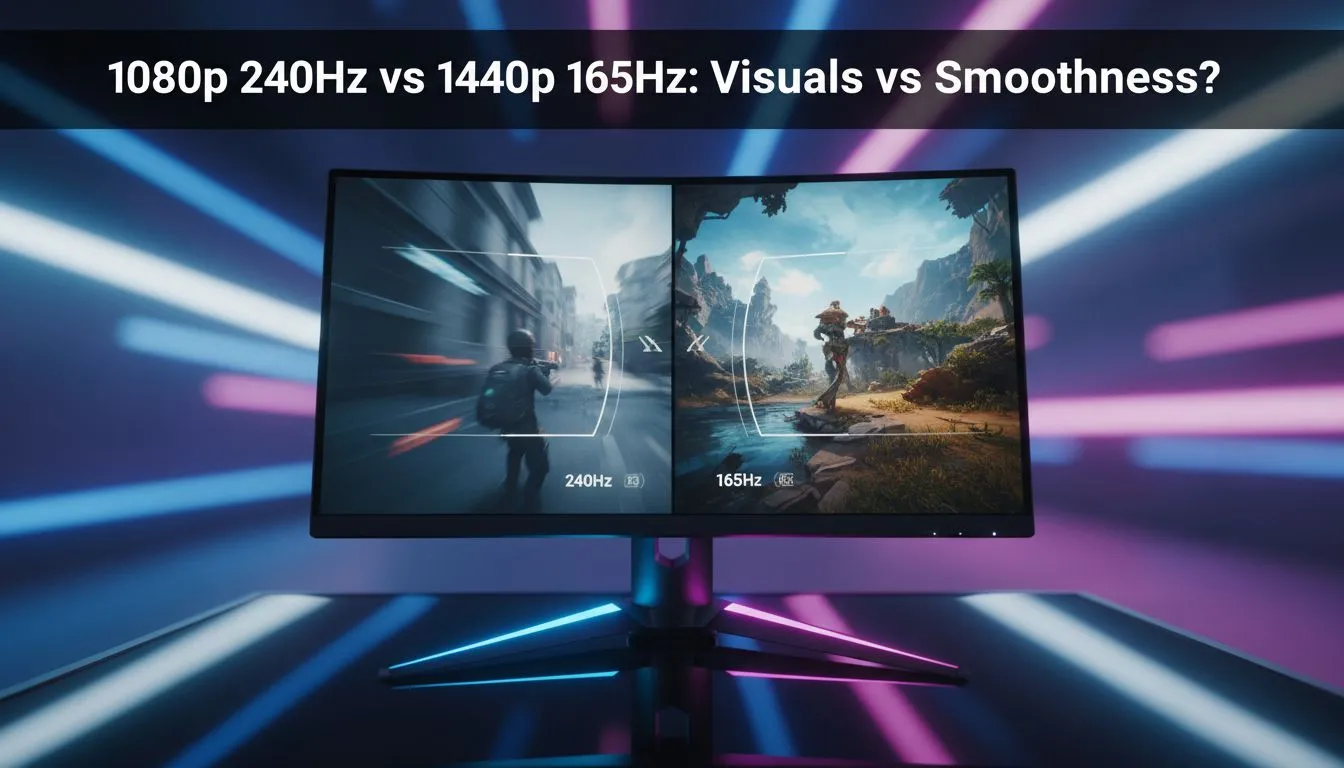
Choosing between 1080p 240Hz vs 1440p 165Hz: Visuals vs Smoothness? feels like deciding between a sports car and a luxury SUV. One is built for raw speed... the other for comfort and style. In South Africa's competitive gaming scene, your choice determines if you land that flick shot in Valorant or get lost in the stunning vistas of Elden Ring. Let’s break down which spec wins your desk setup.
For the esports athlete, every millisecond counts. A 240Hz refresh rate updates the image on your screen every 4.17 milliseconds. This creates a level of fluid motion that makes tracking fast-moving targets feel natural. If you are climbing the ranks in Counter-Strike 2 or Apex Legends, this is your primary weapon.
Many competitive players prefer this resolution because it is easier for your hardware to maintain high frame rates. You can find excellent entry-level performance when you buy gaming laptops under R20k that still offer high refresh rate panels. At 1080p, your GPU does not have to work nearly as hard... allowing you to hit that 240 FPS target consistently. ⚡
If you prefer immersive RPGs or open-world adventures, 1440p (QHD) is a massive step up. It offers roughly 78% more pixels than standard 1080p. This extra pixel density makes textures look sharper and reduces the "screen door" effect.
While 165Hz is "slower" than 240Hz, it is still incredibly smooth. Most gamers find it difficult to tell the difference between 165Hz and 240Hz... but everyone notices the jump from 1080p to 1440p. To power these extra pixels, you might want to look at Ryzen laptop deals that pair high-count multithreaded CPUs with capable graphics cards.
Driving a high-resolution, high-refresh display requires serious grunt. You cannot expect a budget card to push 165 frames at QHD in modern titles. This is where modern architecture becomes vital. Browsing geforce rtx gaming laptops on special is a great way to find machines equipped with DLSS technology... which helps bridge the gap between visuals and performance.
If you choose a 240Hz display, ensure your in-game frame rate actually hits 240 FPS. Using technologies like NVIDIA G-Sync or AMD FreeSync will help eliminate screen tearing... even if your frames dip slightly during intense firefights.
For those who lean towards productivity alongside gaming, the extra screen real estate of 1440p is a massive bonus for multitasking. You can view more of your timeline or code without constantly scrolling. Check out the latest intel laptops on special to find high-performance chips that handle these workloads with ease. 🚀
The 1080p 240Hz vs 1440p 165Hz: Visuals vs Smoothness? debate eventually comes down to your primary genre.
Whatever your preference, keeping an eye on the best gaming laptop deals ensures you get the best possible panel for your Rand. ✨
Ready to Find Your Perfect Match? The 1080p 240Hz vs 1440p 165Hz debate is complex, but for maximum power, choice, and value in South Africa, Evetech is hard to beat. Explore our massive range of laptop specials and find the perfect machine to conquer your world.
1080p 240Hz typically wins for competitive FPS due to higher frame rates and lower input lag; check best 1080p 240hz monitors for top picks.
Yes — at high frame rates (120+ FPS) 240Hz gives noticeably smoother motion and reduced motion blur compared to 165Hz.
Yes, 1440p 165Hz demands more GPU power; review gpu requirements 1440p 165hz to hit high frame rates in modern titles.
For casual single-player gaming, 1440p clarity often provides a better visual experience; 240Hz shines for twitch-response games.
1440p delivers clearer visuals and more screen real estate, improving immersion and productivity over 1080p at similar panel quality.
Prioritize refresh rate for esports and lowest input lag; choose higher resolution for visual fidelity and content creation—balance with your GPU.
Look at established options: search best 1080p 240hz monitors for esports and 1440p gaming monitor recommendations for balanced visuals.
Humidity Damage to PC Components: Recovery Guide. Everything you need to know with SA pricing, step-by-step instructions & expert recommendations.
Read more
Gamer Spending Trends April : Complete Setups. Clear setup instructions with SA-specific considerations, troubleshooting tips & recommended components.
Read more
Setting Up DDR5 32GB Kit. Tested & verified settings for best FPS and visual quality on SA hardware budgets.
Read more
Tech Setup Guide for SPU Res Students. Clear setup instructions with SA-specific considerations, troubleshooting tips & recommended components.
Read more
Monster Hunter Wilds Ultrawide Support: 21:9 and. Clear setup instructions with SA-specific considerations, troubleshooting tips & recommended components.
Read more
Apple iPad Durability Guide: Cases, Screen. Practical breakdown of costs, regulations & whether it makes financial sense for SA buyers.
Read more
AMD RX 9050 XT: Rumoured Specs, Price & Release. SA-focused analysis with local pricing data, real-world insights & actionable buying advice.

Can RTX 4080 Super Run AI Workloads for SA Developers Detailed answer with SA data, expert analysis & practical recommendations for local buyers.

Can RTX 4090 Run AI Workloads for SA Developers Detailed answer with SA data, expert analysis & practical recommendations for local buyers.

Top Settings for Intel Arc B580 at Ultrawide 1440p picks evaluated on performance, value & SA availability with current Rand pricing from Evetech.

RTX 4060 CS2 Low Settings at 1080p: FPS Results. Real-world benchmark data, FPS numbers & performance analysis. What SA gamers can actually expect.

Visual Artifacts: Possible GPU Issue Issue #1. Diagnosis steps, proven fixes & when to seek professional help. SA-specific support info included.

Can the RTX 4090 Handle 1440p 144Hz Gaming. Performance testing verdict with real data & practical recommendations for SA buyers.

Top ASUS GPU Under R15000 picks evaluated on performance, value & SA availability with current Rand pricing from Evetech.

GTA 6 Max Settings on RTX 5070. Tested & verified settings for best FPS and visual quality on SA hardware budgets.

Cyberpunk 2077 Max Settings on RTX 5080. Tested & verified settings for best FPS and visual quality on SA hardware budgets.

Starfield Max Settings on RTX 5070 Ti. Tested & verified settings for best FPS and visual quality on SA hardware budgets.

Top RTX 5090 Under R5000 picks evaluated on performance, value & SA availability with current Rand pricing from Evetech.