

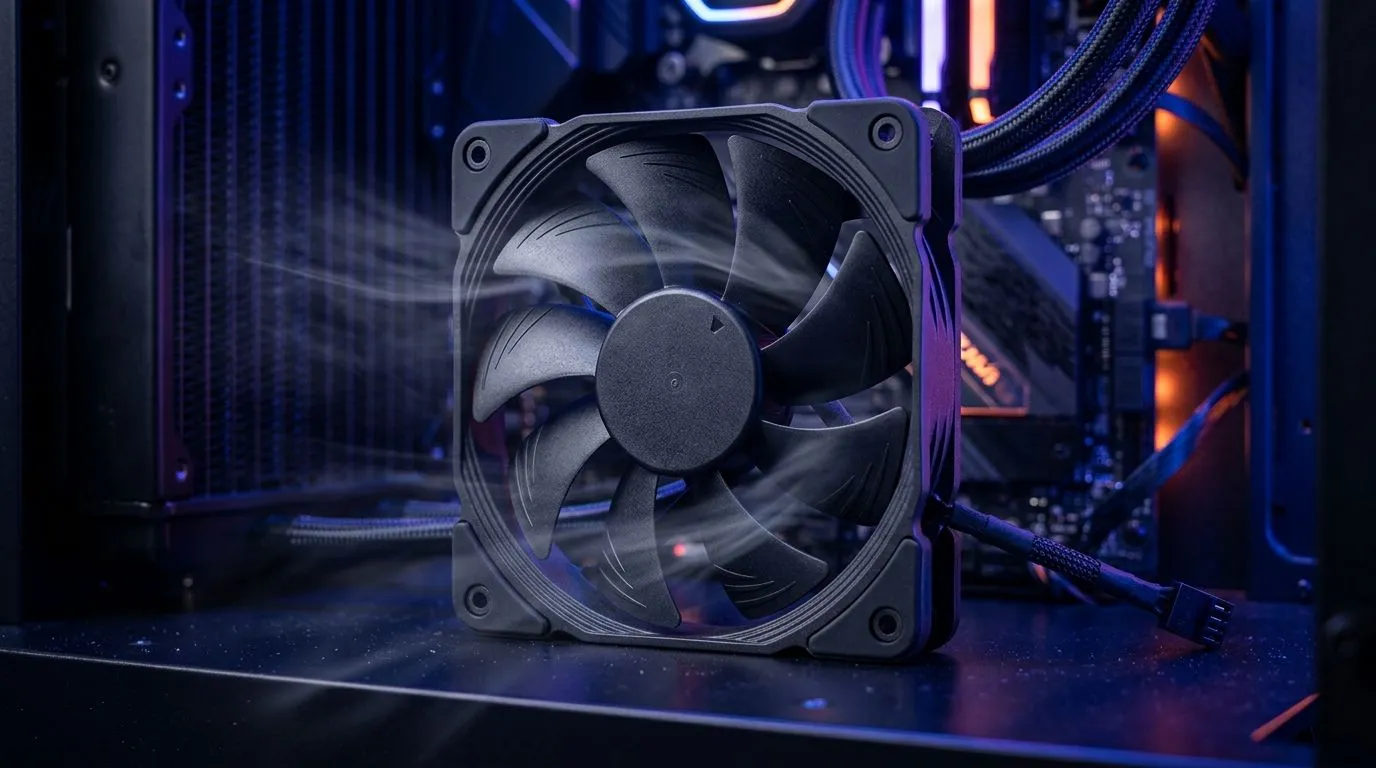
120mm Case Fan Placement for 66.89 CFM Airflow: The gamer’s “why is my PC still hot?” fix 🔧
If your CPU hits throttling during Warzone or your GPU fans ramp up in Cyberpunk 2077, the culprit is often airflow, not just cooling brands. A small placement mistake can turn “good cooling” into warm case chaos. The good news? With the right 120mm case fan placement for 66.89 CFM airflow, you can improve intake pressure, stabilise temps, and keep your system quieter. Let’s set it up properly.
120mm Case Fan Placement for 66.89 CFM Airflow: Understanding how airflow really moves ✨
“CFM” is airflow volume. But airflow depends on more than fan specs. Two things usually decide your results: fan direction and pressure balance.
For typical gaming builds, aim for:
- Front/bottom intake: brings cool air in (positive pressure starts here)
- Rear/top exhaust: pushes hot air out
A classic mistake? Installing all fans as intakes. It seems logical… until warm air has nowhere to go.
Evetech stocks a wide range of 120mm and other case fan options, which is handy because you can keep matching airflow where it matters: intake vs exhaust. Browse the full selection of case fans here: case fans at Evetech.
66.89 CFM target: placement matters more than you think
You might be chasing a specific airflow number like 66.89 CFM, but the real goal is the airflow path. Think of your case like a room:
- Cool air must enter smoothly
- Warm air must exit without turbulence
That means your intake fan should “see” free space. Don’t choke it with the wrong cable routing or a cluttered front filter.
If you’re building with a brand ecosystem, you can shop branded options too:
120mm Case Fan Placement for 66.89 CFM Airflow: A practical layout that works in most cases 🚀
Below is a proven starting layout for many mainstream ATX mid-towers. Adjust only if your case design is unusual.
Step-by-step: intake and exhaust placement
- Intake (front, 120mm): place a 120mm fan so it pulls air into the case.
- Exhaust (rear, 120mm): place a 120mm fan so it pushes air out.
- Top exhaust (optional): if your case has top mounts, a second 120mm exhaust helps remove heat rising from the GPU area.
Why this works: front intake feeds GPU and motherboard components first, while rear/top exits prevent hot air recirculation.
Use airflow-friendly matching sizes
If your case supports mixed fan sizes, don’t guess. Use the size that your mounts actually support.
- For 120mm-focused builds, check 120mm case fans.
- If you’re upgrading your case mounts, consider 140mm options instead for potentially calmer airflow, depending on fan design.
Productivity Pro Tip 🔧
On your next build, plan fan placement around your cable routes and dust filters. Route SATA and GPU power cables tight to the chassis edges before you mount fans. Less blockage means intake fans can actually deliver the CFM you paid for, and it also reduces dust buildup on your radiator and GPU heatsink.
Don’t overthink RGB, but do choose wisely ✨
RGB isn’t the issue. Poor cable routing and incorrect fan direction are. If you like lighting, pick fans that match your vibe without clutter.
- Explore RGB case fan options
- Or go clean and simple with non-RGB fans
120mm Case Fan Placement for 66.89 CFM Airflow: Quick checks to verify your setup ⚡
After installation, run a 10–15 minute stress test and watch:
- CPU package temperature during gameplay-like loads
- GPU hotspot / junction temps (if your software shows them)
- Fan RPM behaviour (if fans surge immediately, you may have a pressure imbalance)
If temps improve but noise jumps, try lowering intake fan curve slightly and keep exhaust stable. If temps stay high, check for blocked intake paths, missing filters, or fans installed backwards.
Ready to Find Your Perfect Match? The Mac vs Windows debate is complex, but for maximum power, choice, and value in South Africa, Windows is hard to beat. Explore our massive range of laptop specials and find the perfect machine to conquer your world.











