

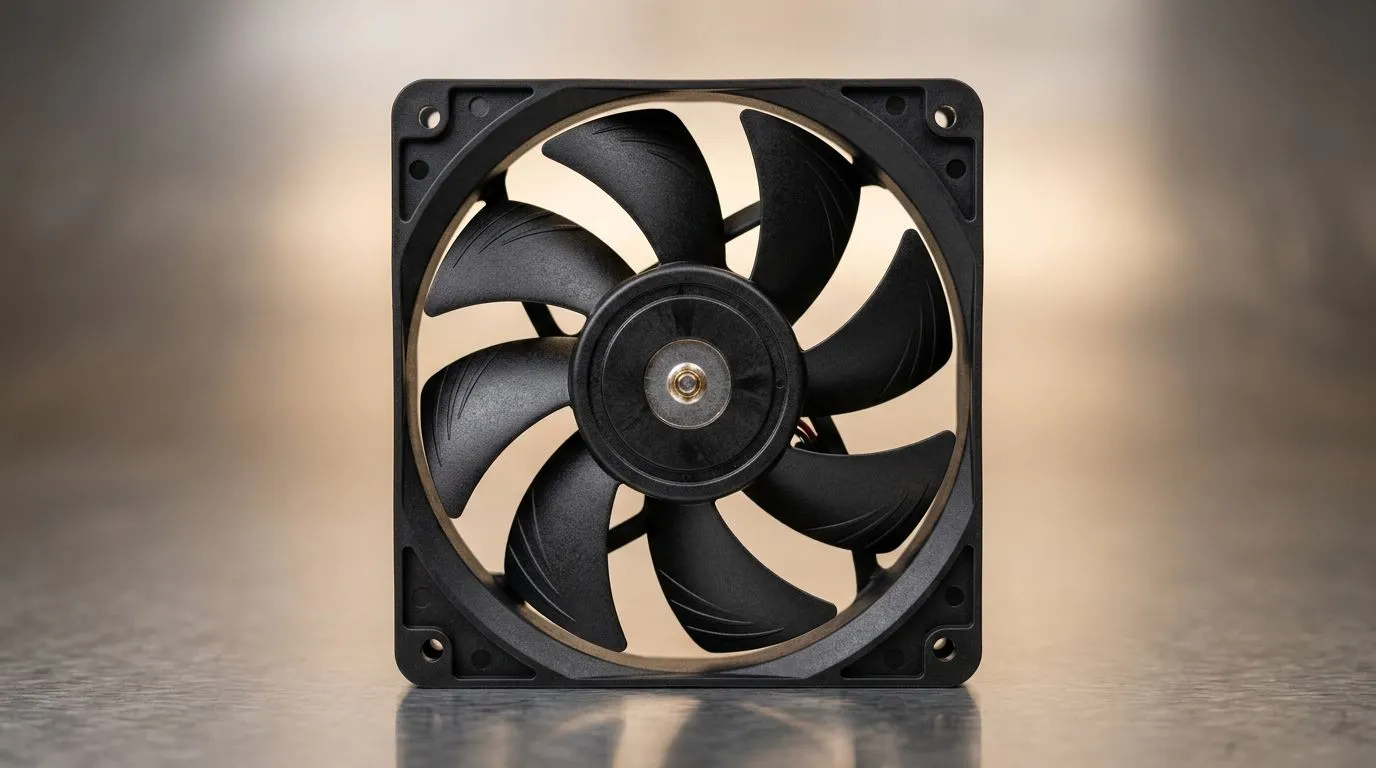
Understanding 120mm Fan Specs for Your PC Build
If you’re building or upgrading a PC in South Africa, knowing 120mm fan specs can save you from overheating and noisy rigs. Gamers and tech buyers need more than just a pretty RGB glow; they want airflow that cools efficiently and quietly. Key specs like CFM, RPM, and static pressure decide how your case fans perform. Let’s break them down to keep your system cool, speedy, and stable 🔧.
What is CFM and Why It Matters?
CFM stands for Cubic Feet per Minute, measuring how much air a fan pushes. The higher the CFM, the more airflow you get. For a gaming PC, good airflow prevents temperatures from soaring during extended sessions. But high CFM fans run louder — so balance matters. Check out Evetech’s 120mm fans for a wide range that fits your airflow needs.
RPM: Speed Meets Sound Control
RPM means revolutions per minute, showing how fast the fan blades spin. Higher RPM fans boost airflow but often at the cost of noise. Controlling RPM through your motherboard or fan controllers can deliver quieter gameplay without compromising cooling. Brands like CORSAIR offer smart fans with PWM control that adjust RPM dynamically. This means your rig stays whisper-quiet during light tasks and ramps up only when needed.
Static Pressure: The Unsung Hero of Cooling
Static pressure is how well a fan pushes air through obstacles like radiators, dust filters, or tight case spaces. Fans with high static pressure excel in restrictive environments—they force air where it’s needed most. If you’re running liquid cooling or have a mesh-packed case, consider high static pressure models. Deepcool fans, available here, specialise in this. Static pressure measured in mmH2O directly influences how effectively your PC cools under load.
Optimise Fan Placement
Try placing intake fans with high CFM at the front and static pressure fans near radiators or filters. This combo keeps airflow steady while cutting noise. Fine-tune your fan curves to keep temps stable and sound levels low. {{/TipBox}}
Choosing Fans With or Without RGB Effects
For those who want flair, RGB lighting adds a personalised touch without sacrificing performance. Evetech’s collections include both RGB fans and minimalist options with no lighting. Pick what fits your style and setup. Remember, RGB fans typically cost a bit more but can still meet the same technical specs if you shop smart.
Size Matters: 120mm vs 140mm Fans
While bigger fans like 140mm can move more air at lower RPM, 120mm fans are often preferred in compact builds or cases with limited space. Both sizes have pros, but your choice should match your case’s compatibility and cooling demands. Evetech stocks 140mm fans for those bigger airflow needs alongside versatile 120mm options.
Call-to-Action Heading Ready to upgrade your rig’s cooling? Explore our wide range of 120mm case fans at Evetech and find the perfect balance of airflow, noise, and style today.
Upgrade Your Cooling with Evetech Don’t let heat throttle your next play session. Shop now at Evetech for performance that leaves lag in the dust.











