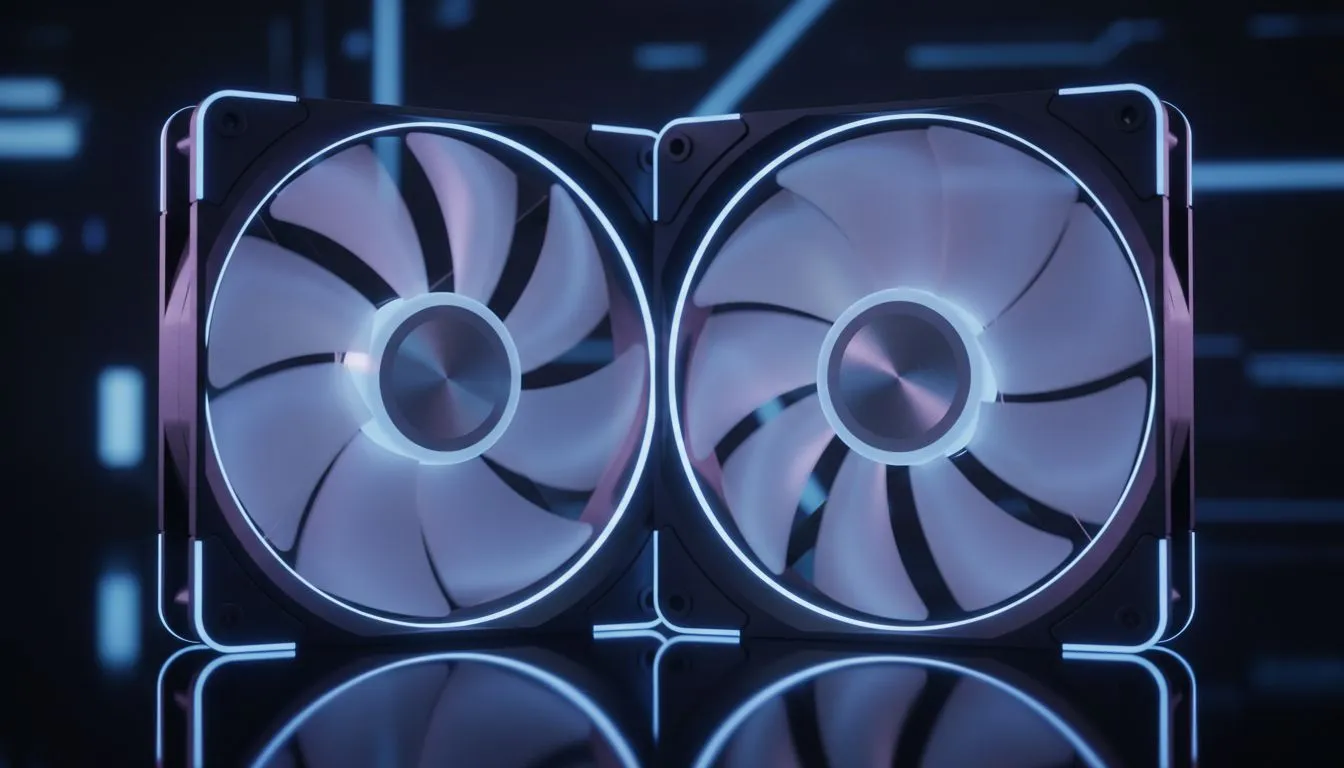
You’re in the final circle in Apex, the tension is thick... and the loudest thing in the room is your PC, sounding like a jet preparing for takeoff. We’ve all been there. That roar often comes down to one crucial choice: your case fans. The great debate of 120mm vs 140mm case fans isn't just about size; it's about finding the perfect balance between powerful cooling and blissful silence for your rig.
The Size Showdown: What's the Real Difference?
At first glance, it's just 20mm. But in the world of PC cooling, that small difference has a huge impact on performance and noise. The core principle is simple physics: a larger 140mm fan has longer blades, allowing it to move a similar amount of air as a 120mm fan but at a significantly lower speed (RPM).
Think of it like stirring a pot. You can either use a small spoon and stir very fast, or use a large ladle and stir slowly to get the same result. The ladle is quieter and more efficient. That's the fundamental advantage in the 120mm vs 140mm fan comparison.
Cooling Performance: Bigger is Often Better 💨
When it comes to raw airflow, measured in Cubic Feet per Minute (CFM), 140mm fans generally take the lead. At the same RPM, a 140mm fan will almost always push more air than its 120mm counterpart.
This makes them ideal as chassis fans, responsible for pulling cool air in and pushing hot air out. If your goal is maximum airflow to keep your GPU and CPU temperatures down during those long gaming sessions in the South African summer, a set of 140mm fans is a powerful choice. Of course, this all depends on whether your chassis can fit them, which is a key consideration when browsing for computer cases.
Master Your Fan Curves 🔧
Your motherboard's BIOS or software like FanControl lets you create custom fan curves. You can set your fans to spin very slowly (and quietly) during idle tasks like browsing, and only ramp up to audible speeds when your component temperatures actually start to climb during a game. It's the best of both worlds!
The Sound of Silence: Why 140mm Fans Are Quieter 🤫
Noise is where the 140mm vs 120mm case fan debate gets really interesting. Because 140mm fans can spin slower to achieve the same cooling effect, they produce less motor noise.
Furthermore, the noise they do create is often at a lower frequency—a deeper, less intrusive "whoosh" rather than the higher-pitched "whine" of a smaller fan at high speed. For gamers and creators who demand a quiet environment, a case filled with 140mm fans is hard to beat. Brands that prioritise quiet operation, like those found in our range of Fractal Design PC cases, often come equipped with 140mm mounts for this very reason.
The 120mm Advantage: Pressure and Compatibility
So, is the 120mm fan obsolete? Not at all. It has two key advantages: static pressure and compatibility.
Static pressure is a fan's ability to push air through resistance. Think of dense radiator fins or a crowded drive cage. The focused airflow of a 120mm fan often gives it an edge in high-resistance scenarios, making it the superior choice for liquid cooling radiators and CPU air coolers.
Compatibility is also a massive win. Virtually every modern PC case supports 120mm fans, making them a versatile and guaranteed fit. Many popular and stylish Gamdias gaming cases offer flexible mounting options for both sizes.
The Verdict: Which Fan Size is Right for Your Rig?
The best choice in the 120mm vs 140mm case fan battle depends entirely on your needs and your case.
- Go for 140mm fans if: Your case has the mounts, and your primary goal is maximum chassis airflow with minimum noise. They are the undisputed champions of quiet cooling.
- Stick with 120mm fans if: You're cooling a radiator, working in a compact case, or need to ensure compatibility. They are also fantastic for builders on a budget, fitting perfectly into excellent value options like these Gamdias cases under R1500.
Ultimately, the best cooling setup often uses a mix of both. Perhaps 140mm fans for intake and exhaust, and 120mm fans on your CPU cooler's radiator. The choice is yours.
Ready to Build a Cooler, Quieter PC?
The right fan makes all the difference, but it needs the right home. A great case provides the foundation for a silent, high-performance rig. Explore our massive range of PC cases and find the perfect chassis to conquer your temps.