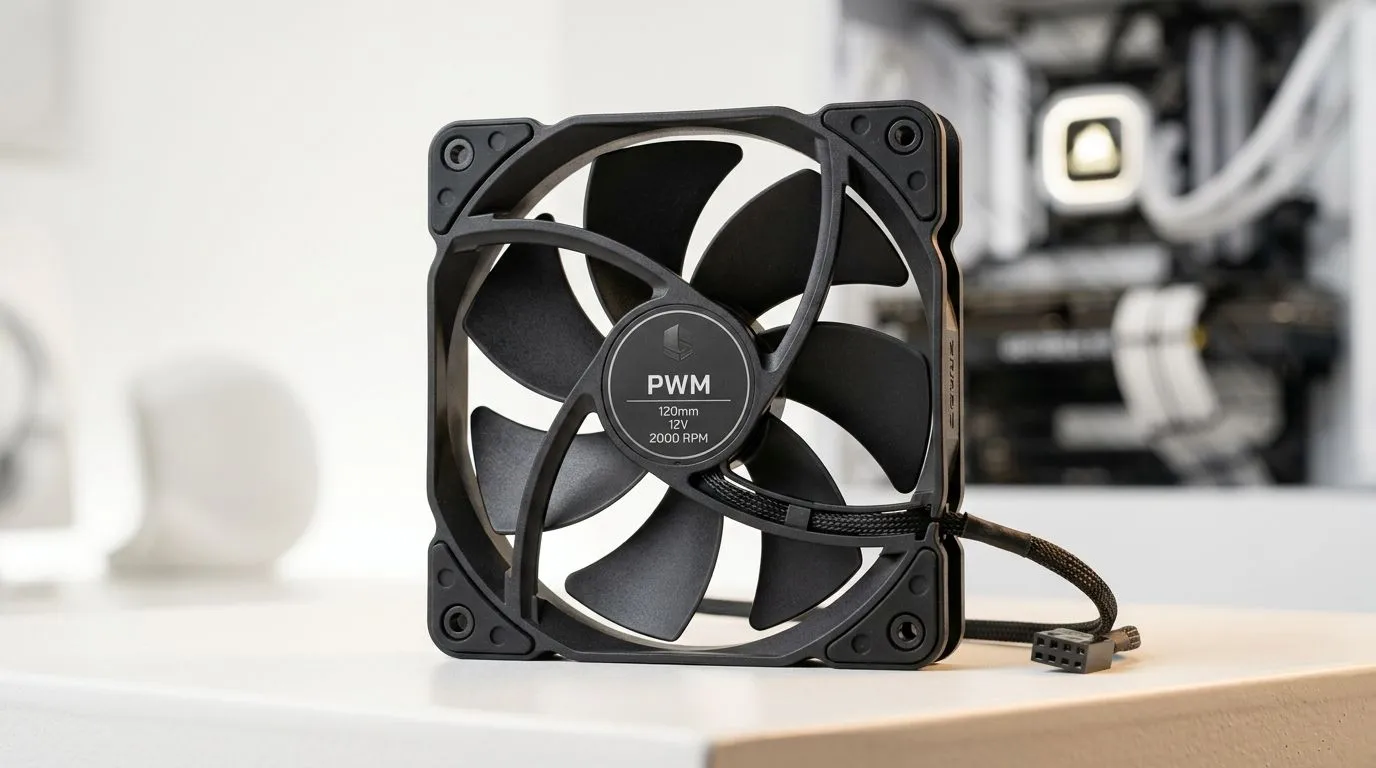
Smart PWM CPU Fan Control for Quiet Cooling: Why South Africans Hear Their PC Too
If your PC sounds like it’s thinking… and your room is quiet, you’ll notice it. South African gamers often run long sessions on weekends, and a noisy CPU cooler can get old fast. 🔧 Fans ramp up when temps spike, but they do not need to scream all the time. With Smart PWM CPU Fan Control for Quiet Cooling, you can keep temperatures stable while reducing that “jet engine” feeling under load.
In this guide, we’ll focus on what PWM actually does, how to set it up safely in BIOS, and what to look for when buying a cooler. Quiet cooling isn’t about turning fans off… it’s about making them smart.
Smart PWM CPU Fan Control for Quiet Cooling: The Core Idea (PWM, Temps, Curves)
PWM stands for Pulse Width Modulation. A PWM fan is controlled by varying the “duty cycle” signal, usually at a fixed frequency. That lets your motherboard smoothly adjust fan speed instead of jumping between slow and fast. ⚡
Here’s how it helps with quiet cooling:
- Idle: Low duty cycle means lower RPM.
- Gaming: Curve ramps up as CPU temperature rises.
- Spikes: Fans respond quickly, but you can cap the maximum to keep it tolerable.
A proper fan curve is the difference between “controlled” and “constant noise”. If you’ve ever set fans by ear and regretted it later, you’re not alone. Let the temperatures guide you.
What to Watch in BIOS (or Fan Software)
Before you change anything, boot into your BIOS and find the CPU fan control setting. Look for:
- PWM mode (not DC mode)
- Temperature source (CPU package or similar)
- A curve with a sensible minimum RPM and a reasonable max
If your CPU supports it, set a minimum that spins reliably. Stalling can cause temperature swings and louder ramping.
Quiet Cooling Pro Tip 🔧
On Windows, use a monitoring tool (like Evetech’s recommended CPU temperature monitoring approach in your usual workflow) to check your idle and gaming temps before making fan-curve changes. Adjust one point at a time, then test in a real game for 10–15 minutes so you know the curve is stable.
Smart PWM CPU Fan Control for Quiet Cooling: Buying the Right Cooler Matters
Even the best PWM curve can’t fix a mismatched cooler. A tower cooler with strong heatpipes and the right fan configuration will run lower RPM for the same temperature target. That’s why picking the right CPU cooler size and type matters in South Africa, where power reliability and indoor temperatures can swing.
Start your search with Evetech’s CPU cooler selection and narrow by cooler type, fan size, and brands you trust:
Quick buying checklist before checkout:
- Confirm fan size and clearance for your case
- Prefer PWM fans (4-pin) for true control
- Aim for a cooler that can handle your CPU under sustained load
Smart PWM CPU Fan Control for Quiet Cooling: A Safe Fan Curve You Can Start With
No two CPUs run the same, so think of this as a starting profile you tweak. ✨
A balanced approach:
- Idle (below ~45°C): Keep RPM low but stable.
- Gaming (50–75°C): Rise gradually to prevent sudden ramp noise.
- Thermal limit (above ~80–85°C): Increase fast enough to protect stability, but avoid an instantly full-speed jump.
Run one stress test (or a demanding match) and check temps after 10 minutes. If you see repeated spikes and fast ramping, spread the curve so it ramps earlier and more smoothly.
If you’re building a quiet system for long sessions, remember the big win is consistency… not silence.
Ready to Find Your Perfect Match?
The Mac vs Windows debate is complex, but for maximum power, choice, and value in South Africa, Windows is hard to beat. Explore our massive range of laptop specials and find the perfect machine to conquer your world.