


Complete Guide: Setting Up Monitor Light
Setting Up Monitor Light. Tested & verified settings for best FPS and visual quality on SA hardware budgets.
Read more19K DPI Owl-Eye sensor explained 🔍🎯 Learn what it means for accuracy, aim speed, and real-world gaming performance before you buy.
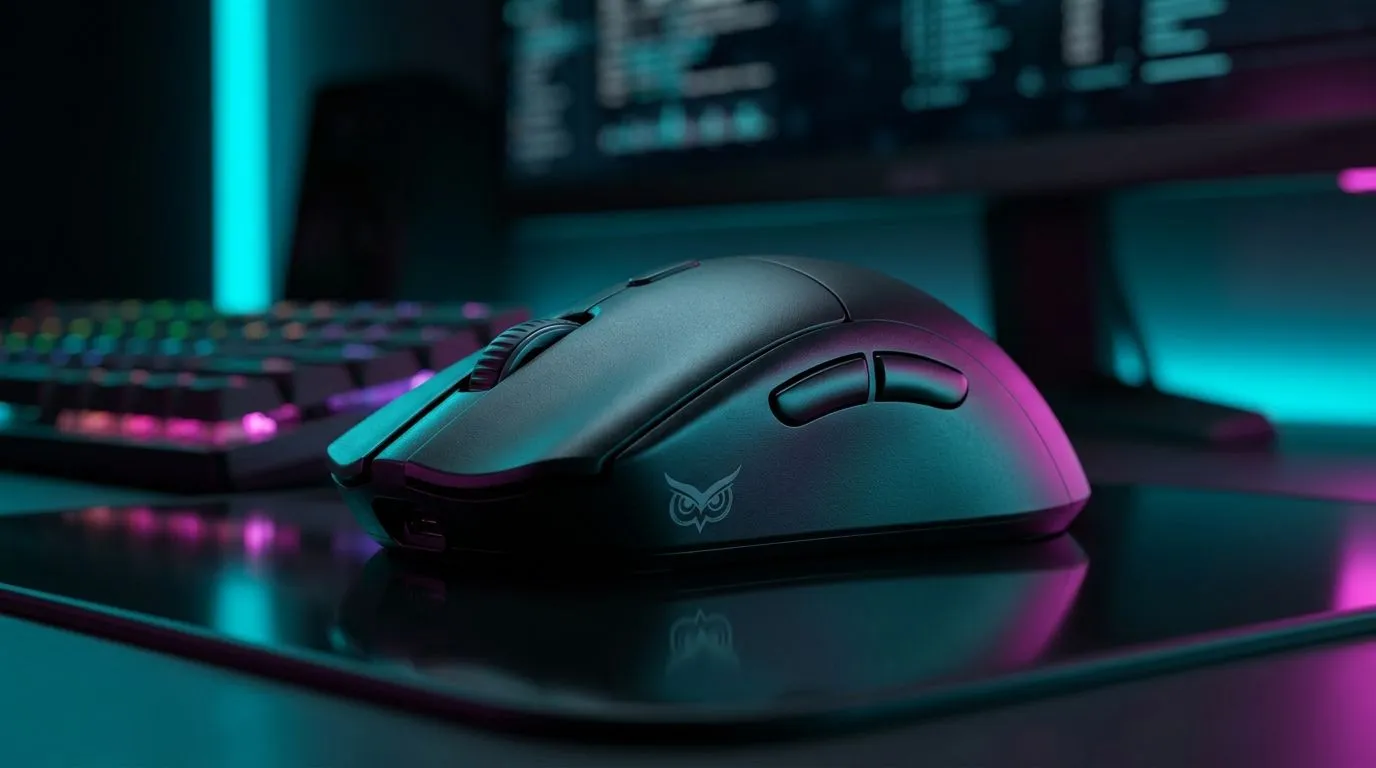
Ever watched your crosshair drift, even when your hands feel steady? That’s usually not “bad luck”. It’s often a sensor and tuning issue. When a mouse boasts a 19K DPI Owl-Eye Sensor, it sounds like pure precision, but the real question is: what does it mean for accuracy and aim in everyday FPS play?
In South Africa, where you’re probably switching between ranked nights and office work, the best sensor is the one that stays consistent. Let’s break it down in plain terms… and how to choose wisely.
DPI (dots per inch) is how sensitively your mouse translates movement into cursor movement. A higher DPI number lets you move the cursor farther with the same hand motion. That’s helpful if you play at high sensitivity, or if you use a large mousepad.
But DPI alone doesn’t guarantee accuracy. True aim comes from a sensor’s ability to track consistently across surface changes, lighting, and fast flicks. An Owl-Eye class sensor is designed for stable tracking, which matters when you’re strafing, counter-strafing, and correcting mid-burst.
Many players think 19K DPI automatically equals laser aim. In reality, accuracy is more about:
If you crank DPI to 19K but keep the same in-game sensitivity, your aim can become twitchy and inaccurate. The mouse is “accurate”… your settings might not be.
A practical setup beats theory. Try this workflow:
A good starting point is lower DPI with a higher in-game sensitivity, or vice versa, as long as your aim feels repeatable. If you’re not sure where to begin, focus on a setting that keeps your wrist and forearm movements comfortable.
If you use a laptop with an external mouse, keep your OS pointer speed consistent. On Windows, go to Settings → Bluetooth & devices → Mouse → Additional mouse options, then set pointer speed to a fixed mid value. Consistency helps your aim muscle memory stay stable across sessions.
Sensor specs matter, but so does the connection. Wired mice tend to be favoured for competitive play because you remove battery and wireless latency variables. Wireless has improved a lot, though, and many players happily compete on quality wireless gear.
If you’re building a competitive setup, check what connection type fits your routine:
You can browse options here:
Even the best sensor can struggle on the wrong surface. A smooth desk mat, the right glide feet, and a clean sensor window can improve consistency. If your aim feels “skatey”, clean your pad and consider quality mouse feet.
Evetech has a dedicated range of options for accessories and surfaces:
And if you want to match the mouse to your style, start by comparing models across categories:
When you see 19K DPI Owl-Eye Sensor, look for these practical signals:
Ready for a mouse that feels sharp in the first round, not the third? Let’s get you sorted.
Ready to Find Your Perfect Match? South African gamers want accuracy that holds up across sessions, and choosing the right mouse matters. Explore our massive range of laptop specials and lock in the setup that fits your aim, your budget, and your grind.
It means the mouse can detect up to 19,000 DPI, giving very fine movement tracking for low-sensitivity gaming and precise cursor control.
Not always. Accuracy depends more on sensor quality, tracking stability, and your in-game sensitivity than on DPI alone.
For many players, yes. Most use far lower DPI, but 19K DPI can help if you prefer ultra-fast cursor movement or high-resolution screens.
A good Owl-Eye sensor reduces skipping and jitter, which helps keep movement smooth and aim more consistent in fast games.
There is no single best DPI for gaming. Many players use 400 to 3200 DPI and adjust in-game sensitivity for control and comfort.
It can be useful, but FPS performance depends more on tracking precision, lift-off behavior, and your preferred sensitivity settings.
Setting Up Monitor Light. Tested & verified settings for best FPS and visual quality on SA hardware budgets.
Read more
Assassins Creed Shadows Ultrawide Support: 21:9. Clear setup instructions with SA-specific considerations, troubleshooting tips & recommended components.
Read more
Complete Gaming Setup Guide for the Collector. Clear setup instructions with SA-specific considerations, troubleshooting tips & recommended components.
Read more
Will the Steam Deck 2 Have an OLED Screen? Leaked. Plain-English explanation of what it means, why it matters & how it affects your buying decisions in SA.
Read more
Setting Up Ultrawide 144Hz. Tested & verified settings for best FPS and visual quality on SA hardware budgets.
Read more
Kingdom Come: Deliverance 2 Ultrawide Support. Clear setup instructions with SA-specific considerations, troubleshooting tips & recommended components.
Read more
When Will the RTX 6090 Launch in South Africa Detailed answer with SA data, expert analysis & practical recommendations for local buyers.

Top Valorant Settings for RTX 5070: FPS Optimisation picks evaluated on performance, value & SA availability with current Rand pricing from Evetech.

RDNA 3.5 Graphics in Ryzen AI 400? Can You Game. Plain-English explanation of what it means, why it matters & how it affects your buying decisions in SA.

GPU Price Index : December Report. Current stock data & price tracking for SA buyers. See what is available and where prices are heading.

Core i5-14600K + B760 + RTX 5060 Build Under. Full parts list, Rand pricing & expected performance. Build confidently with SA-available components.

RX 7600 Apex Legends at 4K: FPS Benchmark. Real-world benchmark data, FPS numbers & performance analysis. What SA gamers can actually expect.

RX 7900 XTX GTA 6 at 4K: FPS Benchmark & Optimal. Real-world benchmark data, FPS numbers & performance analysis. What SA gamers can actually expect.

Head-to-head comparison of RTX 5070 vs RX 9070 XT: Gaming Performance for SA gamers. Performance benchmarks, Rand pricing & which delivers better value.

Starfield Max Settings on RTX 5070. Tested & verified settings for best FPS and visual quality on SA hardware budgets.

Top RX 7800 XT Model Under R8,000 picks evaluated on performance, value & SA availability with current Rand pricing from Evetech.

RTX 5070 Valorant Optimised Settings: Graphics. Real-world benchmark data, FPS numbers & performance analysis. What SA gamers can actually expect.

Top Laptop with Core i7 + RX 7700S: Picks picks evaluated on performance, value & SA availability with current Rand pricing from Evetech.