

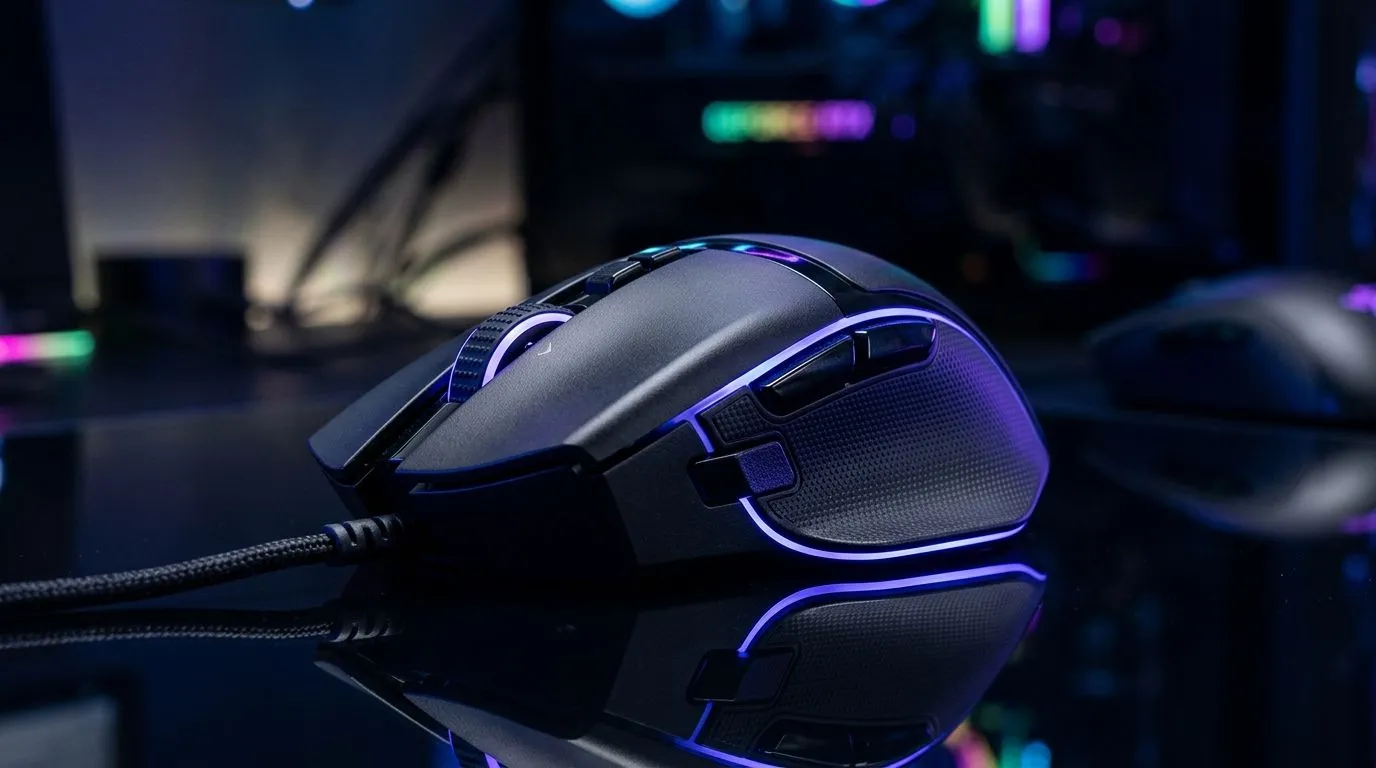
19K DPI Settings for FPS, MOBA and Productivity Workflows: Stop guessing and tune your aim 🎯
If your spray feels “floaty” or your cursor jumps when you flick, your DPI settings might be doing you dirty. South African players bounce between Valorant-style tracking, MOBA map control, and even spreadsheet marathons for work. So why keep using the same mouse feel for everything? Today we’ll walk through practical 19K DPI settings for FPS, MOBA and productivity workflows and how to pair them with in-game sensitivity so your muscle memory stays consistent.
What “19K DPI” really means (and why it’s not magic) 🔧
First, DPI is the mouse sensor’s resolution. Higher DPI can make the cursor move farther per inch, but it does not automatically improve accuracy. In most competitive FPS titles, consistency beats raw numbers.
Also, marketing DPI is not always the whole story. Many sensors accept high DPI values, but tracking stability depends on surface, polling rate, and acceleration settings. That’s why you’ll see pros often run moderate-to-high DPI with carefully matched in-game sens. The “sweet spot” is where micro-adjustments feel predictable.
Evetech stocks a wide range of wired and wireless mice, and the best route is choosing a model that suits your grip and desk setup. Start with a mouse that feels solid on your pad, then tune from there.
19K DPI Settings for FPS: keep flicks sharp, aim controlled ⚡
If you’re running 19K DPI for FPS, treat it like a high-detail mode. It can work well if your in-game sensitivity is low enough to prevent overcorrection.
A solid starting profile (19K DPI)
- Windows mouse enhancements: Off (no acceleration)
- In-game sensitivity: Lower than you think, then scale up slightly
- eDPI approach: Use the same DPI/sens pairing for consistency across sessions
Because each FPS game calculates sensitivity differently, you should focus on a repeatable method:
- Pick a DPI (19K).
- Set in-game sens so a controlled 180° turn matches your “comfortable flick” practice.
- Save settings and test for 20 minutes straight.
Common issue: “too fast” at 19K
If your aim feels twitchy, reduce in-game sensitivity first. Changing DPI by large steps usually causes a bigger muscle-memory reset.
19K DPI Settings for MOBA: precision without the over-scan ✨
MOBAs need both cursor movement and quick targeting. For 19K DPI, the trick is to avoid overshooting enemy movement, especially during stutter steps and skillshot tracking.
Try this workflow:
- Use 19K DPI for precision aim in fights.
- Lower in-game sensitivity slightly compared to your FPS profile.
- Keep “move-and-cast” comfortable, not reactive.
If you’re switching roles often (support vs carries), consider a second sensitivity profile. A dedicated mouse profile lets you keep positioning reliable without constantly changing settings.
19K DPI Settings for Productivity Workflows: smoother navigation, less fatigue 🚀
For productivity, mouse feel matters more than raw spec. 19K can make small movements too “active” if Windows sens is also high.
A practical approach:
- Set Windows sensitivity to a comfortable baseline.
- Use 19K DPI if it helps text selection and spreadsheet navigation.
- Turn off mouse acceleration and keep DPI stable for consistent scrolling and cursor placement.
Tip: fatigue often comes from fighting your own settings. When the cursor moves predictably, you stop correcting and start working.
Productivity Pro Tip ✨
On Windows, set your mouse pointer speed to a neutral level and disable acceleration. Then use a “two-stage test”: first, open a spreadsheet and aim for accurate cell-to-cell movement; second, do a 30-minute typing task and watch for drift or over-corrections. If you’re fighting the cursor, reduce in-game or app-level sensitivity before lowering DPI.
Choosing the right mouse for 19K DPI stability (surface matters too) 🔧
Even the best sensor can feel inconsistent on the wrong surface. If you’re chasing high DPI precision, match the mouse to your desk:
- Use a quality mouse pad (consistent glide = steadier tracking).
- Avoid dusty or uneven surfaces.
- Prefer mice with reliable sensor performance for fine movement.
If you’re shopping in South Africa, start by checking what you actually need:
- A mouse with comfortable weight and reliable sensor for your grip
- Wired for consistent latency, wireless for flexibility
Browse options here:
- Gaming mouse accessories for your setup
- Wired mouse picks
- Wireless mouse options
- Best gaming mouse deals in South Africa
- Gaming mouse components and models
19K DPI Settings for FPS, MOBA and Productivity Workflows: quick tuning checklist before you commit
Before you lock in 19K DPI, do this in order:
- Turn off mouse acceleration.
- Test one sensitivity pairing for FPS for 20 minutes.
- Set a slightly calmer sens for MOBA.
- Reduce Windows/app-level movement if productivity feels too fast.
- Save profiles and keep your routine stable for a week.
Your “perfect” settings are the ones you can repeat under pressure… not just the ones that look impressive.
Ready to Find Your Perfect Match? The Mac vs Windows debate is complex, but for maximum power, choice, and value in South Africa, Windows is hard to beat. Explore our massive range of laptop specials and find the perfect machine to conquer your world.











