


GPU Setup Guide for SA Gamers
GPU Setup Guide Gamers. Clear setup instructions with SA-specific considerations, troubleshooting tips & recommended components.
Read more2.4GHz wireless vs Bluetooth for gaming mouse latency: get lower input lag, steadier tracking, and smoother clicks. Compare range, pairing, and performance to pick the right setup 🎮⚡
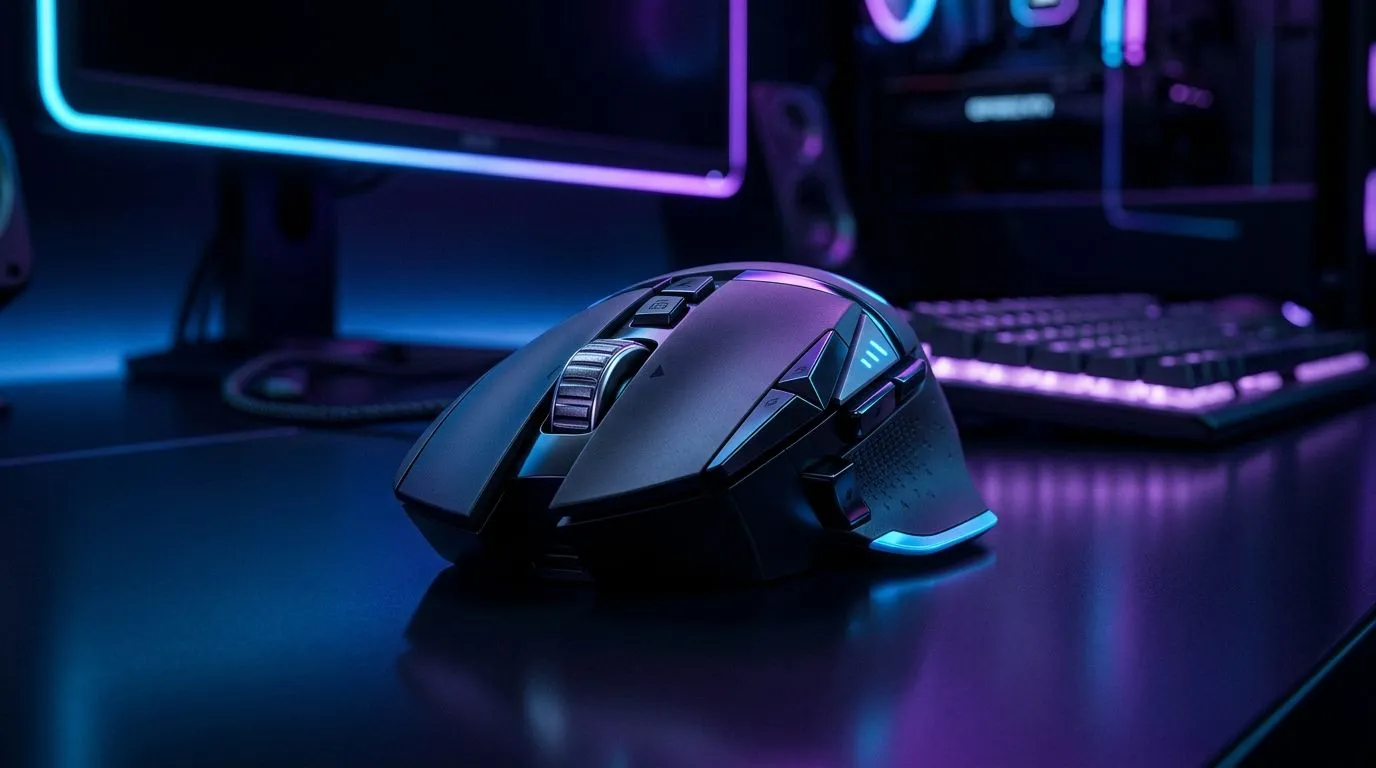
If your Valorant or Apex aim feels “almost right” but not quite, your mouse link might be the culprit. In South Africa, where load shedding and Wi‑Fi congestion are everyday reality, choosing the right connection matters. ⚡ Should you go 2.4GHz wireless for snappy tracking, or Bluetooth for flexibility? Let’s break down latency in plain terms, then help you pick the right mouse accessories for your setup.
Latency is the delay between your movement and what the game reads. Lower is better because it keeps your inputs synced with your muscle memory. In general, 2.4GHz “gaming wireless” links are designed for fast, consistent polling. Bluetooth is more commonly built for battery efficiency and general device pairing, so it can vary more depending on your system and Bluetooth version.
For most players, the bigger problem isn’t “numbers on a spec sheet”… it’s inconsistency when the connection is busy or shared.
2.4GHz uses a dedicated radio link to a receiver (usually USB). That receiver keeps communication direct and predictable, which is why many esports-style mice lean this way. Bluetooth, however, shares a connection method with other Bluetooth devices (headsets, controllers, keyboards). If your PC is also juggling audio and chat, Bluetooth can get less stable.
And remember: Wi‑Fi routers also live near 2.4GHz. That doesn’t automatically kill performance, but it can add competition in crowded neighbourhoods.
On Windows, test your mouse connection by disabling background Bluetooth devices (temporarily) and checking which one causes stutters. Also try moving the USB receiver to the front top of your PC using a USB extender, so the radio link has a clearer path and fewer obstructions.
Here’s a quick checklist before you spend R1,000+ on a new pointer:
You can browse matching options here:
In South Africa, deals can change what “best” means. If you’re upgrading today, check current pricing and bundles so you don’t overpay for a connection you won’t use.
If you’re mainly gaming at a desk with one PC, 2.4GHz is usually the safer bet for tight, predictable response. If you’re switching devices often or working from a laptop, Bluetooth can be practical. But if your goal is maximum “no surprises” performance, wired is still the benchmark. That’s why many serious players keep at least one wired option around for tournaments or when they want absolute consistency.
If you’re building a complete mouse setup, it helps to match your choice with compatible hardware and good peripherals. Start here for more options:
Want a mouse that feels consistent in-game, even when your Wi‑Fi or Bluetooth bus gets busy? Decide based on how you actually play, then choose the right connection type and accessories to support it.
Ready to Find Your Perfect Match? The Mac vs Windows debate is complex, but for maximum power, choice, and value in South Africa, Windows is hard to beat. Explore our massive range of laptop specials and find the perfect machine to conquer your world.
Yes. 2.4GHz wireless is typically lower latency than Bluetooth for gaming mice, especially at higher polling rates, because it avoids many Bluetooth scheduling delays.
Bluetooth can add more variable latency for some users, which may feel like delayed clicks in FPS games. 2.4GHz usually delivers more consistent timing.
Polling rate matters: higher values (for example, 1000Hz) can reduce perceived latency. But the connection method must support it for best results.
At very short range, the gap can shrink. However, 2.4GHz wireless still often wins for latency consistency and reduced packet timing variance.
Yes. Bluetooth can experience interference and shared airtime, which may cause stutter or jitter. A strong 2.4GHz link usually stays steadier.
Both can degrade with distance and obstacles, but 2.4GHz links often maintain better gaming-grade responsiveness when the receiver has a clear path.
Look for 2.4GHz wireless support, high polling rate options, low-latency claims from the manufacturer, and proven wireless stability for your target games.
Yes. Use the latest mouse software/firmware when available, confirm the selected connection mode, and test USB settings to minimize added delay.
GPU Setup Guide Gamers. Clear setup instructions with SA-specific considerations, troubleshooting tips & recommended components.
Read more
When Will the RTX 6090 Launch in South Africa Detailed answer with SA data, expert analysis & practical recommendations for local buyers.

Top Valorant Settings for RTX 5070: FPS Optimisation picks evaluated on performance, value & SA availability with current Rand pricing from Evetech.

RDNA 3.5 Graphics in Ryzen AI 400? Can You Game. Plain-English explanation of what it means, why it matters & how it affects your buying decisions in SA.

GPU Price Index : December Report. Current stock data & price tracking for SA buyers. See what is available and where prices are heading.

Core i5-14600K + B760 + RTX 5060 Build Under. Full parts list, Rand pricing & expected performance. Build confidently with SA-available components.

RX 7600 Apex Legends at 4K: FPS Benchmark. Real-world benchmark data, FPS numbers & performance analysis. What SA gamers can actually expect.

RX 7900 XTX GTA 6 at 4K: FPS Benchmark & Optimal. Real-world benchmark data, FPS numbers & performance analysis. What SA gamers can actually expect.

Head-to-head comparison of RTX 5070 vs RX 9070 XT: Gaming Performance for SA gamers. Performance benchmarks, Rand pricing & which delivers better value.

Top Laptop with Ryzen 5 + RTX 4090 Laptop: Picks picks evaluated on performance, value & SA availability with current Rand pricing from Evetech.

Top Budget GPU for Marvel Rivals picks evaluated on performance, value & SA availability with current Rand pricing from Evetech.

Valorant Settings on RTX 5070: Performance. Real-world benchmark data, FPS numbers & performance analysis. What SA gamers can actually expect.

Top Budget GPU for Assassins Creed Shadows picks evaluated on performance, value & SA availability with current Rand pricing from Evetech.