

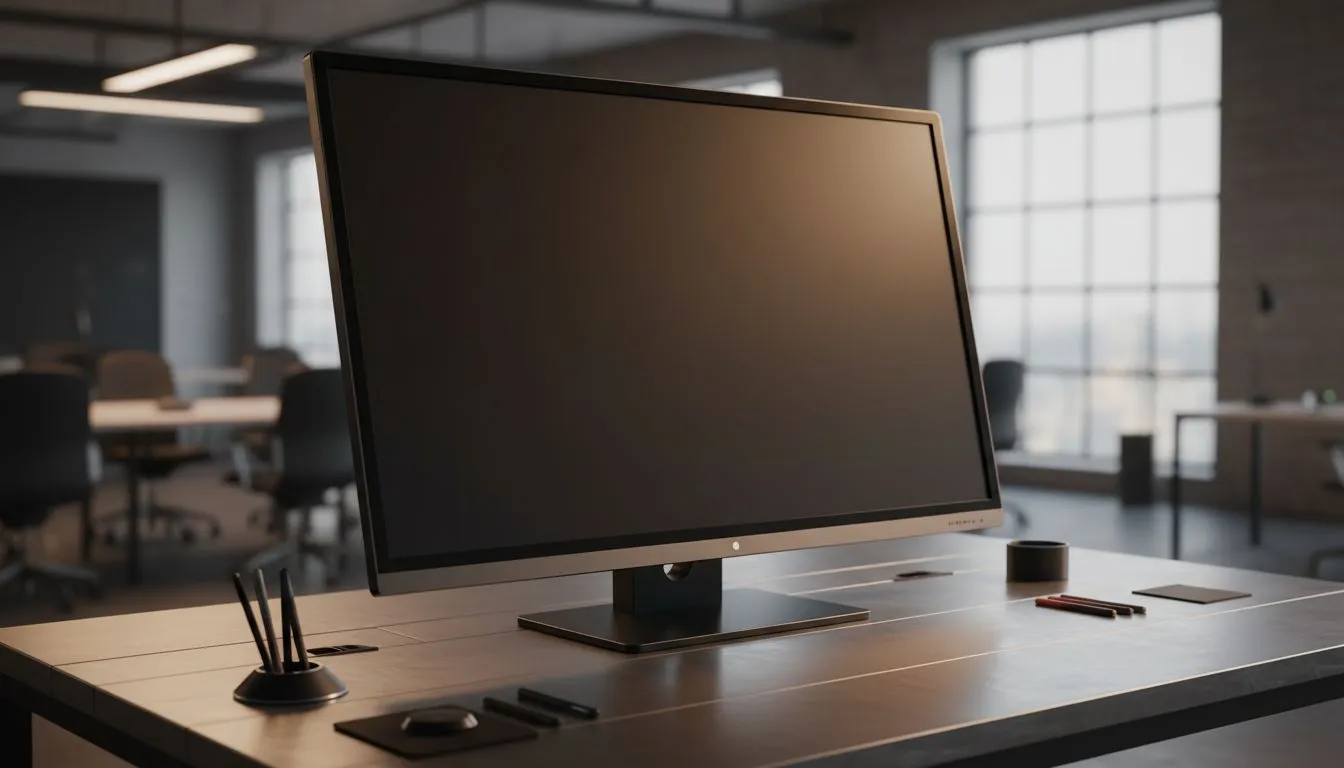
Why 20-Point Touch Screen Group Brainstorming hooks South African teams 🔧✨
First rule for in‑room creativity: give everyone a turn and a big, responsive surface. Whether you run classroom workshops in Cape Town or agile sprints in Johannesburg, a 20‑point touch screen turns passive viewers into active contributors. This guide shows practical setup tips, hardware choices, and session tricks to make group ideation faster and more fun.
Picking the right screen for group sessions
A great session starts with the right monitor. For reliable motion and low latency, consider panels that support FreeSync — ideal if your presenter connects a modern AMD laptop. See Evetech's selection of FreeSync monitors for options and specs. If you need broader selection across sizes and features, browse Evetech's general monitor range to compare refresh rates and inputs.
Touch panels pair well with Adaptive Sync tech too — if you want smoother pointer movement during rapid sketching, check Adaptive Sync choices. For sessions using higher‑end graphics laptops, NVIDIA users should look at G‑Sync models to keep drawing and video playback silky smooth.
Flat vs curved: what works when many people gather?
Flat screens are the natural choice for face‑to‑face brainstorms; everyone gets the same viewing angle. If your space is a semicircular huddle or you want immersive demos, a gently curved display can help. Evetech lists both flat and curved options so you can match the screen shape to your meeting table and room layout (flat screens, curved screens).
Panel type and touch accuracy
For colour‑accurate ideation and crisp legibility, IPS panels are the go‑to: wide viewing angles and consistent colour make annotations readable from the back of the room. Evetech's IPS monitor range shows practical sizes that support collaboration and note clarity.
Productivity Pro Tip ⚡
On Windows, use the PowerToys FancyZones utility to create custom snap layouts for your windows. It's a lifesaver for managing multiple apps on an ultrawide monitor, letting you organise your timeline, preview window, and asset folders perfectly for video editing.
Session design: rules that keep ideas flowing
- Start with a 5‑minute warmup: ask each person to add one sticky note on screen.
- Limit active contributors to three at a time to avoid touch chaos.
- Use different coloured pens or digital sticky notes so at‑a‑glance sorting is simple.
- Record the final board—export or screenshot—so no idea gets lost.
Hardware checklist for South African teams
- A monitor that supports at least 10 simultaneous touch points. For true collaborative play, 20‑point support is ideal.
- Low-latency inputs and Adaptive/FreeSync/G‑Sync where possible if you switch between sketching and video demos.
- Prefer IPS panels for clarity and consistent colour across viewing angles.
Looking for the right monitor to host your next session? Compare models and find pocket‑friendly options on Evetech — start with their monitor category to filter by features that matter for group brainstorming.
Quick setup tips before your first session ⚡
- Calibrate touch responsiveness in the OS before people arrive.
- Place the screen at standing height with enough knee room for users.
- Keep a spare active pen and a wireless presenter for quick navigation.
Ready to Find Your Perfect Match? The Mac vs Windows debate is complex, but for maximum power, choice, and value in South Africa, Windows is hard to beat. Explore our massive range of laptop specials and find the perfect machine to conquer your world.











