

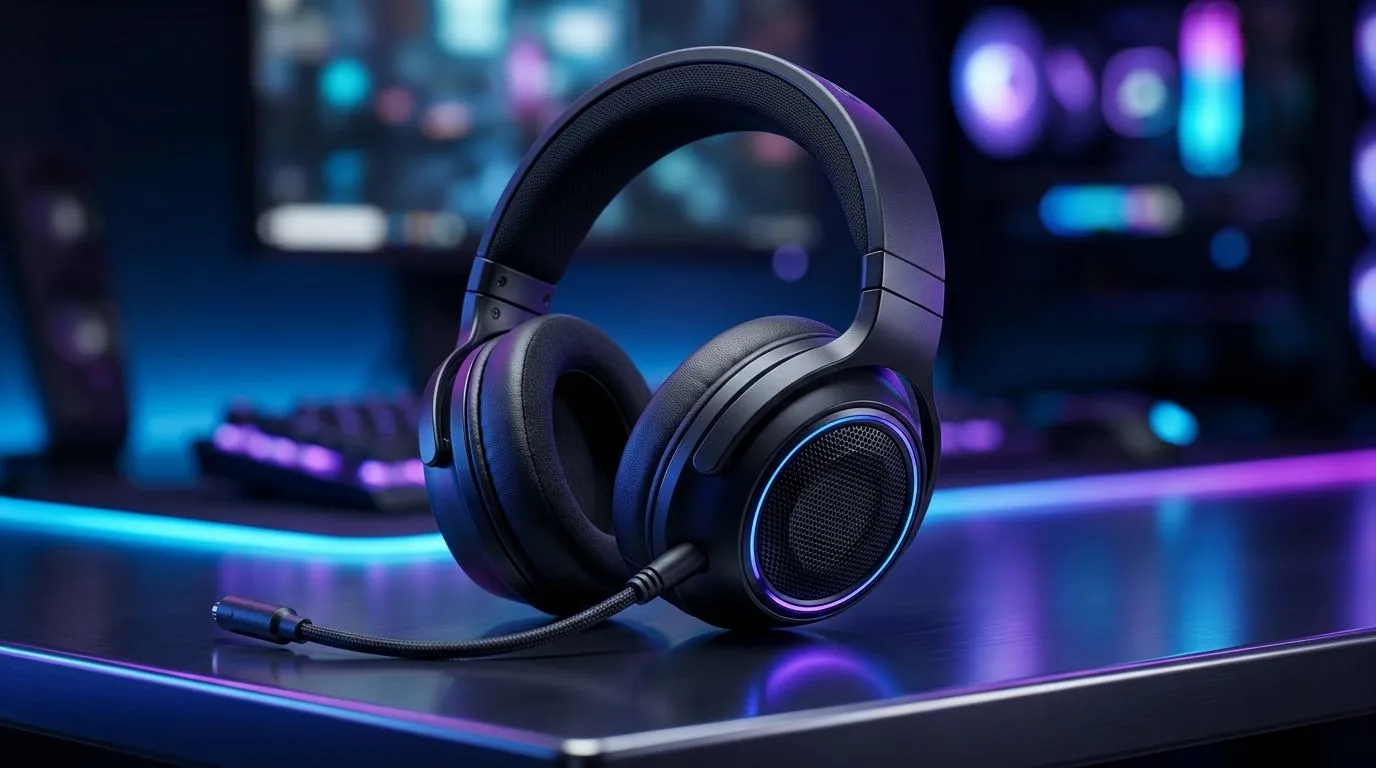
20Hz–20kHz Gaming Headset Frequency Range: Does It Matter for SA Gamers?
Ever bought a headset because the box said “20Hz–20kHz” and wondered if it actually changes your gameplay? In South Africa, where load shedding can mess with everything and budgets are real, it’s a fair question. 🎧
Frequency range sounds technical, but it’s not the whole story. The biggest wins usually come from drivers, tuning, comfort, and mic quality… not just the numbers. Let’s break down what “20Hz–20kHz” really means for gaming, especially for FPS, racing, and story games.
Understanding the 20Hz–20kHz Gaming Headset Frequency Range (and Why It’s Not Everything) 🔧
“20Hz–20kHz” is the human-audible range. In theory, anything spanning that range can reproduce deep bass up to crisp treble.
In practice, the spec is often just the minimum and maximum the driver can reach under ideal conditions. Two headsets can both claim 20Hz–20kHz, yet one sounds fuller and clearer while the other feels harsh or muddy.
What matters more for gaming:
- How flat the frequency response is (or how intentionally “V-shaped” the tuning is)
- Bass impact at low frequencies without drowning footsteps
- Treble detail for hearing distant cues like reloads and ambient sound design
- Imaging and soundstage (where sounds appear in-game)
So… does it matter? Yes, but indirectly. A wider range can help, yet tuning and output at key bands usually decide whether footstep audio is crisp or buried.
What to listen for in real gameplay 🚀
Try this quick test in a game you know:
- Head to a quiet area (or practice range).
- Listen for footsteps and reloads.
- Turn volume to a consistent level.
- If bass is too strong, footsteps can lose separation.
If a headset makes explosions exciting but footsteps unclear, the frequency range claim won’t save it.
Buying Smart: Frequency Range vs Real-World Tuning ✨
When you’re shopping online in SA, don’t get stuck on the headline spec. Instead:
- Check if the headset is aimed at competitive FPS or cinematic immersion
- Look for closed-back advantages if you’re in shared spaces
- Prioritise comfort for longer sessions (padding, weight, clamp)
For a popular wireless option that many players use for everyday and gaming, check out the Razer Barracuda X Chroma Wireless here: Explore the Razer Barracuda X Chroma Wireless headset deal
If you want to browse more options with different tuning styles (and see what’s currently worth the money), start with: All Razer headphones and headsets from Evetech
And if you’re comparing multiple brands without getting lost, this category page is a solid route: Browse Evetech’s gaming headset selection
Productivity Pro Tip 🔧
On Windows, use the built-in Sound settings to set one consistent output level for your headset. Then use in-game audio “mix” (if available) and avoid constantly changing system volume. This keeps your perceived bass and treble balance stable, so you can judge footsteps and cues more fairly across matches.
When 20Hz–20kHz can actually help (and when it won’t)
It helps most when:
- The headset reproduces bass cleanly, not just loudly
- The treble range is present enough for detail, without sibilance
- The drivers are tuned for clarity in your game’s key audio range
It won’t help much when:
- The tuning over-emphasises bass and masks mids (where footsteps live)
- The mic pick-up is weak, so team comms suffer
- The fit causes sound leakage or fatigue, so you stop using it
If you’re chasing competitive edge, consider that “frequency range” is only one piece of the audio puzzle. The best headset is the one that keeps cues readable for hours… and lets you communicate clearly.
Ready to Find Your Perfect Match? The Mac vs Windows debate is complex, but for maximum power, choice, and value in South Africa, Windows is hard to beat. Explore our massive range of laptop specials and find the perfect machine to conquer your world.











