Ever stared at a router box and wondered why the speeds look like a complex math equation? You are not alone. In South Africa, where fibre is finally becoming the standard, understanding 2402+574 Mbps WiFi is the difference between seamless 4K streaming and a frustrating lag spike during a ranked match. Let us break down what these numbers actually mean for your home network. ⚡
Understanding the AX3000 Speed Breakdown
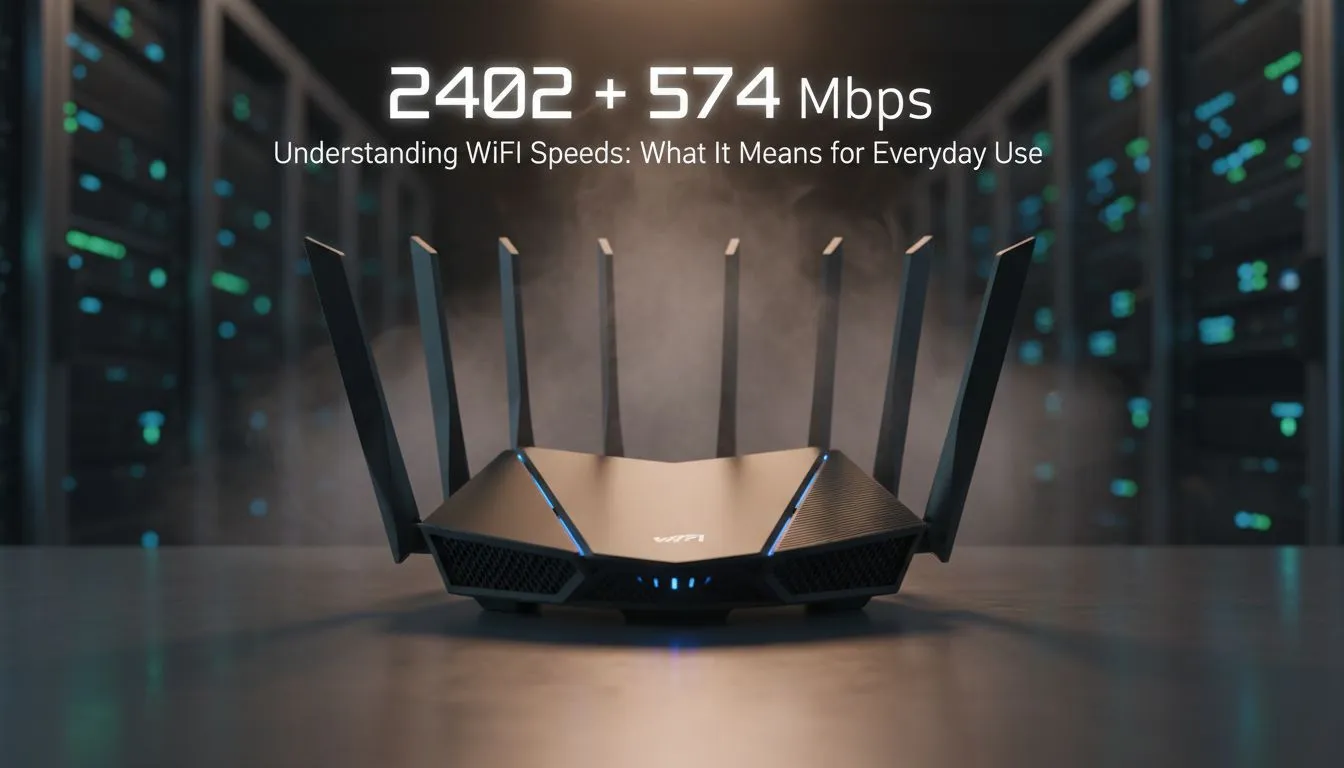
When you see a rating like 2402+574 Mbps WiFi, you are looking at an AX3000 class device. This is part of the WiFi 6 standard. The first number, 2402 Mbps, refers to the speed available on the 5GHz frequency band. This is your high performance lane. It is designed for tasks that need massive bandwidth... think downloading a 100GB Call of Duty update or streaming 4K Netflix.
The second number, 574 Mbps, represents the 2.4GHz band. While slower, this band has a much longer reach. It is perfect for smart home devices or browsing the web from the furthest corner of your garden. To get these results at home, you need to buy wireless routers that support the WiFi 6 protocol.
Why 2402+574 Mbps WiFi Matters for Everyday Use
You might think that since your fibre line is only 100 Mbps, this hardware is overkill. That is a common mistake. High internal speeds allow your devices to talk to each other instantly. If you are casting a movie from your laptop to your TV, that traffic stays inside your home. A 2402+574 Mbps WiFi setup ensures that internal data moves without a bottleneck. 🚀
Furthermore, WiFi 6 is better at handling multiple devices. In a typical South African household, you might have three phones, two laptops, a console, and a smart fridge all fighting for airtime. This specific speed configuration uses technologies like OFDMA to talk to all of them at once. It reduces the "queuing" that used to happen on older routers.
Optimisation Pro Tip ⚡
Always place your router in a central, elevated position. Avoid putting it inside a TV cabinet or behind a fish tank. Water and glass are notorious for absorbing WiFi signals, which can cut your effective speeds in half before the signal even reaches your bedroom.
Getting the Most Out of Your Hardware
Having a fast router is only half the battle. Your PC or laptop needs to be able to "speak" the same language. If your gaming rig is still using an old WiFi 4 dongle, you will never see the benefits of 2402+574 Mbps WiFi. You should look to buy wireless adapters that are rated for WiFi 6 to unlock the full 2402 Mbps potential.
If you live in a large home with thick brick walls... a common sight in SA... a single router might struggle. You can easily expand your coverage by adding wireless range extenders to your setup. This ensures that the high-speed 5GHz band reaches every room, not just the lounge.
Future-Proofing Your Home Network
Investing in 2402+574 Mbps WiFi is about more than just today. As local ISPs push towards 1Gbps speeds for under R1500, your internal network needs to be ready. By upgrading your wireless networking gear now, you ensure that your home is ready for the next five years of tech advancement. 🔧
Whether you are a competitive gamer looking for lower latency or a remote worker needing reliable Zoom calls, these specs offer a massive leap in stability. It is about creating a "set and forget" environment where the internet just works. ✨
Ready to Upgrade Your Connection?
Don't let an outdated router throttle your fibre speeds. Whether you need a high-end WiFi 6 router or a simple range booster, we have the tech to keep you connected. Explore our full range of networking solutions and experience the true power of your internet today.