


Humidity Damage to PC Components: Recovery Guide
Humidity Damage to PC Components: Recovery Guide. Everything you need to know with SA pricing, step-by-step instructions & expert recommendations.
Read moreLooking for a 240Hz monitor in South Africa? Get the competitive edge you need! This guide answers all your questions about refresh rates, performance, and if it's the right upgrade for your gaming setup. Discover if a 240Hz monitor is worth it for you. 🚀🎮
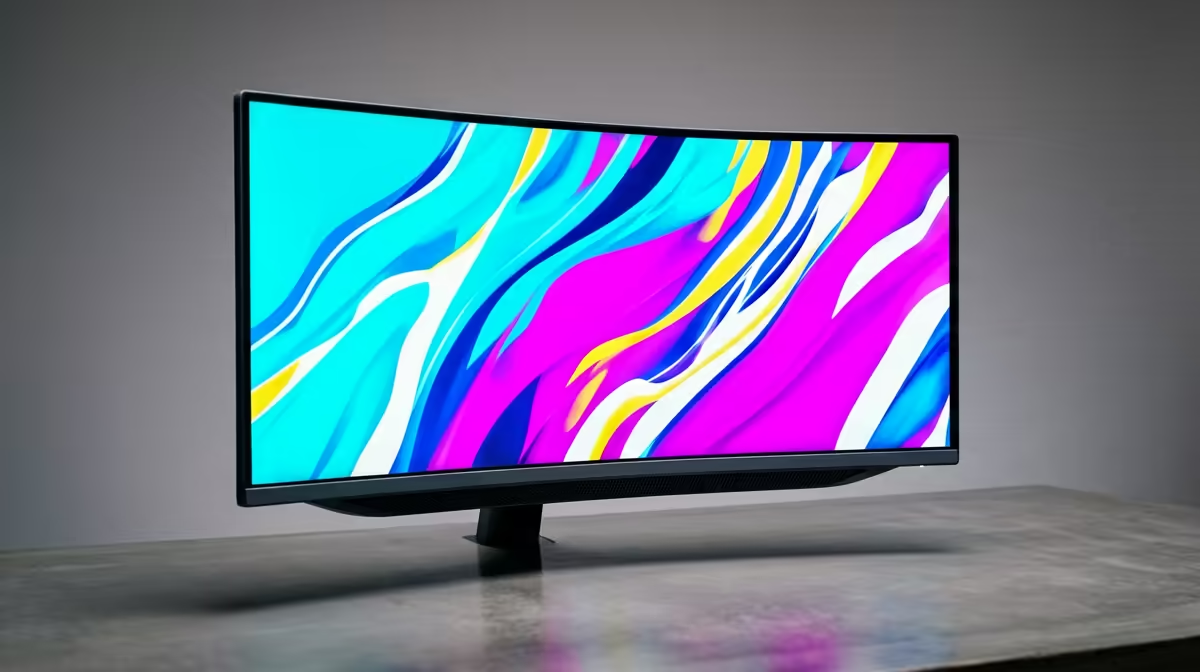
So, you’re eyeing a major upgrade. The buzz around a 240Hz monitor in South Africa is massive, but so are the questions. Is it pure hype, or is it the secret sauce for dominating in Valorant and Apex Legends? You want that buttery-smooth, competitive edge without the buyer's remorse. Let's dive deep and answer the top questions local gamers are asking before they pull the trigger. 🚀
The jump from a standard 60Hz or even a 144Hz screen to 240Hz is immediately noticeable. We’re talking about a level of smoothness that fundamentally changes how you track targets and react to on-screen action. For competitive players, this isn't just a luxury; it's a tactical advantage.
A 240Hz refresh rate means the screen draws a new image 240 times per second. This drastically reduces motion blur and input lag, making your mouse movements feel incredibly responsive and connected to the game world. It's the kind of clarity that can mean the difference between landing a headshot and getting caught off-guard. While the benefits are clear, it's just one part of a huge ecosystem of PC monitors designed for different needs.
This is the most critical question. A high-refresh-rate monitor is only as good as the PC powering it. To truly benefit from a 240Hz display, your graphics card and CPU need to consistently push 240 frames per second (FPS) or more in your favourite games.
Don't have a top-tier rig? You can still benefit from 240Hz, but you might need to lower in-game settings. It’s all about finding that sweet spot, and you can often find the perfect balance in our selection of the best PC monitor deals in South Africa.
Just plugging in your new 240Hz monitor isn't enough! Windows often defaults to 60Hz. Right-click your desktop > Display settings > Advanced display settings, and manually select the 240Hz refresh rate from the dropdown menu to unlock its full potential.
Beyond the refresh rate, a few other specs are crucial for getting the best experience. The market for a 240Hz monitor in South Africa is diverse, so knowing what to look for helps you choose wisely.
With so many combinations available, browsing through all gaming monitors can help you compare these features side-by-side.
This often comes down to personal preference, but curved screens have some distinct advantages. A subtle curve, typically 1500R or 1800R, can enhance immersion by filling more of your peripheral vision. This is especially effective in first-person shooters and racing simulators.
The curve helps keep the entire screen at a more uniform distance from your eyes, which can reduce eye strain during those marathon gaming sessions. If you're after that 'cockpit' feel and want to be fully absorbed in your game, it’s definitely worth checking out the options when you buy curved monitors.
Ready to See the Difference? A 240Hz monitor isn't just an upgrade; it's a competitive advantage that gives you the edge. Explore our massive range of high-performance displays and find the perfect fit for your setup. Shop all gaming monitors at Evetech for performance that leaves lag in the dust.
For competitive FPS gamers in titles like Valorant or CS2, a 240Hz monitor offers a significant advantage with smoother motion and faster response times, making it a worthy investment.
The primary difference is motion clarity. A 240Hz monitor refreshes the image 240 times per second versus 144, resulting in noticeably smoother visuals and reduced motion blur.
To consistently hit 240 FPS, you'll need a powerful GPU. For 1080p gaming, consider an NVIDIA GeForce RTX 4060 or AMD Radeon RX 7700 XT or higher for optimal performance.
Yes, many gamers, especially those in fast-paced genres, can perceive the increased smoothness and reduced input lag of 240Hz, giving them a tangible competitive edge.
While you can use a 240Hz monitor, current consoles like the PS5 and Xbox Series X are limited to a maximum output of 120Hz, so you won't experience the full benefit.
In Windows, right-click your desktop, go to 'Display settings', then 'Advanced display'. Your current refresh rate will be listed and can be changed from the drop-down menu.
It can! The reduced input lag and smoother tracking of targets on a 240Hz monitor can lead to more precise aiming and quicker reaction times in fast-paced games.
Prices vary by brand, size, and panel type. Entry-level 1080p 240Hz monitors typically start around R5,000, with premium 1440p models costing significantly more.
Humidity Damage to PC Components: Recovery Guide. Everything you need to know with SA pricing, step-by-step instructions & expert recommendations.
Read more
Gamer Spending Trends April : Complete Setups. Clear setup instructions with SA-specific considerations, troubleshooting tips & recommended components.
Read more
Setting Up DDR5 32GB Kit. Tested & verified settings for best FPS and visual quality on SA hardware budgets.
Read more
Tech Setup Guide for SPU Res Students. Clear setup instructions with SA-specific considerations, troubleshooting tips & recommended components.
Read more
Monster Hunter Wilds Ultrawide Support: 21:9 and. Clear setup instructions with SA-specific considerations, troubleshooting tips & recommended components.
Read more
Apple iPad Durability Guide: Cases, Screen. Practical breakdown of costs, regulations & whether it makes financial sense for SA buyers.
Read more
AMD RX 9050 XT: Rumoured Specs, Price & Release. SA-focused analysis with local pricing data, real-world insights & actionable buying advice.

Can RTX 4080 Super Run AI Workloads for SA Developers Detailed answer with SA data, expert analysis & practical recommendations for local buyers.

Can RTX 4090 Run AI Workloads for SA Developers Detailed answer with SA data, expert analysis & practical recommendations for local buyers.

Top Settings for Intel Arc B580 at Ultrawide 1440p picks evaluated on performance, value & SA availability with current Rand pricing from Evetech.

RTX 4060 CS2 Low Settings at 1080p: FPS Results. Real-world benchmark data, FPS numbers & performance analysis. What SA gamers can actually expect.

Visual Artifacts: Possible GPU Issue Issue #1. Diagnosis steps, proven fixes & when to seek professional help. SA-specific support info included.

Can the RTX 4090 Handle 1440p 144Hz Gaming. Performance testing verdict with real data & practical recommendations for SA buyers.

Top ASUS GPU Under R15000 picks evaluated on performance, value & SA availability with current Rand pricing from Evetech.

GTA 6 Max Settings on RTX 5070. Tested & verified settings for best FPS and visual quality on SA hardware budgets.

Cyberpunk 2077 Max Settings on RTX 5080. Tested & verified settings for best FPS and visual quality on SA hardware budgets.

Starfield Max Settings on RTX 5070 Ti. Tested & verified settings for best FPS and visual quality on SA hardware budgets.

Top RTX 5090 Under R5000 picks evaluated on performance, value & SA availability with current Rand pricing from Evetech.