

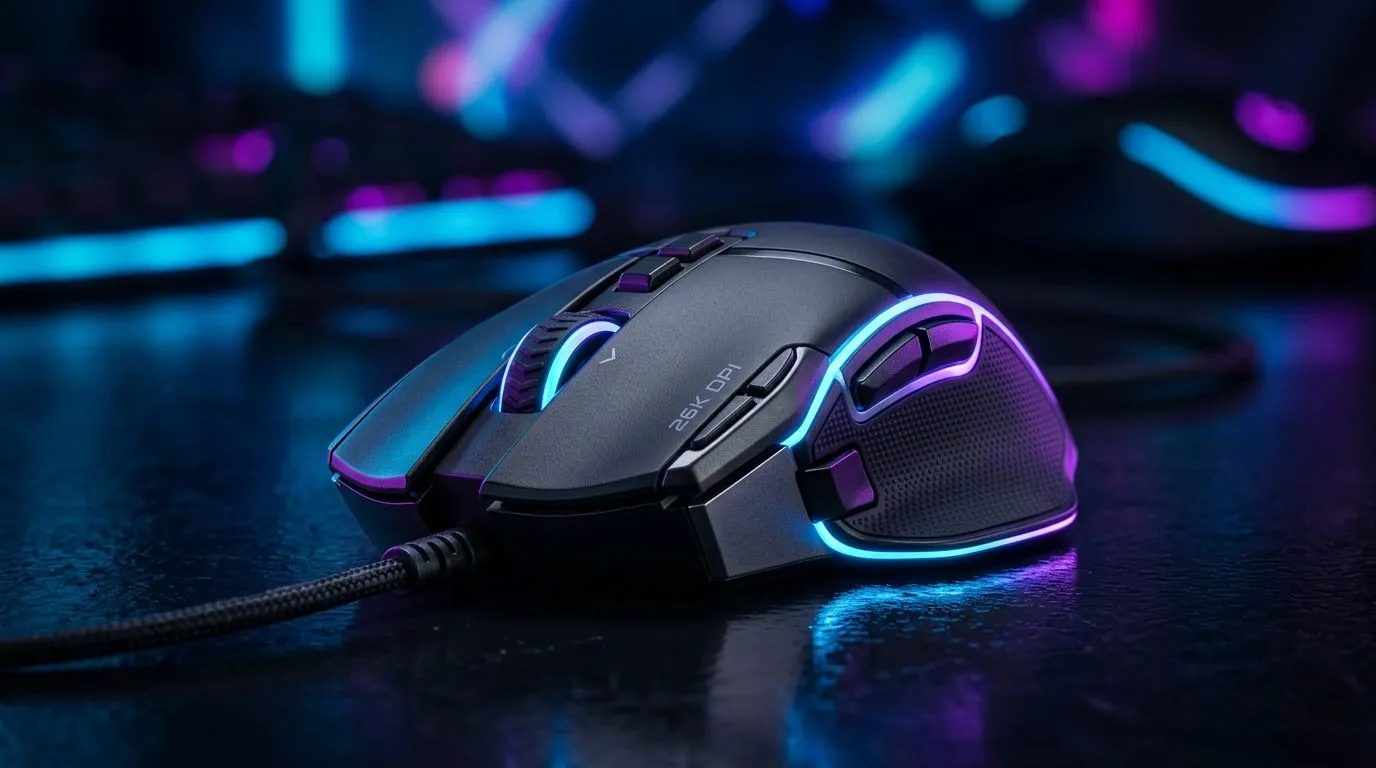
Understanding 26K DPI Gaming Mouse Settings for South African Gamers 🔧
If you’re a South African gamer chasing pinpoint accuracy in FPS or lightning-fast reflexes in MOBA titles, nailing your 26K DPI gaming mouse settings can seriously boost your edge. These settings aren’t just about raw speed; they balance precision with control, whether you’re fragging opponents or navigating your desktop. Let’s break down how to optimise your mouse’s DPI for various uses.
Why 26K DPI? High Sensitivity for Precise Control ⚡
A 26K DPI gaming mouse has an ultra-sensitive sensor, perfect for gamers demanding razor-sharp response and minimal input lag. However, raw DPI alone won’t win rounds—you must calibrate sensitivity for your playstyle. For FPS titles like Call of Duty or CS:GO, too high a DPI might hamper fine aim. MOBA players need swift cursor movement without overshooting. Desktop users benefit too, with quick navigation enhancing productivity.
Evetech offers a diverse range of mouse accessories that help customise your setup. From precision mouse feet to adjustable weight systems, fine-tuning is key.
Best 26K DPI Settings for Different Gaming Genres
FPS Setup: Precision over Speed
For FPS games, dial your settings to a lower sensitivity despite the 26K DPI capability. Many pros opt for effective DPI (eDPI) around 400 to 800, matching comfortable mouse pad space. Reduce your in-game sensitivity and activate mouse acceleration OFF.
Grip Your Mouse Right
Use a claw or fingertip grip when playing FPS to improve micro-adjustments. This method utilises the high DPI’s precision without sacrificing endurance during long sessions.
MOBA Setup: Balance Speed and Accuracy
MOBA gamers need a balance. A mid-range sensitivity setting between 1200 and 3200 DPI keeps hero control responsive. Tight camera zooms and skill shots demand fast cursor swings but controlled stopping power.
Check out our wired mouse collection for highly reliable models with stable latency. Wired gaming mice often outperform wireless under intense input, ideal for competitive MOBA action.
Desktop & General Use: Efficiency First
If you use your 26K DPI gaming mouse mainly for desktop navigation or casual gaming, higher sensitivity settings improve workflow efficiency. Adjust cursor speed to cover the full screen quickly without tiring your arm.
Wireless options also shine here—browse our wireless mouse selection for smooth, lag-free movement without cable clutter.
How to Optimise Your Mouse for South African Gaming Conditions
South African gamers often balance performance with value. Evetech’s best gaming mouse deals page features competitive pricing in ZAR, helping you pick a high-quality mouse that won’t break the bank.
Look for devices with adjustable DPI onboard buttons. This flexibility lets you switch sensitivity on the fly between different scenarios, from tight FPS gunfights to the quick reflexes of MOBAs.
Pro Tips for Tuning Your 26K DPI Gaming Mouse 🎯
- Update your mouse firmware for the latest sensor improvements.
- Calibrate your mousepad surface for optimal tracking.
- Disable mouse acceleration both in Windows and your game settings.
- Use in-game sensitivity sliders alongside your mouse DPI adjustments for custom control.
- Test settings across games to find your sweet spot—what works in FPS might feel off in strategy games.
Browse our full gaming mouse component lineup for replacement parts or upgrades to keep your rig precise and fresh.
Elevate Your Gameplay Today Ready to master your 26K DPI gaming mouse settings? Shop now at Evetech for high-performance gear designed to keep you ahead of the competition.











