

Finding the Perfect Balance for Your Setup
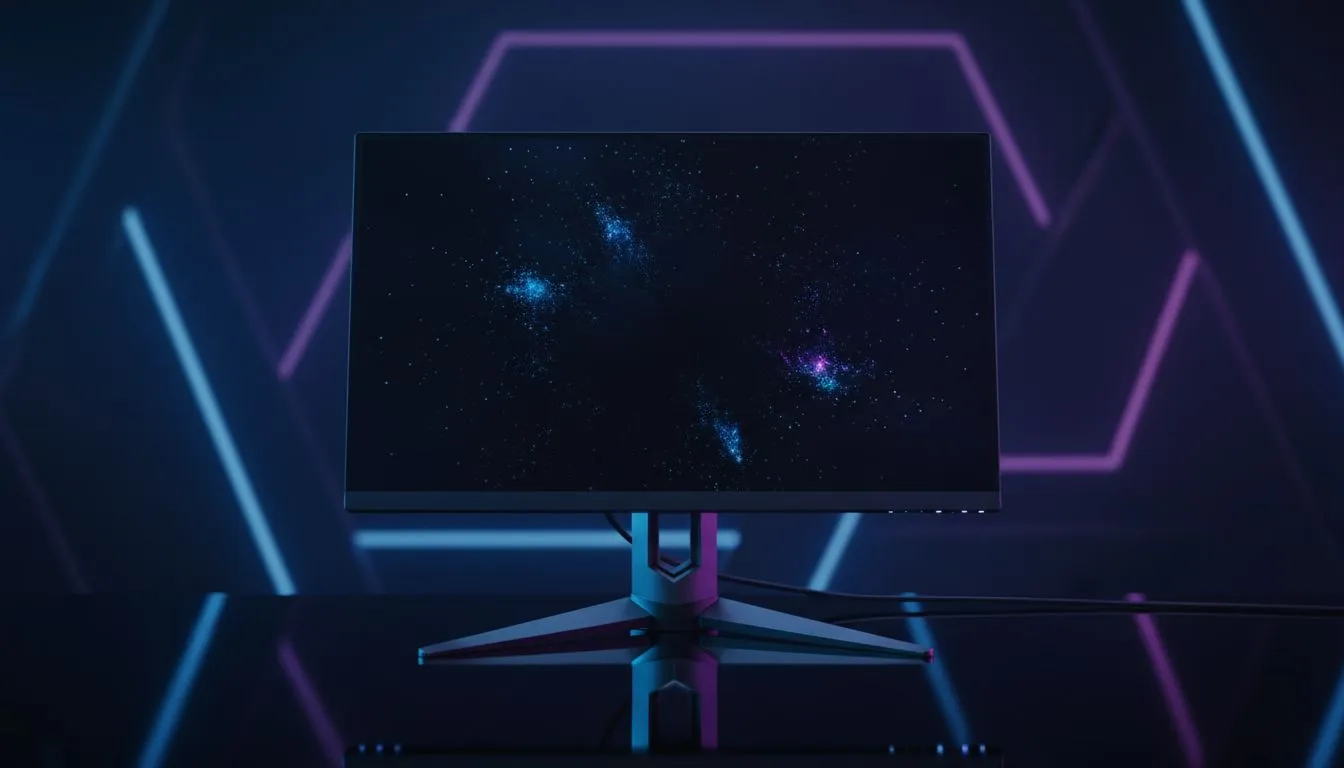
Choosing the right screen for your setup often feels like a balancing act... especially when you are looking at the price tags in ZAR. A 27-inch QHD monitor hits that perfect middle ground. It offers more detail than a standard 1080p panel without requiring the massive GPU power of 4K. It is the definitive upgrade for South African gamers seeking clarity and performance. ✨
Why Pixel Density Matters at 1440p
When you browse the massive range of PC monitors available today, you will notice various sizes. However, the 27-inch frame is special because of pixel density. At this size, a QHD (2560 x 1440) resolution provides roughly 109 pixels per inch. This is the "Goldilocks" zone. Text looks sharp... icons are perfectly sized... and you do not need to use Windows scaling to read your emails.
If you go larger, like 32 inches, 1440p can start to look a bit grainy. If you go smaller, everything becomes tiny. This specific 27-inch QHD monitor setup ensures your eyes do not strain during long sessions of work or play.
Productivity Pro Tip ⚡
On Windows, use the PowerToys FancyZones utility to create custom snap layouts for your windows. It's a lifesaver for managing multiple apps on a 27-inch display, letting you organise your browser, Discord, and game launcher perfectly without overlapping windows.
Performance Meets Immersion
For those looking through all gaming monitors for their next upgrade, performance is key. Driving a 4K display requires a top-tier GPU that can cost as much as a small car. Conversely, a 1440p display is much easier on your hardware. You can achieve higher frame rates on mid-range cards... which is vital for competitive shooters. 🚀
Some players prefer the wrap-around feel of curved monitors to increase their field of view. A 27-inch curved panel fits comfortably within your peripheral vision. It keeps you focused on the action without forcing you to turn your head constantly.
Versatility for Every User
Not everyone sits at a fixed desk all day. Some professionals require portable monitors for secondary displays while travelling across South Africa. However, for a primary workstation, the 27-inch QHD monitor remains the king of versatility.
While 5K and 4K monitors are excellent for high-end video editing, the 1440p sweet spot is more than enough for most creative tasks. You get significantly more "screen real estate" than 1080p... allowing you to have two documents open side-by-side with ease. 🔧
Completing Your Desktop Experience
To get the most out of your new display, do not forget the essentials. Quality monitor accessories like gas-spring arms can clear up desk space. This allows your 27-inch screen to "float"... giving you a cleaner, more ergonomic workspace.
If you are hunting for value, keeping an eye on the best PC monitor deals is the smartest way to upgrade. You can often find premium IPS panels with high refresh rates at prices that make sense for the local market.
Ready to Find Your Perfect Match? Finding the right balance between resolution and performance is the key to a great setup. Whether you are gaming or grinding through work, our curated selection has you covered. Explore our massive range of monitor specials and find the perfect machine to conquer your world.











