

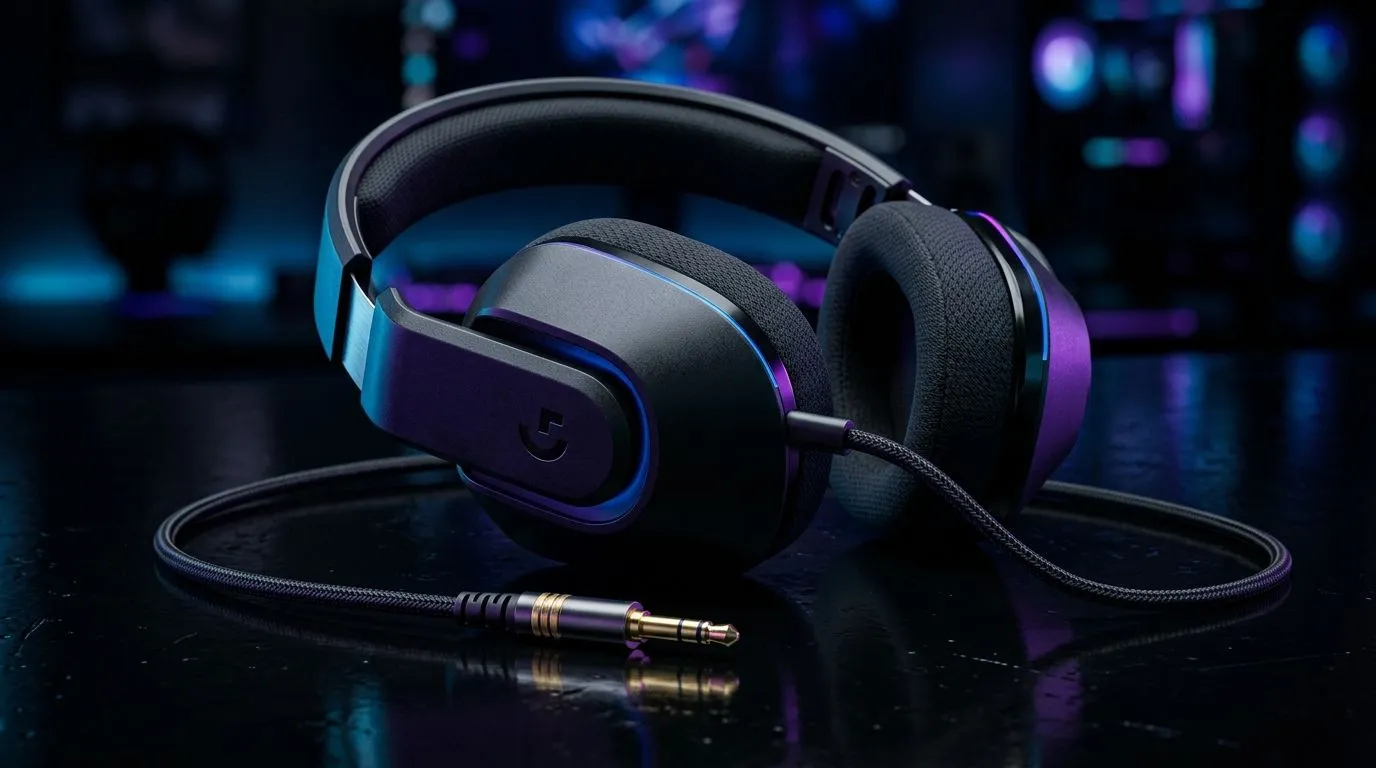
Unlocking 3.5mm Gaming Headset Compatibility for Every Device 🎧
Gamers in South Africa know the thrill of crisp soundscapes and clear comms during an intense match. But does your 3.5mm gaming headset play nicely with all your gear? Whether you game on PC, console, or mobile, compatibility can make or break your experience. Let’s explore exactly where and how these classic jacks fit into your setup — no confusion, just clarity.
Understanding 3.5mm Gaming Headset Compatibility Across Devices
The trusty 3.5mm jack reigns supreme as a universal audio connector. Designed for stereo sound and mic input, it works with almost every device — but not always without adapters or settings tweaks.
PC Desktops and Laptops
Most modern gaming PCs feature a combo 3.5mm port supporting both microphone and headphone audio. However, some rigs separate these into two ports. Double-check your motherboard specs or laptop manual, especially if you use high-end peripherals for gaming mouse precision or extra audio clarity.
Don’t forget to look at gaming mouse options too. Whether you opt for a wired gaming mouse or a wireless gaming mouse, ensuring seamless audio alongside your controls is key for peak performance. Browse curated options like the latest gaming mouse deals while confirming headset compatibility.
Consoles: PlayStation and Xbox
Most consoles support 3.5mm headsets plugged straight into the controller. But some older models or PC-to-console setups might need an inline adapter for full mic support. For wireless controller users, pairing a 3.5mm headset usually means grabbing the right dongle or mixer.
Mobile Devices and Tablets
Smartphones still widely support 3.5mm headsets, though many newer models drop the port altogether. Here, a USB-C to 3.5mm adapter or Lightning to 3.5mm converts your headset for mobile use. This is vital for mobile pvp games where crisp audio cues matter.
Tip for Mobile Gamers
Use a high-quality adapter to ensure no loss in mic quality or sound clarity when connecting 3.5mm headsets to modern smartphones.
Why Your 3.5mm Setup Matters With Gaming Gear
Balancing your headset with other gaming peripherals matters more than ever. Ever tried to game with a noisy wired mouse or unresponsive wireless mouse and a subpar headset? Sound delays, lag, and cluttered desk space frustrate fast reactions.
Invest in reliable accessories — Evetech’s selection features precision-contoured wired mouse accessories built for stable connection and ergonomic comfort. Pair these with your headset to maintain peak focus and comfort.
Common Compatibility Challenges and Fixes
- No Mic Sound? Check if your device has separate audio and microphone ports or a combined one.
- Mono vs Stereo? Some headsets may default to mono on specific devices; look into audio driver updates or sound settings.
- Adapter Needed? Many consoles and mobiles need inline adapters for headset mics — a small investment worth making.
Adding a good-quality gaming mouse like those found in our gaming mouse collection ties everything together. Your senses sharpen with every precise click and crystal-clear sound cue.
Making Your Gaming Setup Work Flawlessly With 3.5mm Headsets
Choosing the right headset and accessories tailored to your devices isn’t just smart — it’s necessary. Combine your headset with the best peripherals from Evetech’s wide range of wired mouse and wireless mouse options.
Swap out clunky or incompatible gear to enjoy hassle-free play. Test your headset on all intended devices before serious gaming sessions.
Upgrade Your Gaming Setup Today Don’t let connection woes distract you. Enjoy seamless 3.5mm headset compatibility with top-tier gear — Shop now at Evetech for performance that leaves lag in the dust.











