

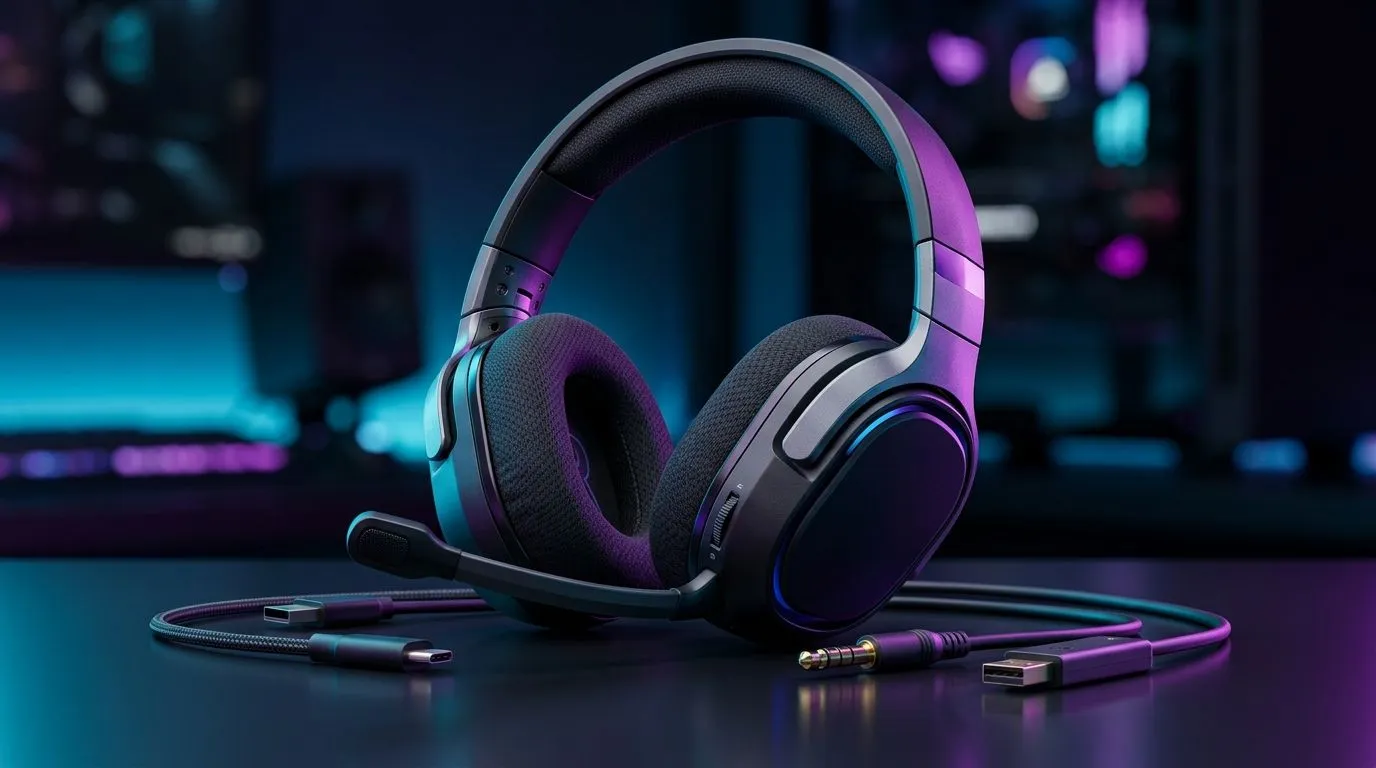
Understanding 3.5mm Headset Jack Compatibility Across Devices ⚡
If you’ve ever connected your trusty headset to a laptop or console only to realise the mic doesn't work, you’re not alone. The 3.5mm headset jack compatibility can feel tricky across devices. South African gamers who want crystal-clear audio and chat need to know the difference between headphone jacks, mic support, and how to get their gear working seamlessly. Let’s unravel this common tech puzzle together.
What Is a 3.5mm Headset Jack and Why Does Compatibility Matter?
The 3.5mm jack is the classic audio port found on many devices – from smartphones and laptops to gaming consoles like the PS5 or Xbox Series X. But not all jacks are created equal. There are two main types:
- TRS (Tip-Ring-Sleeve): Supports stereo sound but no mic input.
- TRRS (Tip-Ring-Ring-Sleeve): Supports both stereo audio and a microphone.
This means plugging a TRRS headset into a TRS port can cause microphone problems, which frustrates gamers during squad chat. Understanding the distinction can save you time troubleshooting.
Want a headset that handles multiple devices confidently? Check out the Razer Barracuda X Chroma Wireless Headset Phantom White. It offers versatile connectivity and high-quality sound you’ll love during marathon gaming sessions.
Device Differences: How Compatibility Varies Across Platforms 🚀
Gaming consoles, PCs, and mobile devices differ in how they interpret 3.5mm jacks:
Consoles
The PS5 and Xbox controllers use TRRS jacks but expect specific wiring for the mic. Some headsets won't transmit chat audio unless they match the controller’s wiring scheme. It explains why some 3.5mm headsets work flawlessly on PC but struggle on Xbox.
PCs and Laptops
Most laptops combine headphone and mic into one TRRS port, but some desktop motherboards have separate connectors. That’s where a splitter cable or USB adapter might be needed for full mic functionality.
Mobile Devices
Smartphones generally use a TRRS jack that supports headphones and mic. However, newer phones might require a USB-C adapter, adding another layer of complexity.
To explore a wide range of quality headphone headsets that suit PC setups, visit this curated selection at Evetech. You'll find gear optimised for different device types and connectivity.
How to Test and Fix 3.5mm Headset Compatibility Issues 🔧
Troubleshooting is easier once you know what to look for:
- Check headset wiring: Does it have 3 rings (TRRS) or 2 rings (TRS) on the jack?
- Try different devices: If the mic works on your phone but not your PC, it’s likely a wiring mismatch.
- Use adapters: A headset splitter that separates headphone and mic signals can fix desktop PC port issues.
- Update drivers and settings: Sometimes, simple driver updates or selecting the right mic input in your OS settings does the trick.
For more options designed around stereo or immersive 7.1 audio, browse Evetech’s headphone and headset categories and 7.1 virtual surround sound headsets. Matching your headset to your gaming style and device setup really enhances experience.
Pro Tip for Seamless Audio Connectivity
Invest in headsets or USB audio adapters supporting multiple platforms. It saves hassle and keeps your mic working across PC, console, and mobile without firmware fiddling.
Why Investing in the Right Headset Matters for SA Gamers
With noisy home environments and competitive online games common here in South Africa, clear communication is essential. The right headset boosts immersion plus voice clarity and comfort during long sessions.
Explore headsets with multi-platform support and reliable 3.5mm jack compatibility on Evetech’s headphone and headset hub. There’s gear to suit all budgets and playstyles, from casual to pro gamers.
Ready for Next-Level Audio? Don’t let jack compatibility issues spoil your game. Shop now at Evetech for headsets designed to perform anywhere you play.











