

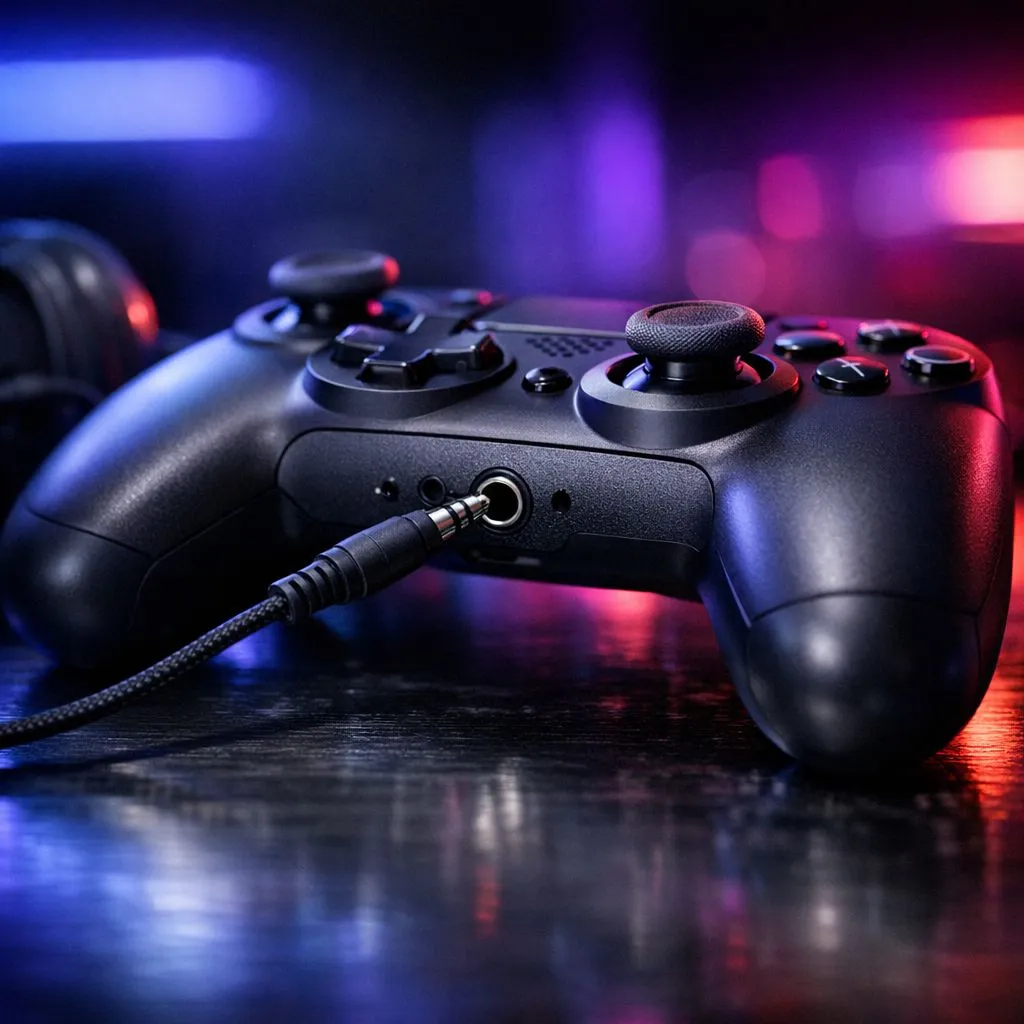
What does a 3.5mm Headset Jack on a Gaming Controller: What It Does actually mean for you?
If you’ve ever plugged in your headset and wondered why the audio feels “almost right”… this is for you. South African gamers care about clarity, low lag, and not fiddling for an hour mid-ranked. A 3.5mm headset jack on a gaming controller: what it does can be the difference between quick, reliable chat and wrestling with settings. 🎧
A 3.5mm port is basically a standard audio connection. On many controllers, it lets you connect a wired headset straight into the controller instead of the console/PC.
How the 3.5mm port works (and why controllers love it) 🔧
When you plug a headset into the controller’s 3.5mm jack, the controller routes both:
- Headphone audio (game sound)
- Mic audio (voice chat), if your headset has a compatible mic setup
This is great for couch play because you don’t need to reach behind the TV or PC. It also means fewer cables and less chance you’ll forget to switch audio devices.
Mic and audio: what’s compatible?
Not every headset mic works the same way. Some headsets use separate plugs (one for mic, one for audio). Others are “combined” (single plug). Controllers with a single 3.5mm port usually expect a specific combined format.
If you’re not sure, look for your headset’s plug type and whether the controller supports headset mics over that same jack.
Controller audio mixing: the quiet advantage ✨
Even when the game audio is identical, controller-based audio often feels smoother because the controller can manage volume and mute quickly. That matters during sudden fights… when your team needs you to talk right now.
Real-world benefits for South African gamers: less hassle, faster setup 🚀
Here’s a micro-story from local living rooms: you finally sit down, headset in hand, and your console is on the other side of the shelf. With a controller 3.5mm jack, you can connect in seconds and get into a party without hunting settings.
It’s also a win for:
- Living room setups where the console/PC is hard to access
- LAN nights where everyone wants quick plug-and-play
- Kids or siblings sharing the space and swapping headsets often
Quick Setup Pro Tip ✨
your headset won’t transmit mic audio, check two things first: (1) your headset plug type (single combined vs separate mic audio), and (2) the in-game voice input device. After that, test by toggling mute on the controller and watching for the in-party mic indicator.
Choosing a controller with the right headset options (without paying for extra you won’t use)
If you’re shopping, treat the 3.5mm jack as one feature in a bigger checklist. Before you buy, compare:
- Whether it supports wired mic chat
- Whether the controller also has wireless headset options
- How easy it is to adjust volume and mute without pausing the game
If you want a model you can shop by features, start with Evetech’s controller selection here: buy gaming controllers. If you’re considering Razer specifically, this Razer-focused page helps you compare lines faster: Raze controller options. And if you’re already leaning tournament-grade, check the deal on the Wolverine V3: Razer Wolverine V3 Tournament Edition (8K) deal. ✅
CALLTOACTION
Ready to Find Your Perfect Match? The Mac vs Windows debate is complex, but for maximum power, choice, and value in South Africa, Windows is hard to beat. Explore our massive range of laptop specials and find the perfect machine to conquer your world.











