

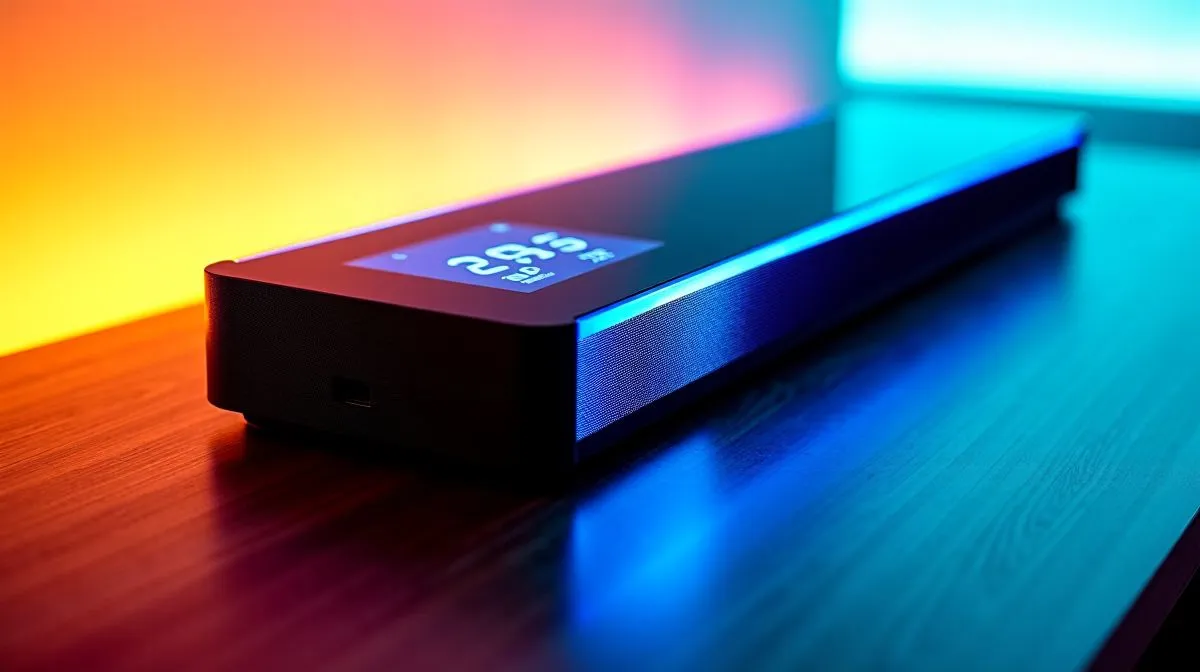
“3.95” LCD Display on CPU Cooler: Useful or Aesthetic? (and why South Africans are asking)
That little “3.95” LCD screen on a CPU cooler looks awesome… right up until you’re paying for cooling you might not use. South African gamers and PC builders keep asking the same question: is the “3.95” LCD display on CPU cooler: useful or aesthetic? or just RGB-with-a-screensaver? ✨
Here’s the honest answer. It can be useful, but only if you actually benefit from what the screen shows. Otherwise, it’s mostly for vibes, desk shots, and “look at my setup” moments. Let’s break down the real-world trade-off… and how to choose without wasting money.
“3.95” LCD Display on CPU Cooler: What it can do in practice
Most 3.95" LCD cooler screens act like a mini dashboard. Common outputs include temps, pump speed, and sometimes animated images or GIFs. That means the screen can help with quick diagnostics while you game or render, especially if you don’t want to alt-tab to your monitoring software.
But here’s the catch: the information is only as accurate as the cooler’s software and sensors. Also, many LCD features are optional. You might buy the cooler for cooling performance first, then add screen customisation later.
From a “PC build” perspective, LCD screens don’t magically improve thermal transfer. Coolant flow, radiator size, fan curve, and case airflow do that. The screen is mostly a visual layer. 🔧
“3.95” LCD Display on CPU Cooler: Cooling performance still comes first
When choosing a cooler with an LCD display, prioritise cooling specs over screen size. Larger radiators and better airflow usually win under load, especially for hotter CPUs or sustained gaming sessions.
If you’re considering liquid AIOs, browse Evetech’s selection of CPU coolers here:
- CPU coolers on Evetech
- Liquid Cooler (AIO) options
- CORSAIR Liquid Coolers (AIO)
- Deepcool Liquid Coolers (AIO)
- 360mm radiator AIOs
- 240mm radiator AIOs
A quick note for South Africans doing budget planning: LCD coolers can cost more. If that extra spend pushes you past a comfortable price point (say, in the R6k–R10k bracket), you may be better off choosing a cooler that matches your CPU heat output and case airflow first. ⚡
“3.95” LCD Display on CPU Cooler: Simple buying checklist before you click “Add to cart”
- Case fit: Can you mount a 240mm or 360mm radiator where you want it?
- Airflow plan: Front intake, top or front exhaust… think balance.
- Software support: Check if the LCD control software is stable for your system.
- Actual monitoring value: Would you use temps/pump info daily?
Productivity Pro Tip 🔧
On Windows, install a trusted monitoring app and create a simple “load test” habit. Run a game for 15 minutes, then check CPU temps and coolant pump readings for consistency. If the “3.95” LCD mirrors those numbers reliably, you’ll genuinely use the screen. If it’s mostly decorative, save your money next time and prioritise radiator size and case airflow.
“3.95” LCD Display on CPU Cooler: The verdict for gamers
So… is the “3.95” LCD display on CPU cooler: useful or aesthetic? Useful if you want at-a-glance monitoring during long sessions, troubleshooting under overclocks, or quick reassurance when ambient temps spike. Aesthetic if you just want desk flair.
My rule of thumb? Treat the LCD like an accessory, not the main cooling feature. The best “screen” is the one you’ll actually read while gaming… not the one you turn off after day two. 😄
Ready to Find Your Perfect Match? The “3.95” LCD display is a nice bonus, but the right cooler depends on your case fit, radiator size, and CPU needs. Get the cooling performance that keeps your FPS steady. Explore our massive range of CPU coolers and match your style to your thermals at Evetech.











