

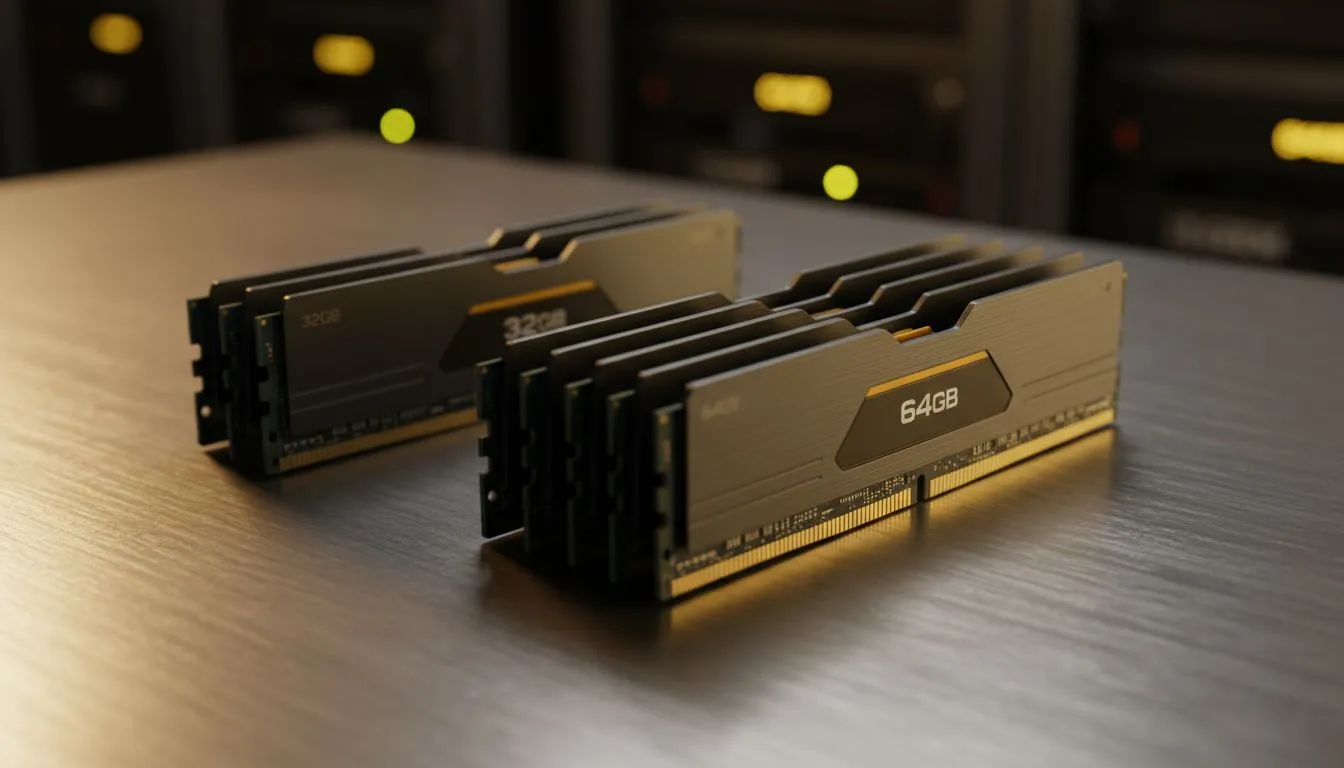
Building digital twins from photos is resource-heavy. In South Africa, where time is money and load shedding is a reality, you need efficiency. Choosing between 32GB vs 64GB RAM for Photogrammetry can be the difference between a smooth workflow and a system that crashes. If you are stitching thousands of images, your memory capacity is the most critical factor for success.
Understanding the Memory Bottleneck in 3D Reconstruction
Photogrammetry software like RealityCapture or Agisoft Metashape works in stages. The alignment phase is usually CPU-heavy... but the dense cloud generation is where your RAM gets pushed to the limit. If your system runs out of memory, it starts using your storage drive as "virtual memory." This slows down the process significantly. Even for those maintaining older workstations for simple tasks, finding reliable DDR3 gaming RAM modules can help keep basic projects running smoothly. 🔧
Why 32GB is the Starting Point for Creators
For most hobbyists or those working with drone mapping, 32GB is the baseline. If you are processing roughly 500 to 1,000 images at 20 megapixels, this capacity handles the load well. It allows you to keep your browser and reference tools open without the system stuttering. Many modern creators currently rely on DDR4 memory because it offers a fantastic balance of speed and price in ZAR.
Optimising Your Cache ⚡
When your RAM is full, photogrammetry software writes data to your drive. Using a high-speed NVMe SSD as a cache can prevent your system from grinding to a halt... but it will never be as fast as having enough physical memory.
When to Invest in 64GB RAM for Professional Projects
When does the 32GB vs 64GB RAM for Photogrammetry debate lean toward the higher end? The answer lies in your dataset size. If your project exceeds 2,000 high-resolution photos, 32GB will likely fail during the mesh reconstruction phase. Professionals moving to the latest platforms should look at DDR5 memory to take advantage of higher bandwidth. This extra headroom ensures that your PC can handle complex geometry without crashing during a long overnight render. 🚀
Finding the Right Brand for Your Build
Stability is just as important as capacity when you are running a PC at 100% load for hours. Investing in a 32GB capacity kit is a great start for smaller sites. However, for those looking to scale up to 64GB or more, choosing reputable brands is vital. We often recommend Teamgroup for their excellent heat spreaders and reliable performance under sustained workloads. ✨
Final Verdict: Which Should You Choose?
If you are a student or a casual drone pilot, 32GB is plenty for your needs. You can always add more later if your motherboard has extra slots. But if you are a professional surveyor or a VFX artist in South Africa, 64GB is the safer investment. It prevents bottlenecks and ensures your hardware won't be the reason you miss a deadline.
Ready to Find Your Perfect Match? The 32GB vs 64GB RAM for Photogrammetry debate is complex, but for maximum power, choice, and value in South Africa, Evetech has the hardware you need. Explore our massive range of RAM specials and find the perfect kit to conquer your next 3D project.











