Why a 360 Camera for Hybrid Classrooms is Essential
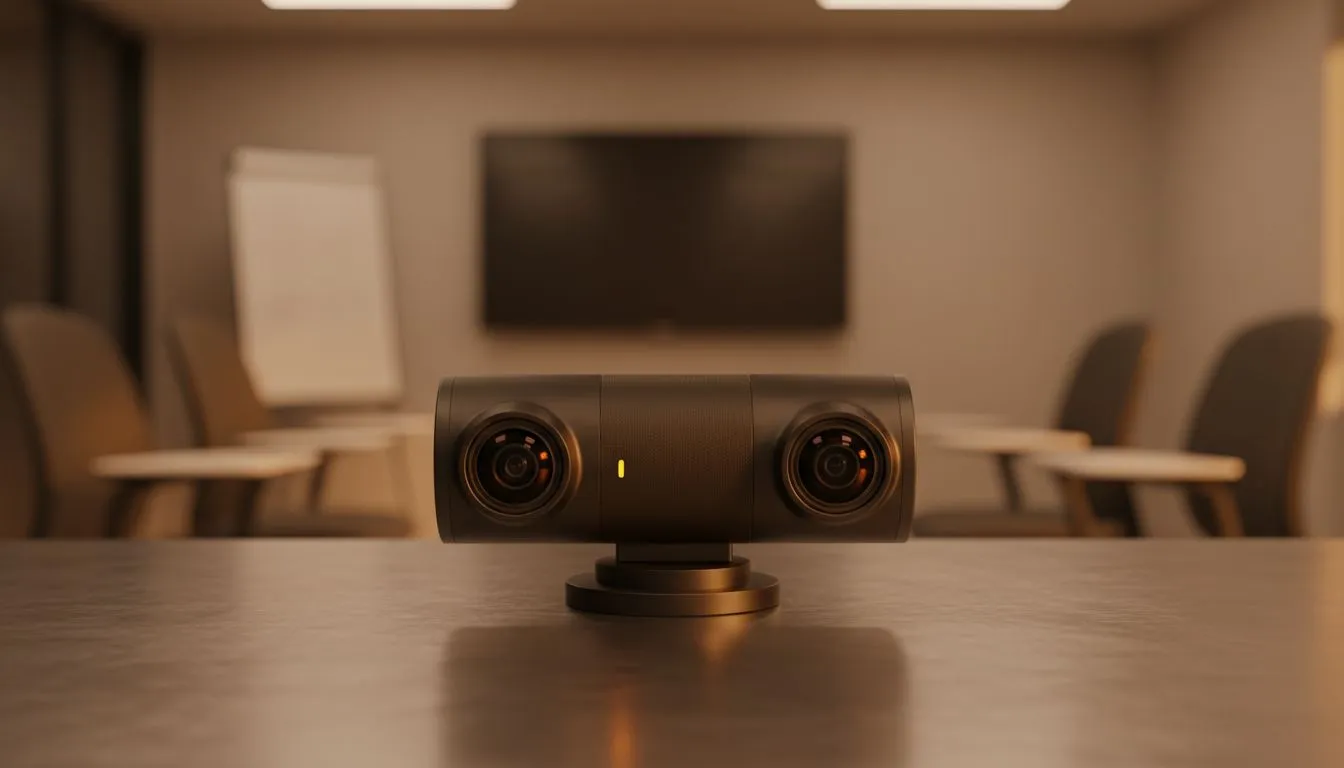
Hybrid learning is no longer just a backup plan in South Africa. It is the new standard for schools and universities across the country. But let’s be honest... a standard laptop lens often leaves remote students feeling like outsiders. To bridge that gap, a 360 camera for hybrid classrooms is the ultimate tool to ensure every student feels present and engaged. ✨
The Benefit of Full-Room Immersion
Static cameras limit the view to just the lecturer. In a dynamic classroom, discussions happen everywhere. A 360-degree setup captures the whiteboard, the speaker, and peer interactions simultaneously. This level of immersion keeps remote learners focused. It stops them from just staring at a blurry PowerPoint slide. You can find a massive variety of high-quality webcams at Evetech to suit any lecture hall size.
Choosing the Right Hardware for Your Budget
Setting up a modern learning space does not have to break the bank. If you are just starting out, there are several webcams under R1000 that offer decent clarity for smaller tutorial rooms. These help maintain a professional look without a massive initial investment.
For those needing better autofocus and low-light performance, look at webcams under R2000. These models often include better microphones. This is vital because clear audio is just as important as a sharp 1080p image. 🔧
If you want the best possible experience, explore webcams under R3000. These units often feature AI-tracking. This technology automatically follows the teacher as they move around the room. It creates a seamless experience for those watching from home.
Hybrid Audio Tip ⚡
Always place your 360 camera in the centre of the room. If the built-in mic isn't picking up students at the back, consider a dedicated USB boundary microphone. It ensures every question asked in the physical room is heard clearly by those online.
Optimising the Classroom Environment
A 360 camera for hybrid classrooms works best when the lighting is consistent. Avoid placing the camera directly facing a bright window. This causes silhouettes. Instead, use soft overhead lights to fill in the shadows. This ensures the camera's sensor can capture natural skin tones and legible text on whiteboards. 🚀
Investing in the right gear makes a world of difference. It transforms a simple video call into a collaborative environment. By choosing the right 360-degree solution, you empower students to learn effectively from anywhere in South Africa.
Ready to Find Your Perfect Match?
The hybrid classroom debate is complex, but for maximum engagement, choice, and value in South Africa, the right webcam is hard to beat. Explore our massive range of webcam specials and find the perfect machine to conquer your world.