

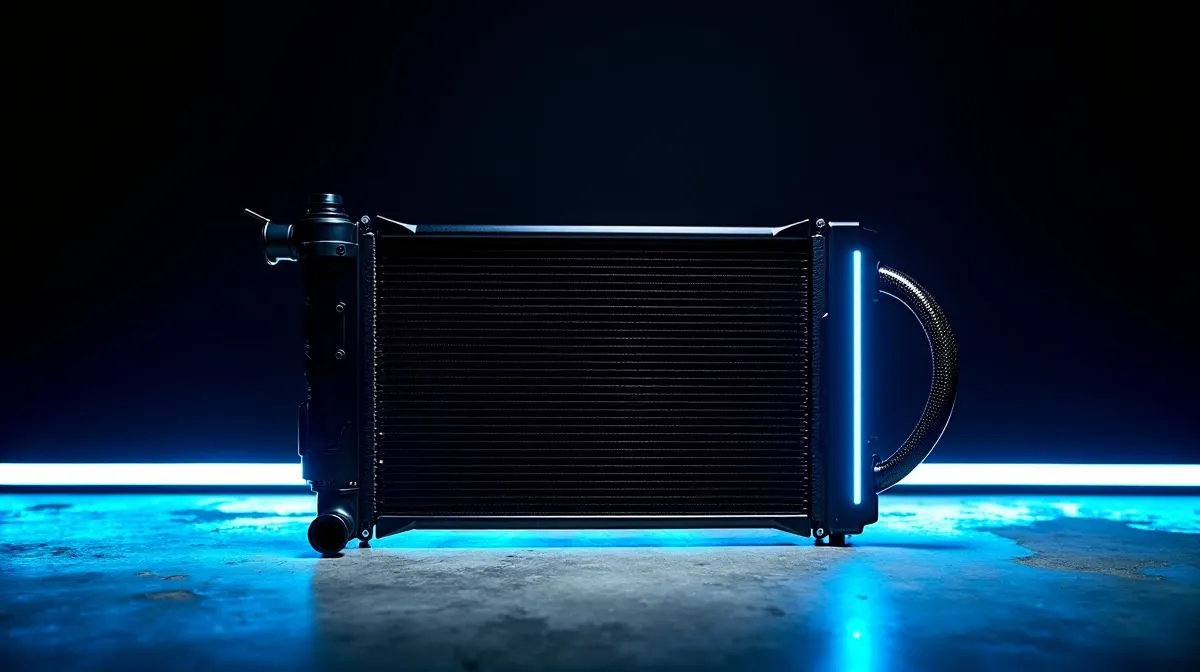
360mm Liquid Cooler Components Cooling Breakdown: Why Gamers Should Care
If your PC throttles during ranked sessions, it’s usually not your aim… it’s heat. A 360mm AIO (all‑in‑one) liquid cooler can tame hot CPUs and help sustain boost clocks, especially in tougher games like Warzone style titles and heavily modded RPGs. 🔧
But choosing the wrong “360mm” kit, or mounting it badly, can backfire. This guide breaks down 360mm Liquid Cooler Components so you can buy confidently (and install without drama) in South Africa.
360mm Liquid Cooler Components: What’s Actually Inside the Kit
A “360mm AIO” is more than a radiator size. It’s a system with matching parts:
Radiator and Fans (the 360mm part)
A 360mm radiator is typically a triple‑fan unit (3×120mm). Your case must physically support that radiator position. If it doesn’t, no amount of thermal paste will save the install.
Pump and Cold Plate (the CPU contact)
The pump pushes coolant through the loop and the cold plate transfers heat into your CPU. For stable gaming temperatures, you want good contact and enough pump head for your CPU’s heat output. (Always follow the manufacturer’s mounting guidance.)
Tubing and Coolant Flow
Tubing length and bend radius matter. Tight cable routing or forcing the tubes can stress fittings over time.
Fans and Fan Curves (where real-world temps happen)
Even the best radiator underperforms if your fan curve is too timid. In games, fans should ramp smoothly, not spike and then stall.
360mm Liquid Cooler Components Cooling Breakdown: Common Mistakes (and Fixes)
Let’s be honest… most AIO issues aren’t “bad luck”. They’re install habits.
Mistake 1: Radiator size mismatch
“360mm” doesn’t help if your case only fits 240mm or 280mm. Check the case specs before you buy.
- Explore 240mm radiator liquid coolers if your case is limited: https://www.evetech.co.za/PC-Components/cpu-coolers-84?attributes-coolertype=Liquid+Cooler+%28AIO%29&attributes-coolingsize=240mm+Radiator
Mistake 2: Bad airflow direction
Front-mounted radiators usually behave differently to top-mounted ones. If you want consistent performance, keep intake and exhaust airflow planned. Watch for obstructed fan intakes (dust filters count).
Mistake 3: Uneven mounting pressure
Over-tightening can warp a board or squeeze paste too thin. Under-tightening can leave gaps. Use the correct mounting sequence and tighten evenly.
Mistake 4: Relying on stock fan curves
Stock curves often prioritise silence over sustained temps. When you’re gaming for 45+ minutes, that matters.
Productivity Pro Tip 🔧
On your Windows gaming rig, open your fan and power settings through your motherboard software and set a “Gaming” profile that targets steady, not noisy, temperatures. Pair it with a moderate boost mode so your CPU doesn’t spike to its thermal limit every time a new match loads.
360mm Liquid Cooler Components: Picking the Right Brand and Fit
If you’re shopping in South Africa, start with compatibility, then value. For a quick filter approach, browse by category first, then narrow by cooler type and brand.
- Browse general liquid cooler options for CPU cooling: https://www.evetech.co.za/PC-Components/cpu-coolers-84
- Filter to liquid coolers (AIO) for faster matching: https://www.evetech.co.za/PC-Components/cpu-coolers-84?attributes-coolertype=Liquid+Cooler+%28AIO%29
- Want CORSAIR specifically? Filter by brand: https://www.evetech.co.za/PC-Components/cpu-coolers-84?attributes-coolertype=Liquid+Cooler+%28AIO%29&brands=CORSAIR
- Prefer Deepcool? Filter by brand: https://www.evetech.co.za/PC-Components/cpu-coolers-84?attributes-coolertype=Liquid+Cooler+%28AIO%29&brands=Deepcool
- If your case supports it, check 360mm radiator kits: https://www.evetech.co.za/PC-Components/cpu-coolers-84?attributes-coolertype=Liquid+Cooler+%28AIO%29&attributes-coolingsize=360mm+Radiator
360mm Liquid Cooler Components: Installation Checklist Before You Power On
Before you hit “Start”, do this:
- Confirm radiator placement (front/top) and clearance for GPU airflow.
- Test mounting with the backplate aligned, then apply thermal paste.
- Item
- After first boot, re-check temps under a short stress test run.
If temps still climb fast, don’t panic. Sometimes it’s a fan curve issue, sometimes it’s an airflow obstruction, and sometimes the mounting pressure wasn’t even.
Ready to Find Your Perfect Match? The Mac vs Windows debate is complex, but for maximum power, choice, and value in South Africa, Windows is hard to beat. Explore our massive range of laptop specials and find the perfect machine to conquer your world.











