


GTA 6 Max Settings on RTX 5070: Complete Guide
GTA 6 Max Settings on RTX 5070. Tested & verified settings for best FPS and visual quality on SA hardware budgets.
Read moreA 360mm radiator for CPU cooling can improve gaming temperatures and boost sustained performance—if your case and fan setup match. Here’s what it actually does, when it matters, and what to expect. 🎮❄️
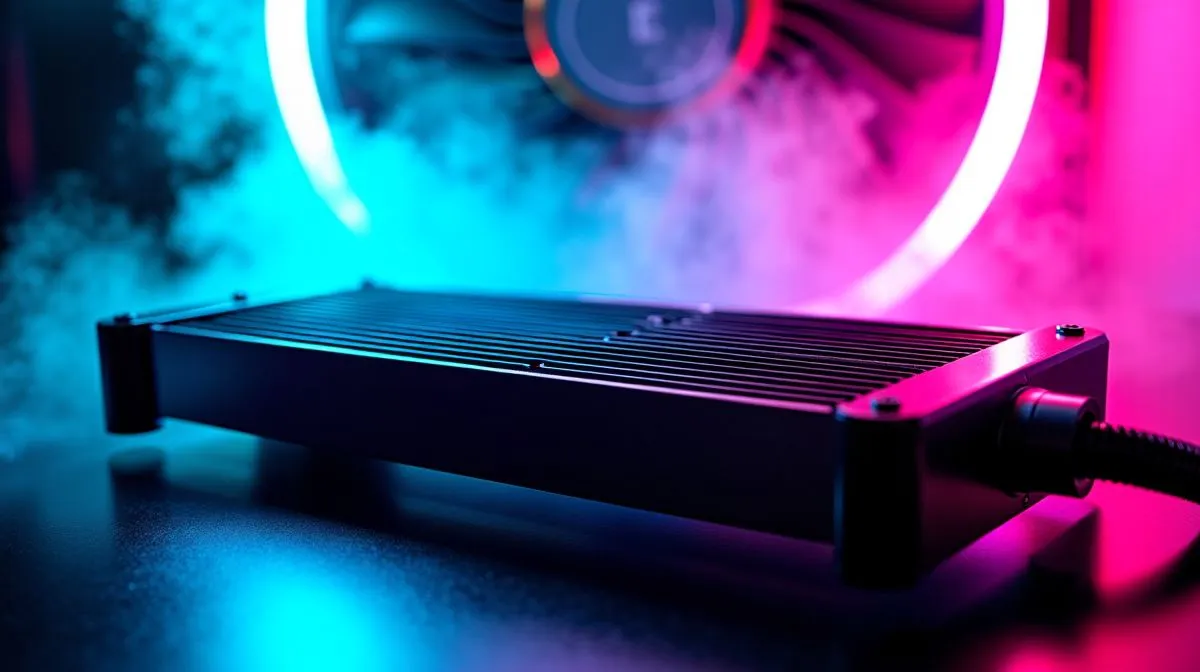
If your PC is throttling during raids, ranked grinds, or long Discord sessions, the culprit is often heat management. In South Africa’s summer, hot rooms make “good enough” cooling feel… not good enough. A 360mm radiator for CPU cooling can help move heat faster and keep boost clocks steadier, especially on high-end CPUs and demanding workloads. 🔧
But bigger isn’t automatically better. The sweet spot depends on radiator thickness, fan setup, case airflow, and your CPU’s real thermal demand. Let’s break it down in plain gamer terms.
A radiator is a heat exchanger. Your CPU’s AIO (all-in-one liquid cooler) pump circulates coolant to the radiator, where fans blow air across the fins and dump heat into the room. That’s the simple physics behind better sustained performance. ⚡
A 360mm radiator for CPU cooling means a wider surface area than 240mm, usually with three 120mm-class fans. More surface area typically supports lower coolant temperatures or lower fan RPM for the same CPU heat. In practice, that can mean less thermal throttling during long gaming sessions and smoother performance in mixed CPU-heavy games.
Real-world performance depends on the whole system, but here’s the safe guidance:
For shoppers starting their comparison, Evetech stocks CPU coolers across both AIO sizes and categories, including:
And if you specifically want radiator-size filters, you can narrow it fast with:
You can’t just mount a 360mm radiator anywhere. You’ll get the best results when:
In a typical setup, many builders mount the radiator at the front as intake (fresh air first), or at the top as exhaust. Either works if your airflow is balanced, but cramped cases often undo the advantage.
On a Windows gaming PC, use your system monitoring (like Evetech’s recommended PC health checks at purchase time, or your favourite monitoring tool) to log CPU temperatures during a 10–15 minute match. If temps spike and don’t recover, that’s a sign your AIO curve (fan speeds) or radiator airflow setup needs adjustment, not just a “bigger radiator”.
Here’s a micro-story we hear often. A client drops a new CPU, temps look fine in the first match… then the second half of a long session hits 90°C and performance dips. That’s normal if your cooling ramp isn’t aggressive enough early on.
To improve results:
And yes, 360mm systems can be quieter at the same cooling level because fans may not need to work as hard. But the actual outcome depends on the radiator and fans included, plus your case’s ability to move air.
When choosing a 360mm radiator for CPU cooling, don’t focus only on size. Also look at:
If you’re building in South Africa and want options without overthinking, start with Evetech’s CPU cooler range and filter by AIO and radiator size.
Ready to Find Your Perfect Match? The Mac vs Windows debate is complex, but for maximum power, choice, and value in South Africa, Windows is hard to beat. Explore our massive range of laptop specials and find the perfect machine to conquer your world.
Usually, yes. A larger 360mm radiator offers more surface area, which can lower CPU temps and improve sustained gaming thermals—especially with good airflow.
In many builds, 360mm vs 240mm radiator setups reduce temperatures and noise by spreading heat across more fin area. Gains depend on fans and case airflow.
A 360mm AIO can help maintain higher boost clocks by reducing thermal throttling during long gaming sessions, improving sustained CPU performance.
Most 360mm AIOs use three 120mm fans. Using three working fans and balanced intake/exhaust airflow helps the radiator reach its full potential.
Often. With more radiator capacity, fans can run at lower RPM for the same temperatures, which can reduce fan noise during gaming.
Only if the 360mm radiator fits with proper clearance and airflow. Case compatibility and fan placement can matter as much as radiator size.
Not always. The pump helps circulate coolant, but radiator surface area and fan airflow usually decide real gaming temperatures for most AIOs.
Aim for stable temps with reasonable RPM. Many users succeed by tuning a quiet fan curve so the CPU stays cool without unnecessary fan ramping.
GTA 6 Max Settings on RTX 5070. Tested & verified settings for best FPS and visual quality on SA hardware budgets.
Read more
Cyberpunk 2077 Max Settings on RTX 5080. Tested & verified settings for best FPS and visual quality on SA hardware budgets.
Read more
Starfield Max Settings on RTX 5070 Ti. Tested & verified settings for best FPS and visual quality on SA hardware budgets.
Read more
AMD RX 9050 XT: Rumoured Specs, Price & Release. SA-focused analysis with local pricing data, real-world insights & actionable buying advice.

Can RTX 4080 Super Run AI Workloads for SA Developers Detailed answer with SA data, expert analysis & practical recommendations for local buyers.

Can RTX 4090 Run AI Workloads for SA Developers Detailed answer with SA data, expert analysis & practical recommendations for local buyers.

Top Settings for Intel Arc B580 at Ultrawide 1440p picks evaluated on performance, value & SA availability with current Rand pricing from Evetech.

RTX 4060 CS2 Low Settings at 1080p: FPS Results. Real-world benchmark data, FPS numbers & performance analysis. What SA gamers can actually expect.

Visual Artifacts: Possible GPU Issue Issue #1. Diagnosis steps, proven fixes & when to seek professional help. SA-specific support info included.

Can the RTX 4090 Handle 1440p 144Hz Gaming. Performance testing verdict with real data & practical recommendations for SA buyers.

Top ASUS GPU Under R15000 picks evaluated on performance, value & SA availability with current Rand pricing from Evetech.
GTA 6 Max Settings on RTX 5070. Tested & verified settings for best FPS and visual quality on SA hardware budgets.
Cyberpunk 2077 Max Settings on RTX 5080. Tested & verified settings for best FPS and visual quality on SA hardware budgets.
Starfield Max Settings on RTX 5070 Ti. Tested & verified settings for best FPS and visual quality on SA hardware budgets.

Top RTX 5090 Under R5000 picks evaluated on performance, value & SA availability with current Rand pricing from Evetech.